Concepts
Understand what belongs to a workspace and what happens when you schedule.
Workspaces and accounts
A workspace holds the work for one brand or client. A connected social account is a destination inside that workspace. Select the account in the composer to send a post there.
Drafts and posts
A draft holds the text and media you are preparing. You can give it a planned date while you edit. Scheduling creates the instruction to publish it to the selected accounts at the chosen time. Check the post status to see whether delivery succeeded.
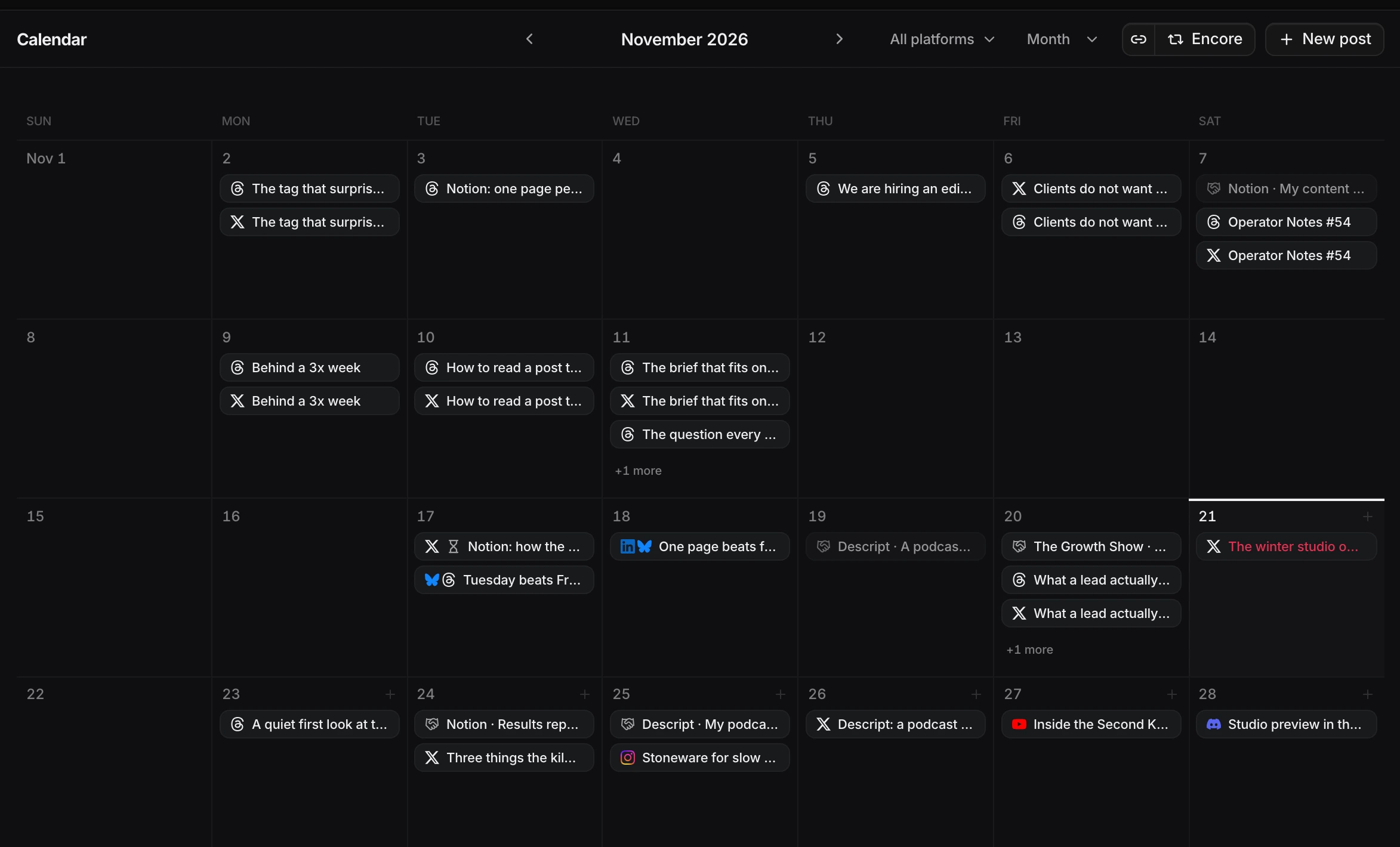
See what each publish state means when a post does not look the way you expect.
Chat and credits
In Chat, ask Distinctful AI to develop an idea using the current workspace’s strategy or posts. Review a proposed draft before approving it.
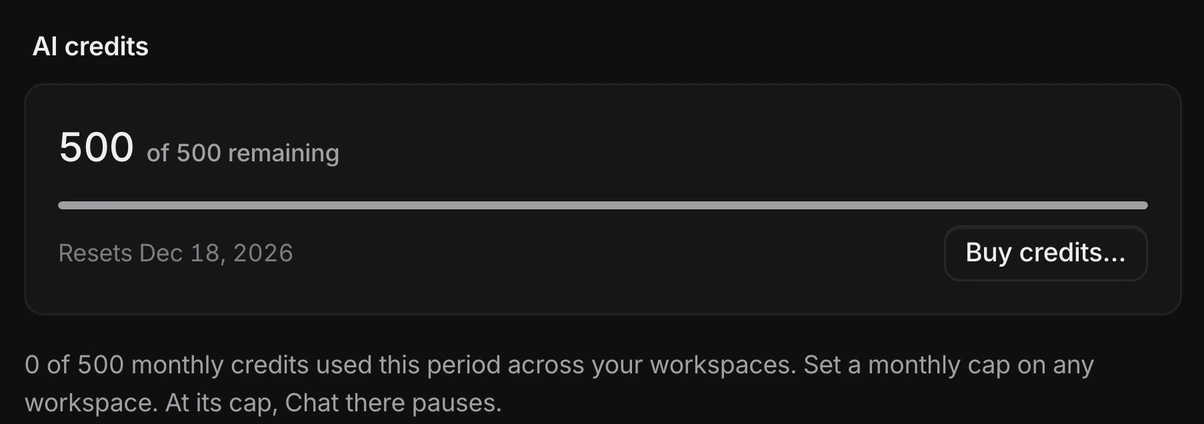
Credits. Each message uses one AI credit. Approving or dismissing a proposal costs no additional credits. Open Settings → Usage to check the allowance.