Discord
Send a post to a specific server channel.
Connect Discord
- Open Settings → Social accounts and choose Discord.
- In the Discord authorization window, choose the server and destination channel.
- Authorize the webhook for that channel.
- Back in Distinctful, type the channel’s name so you can find it in the composer.
Prepare a post
Select the connected channel in the composer.
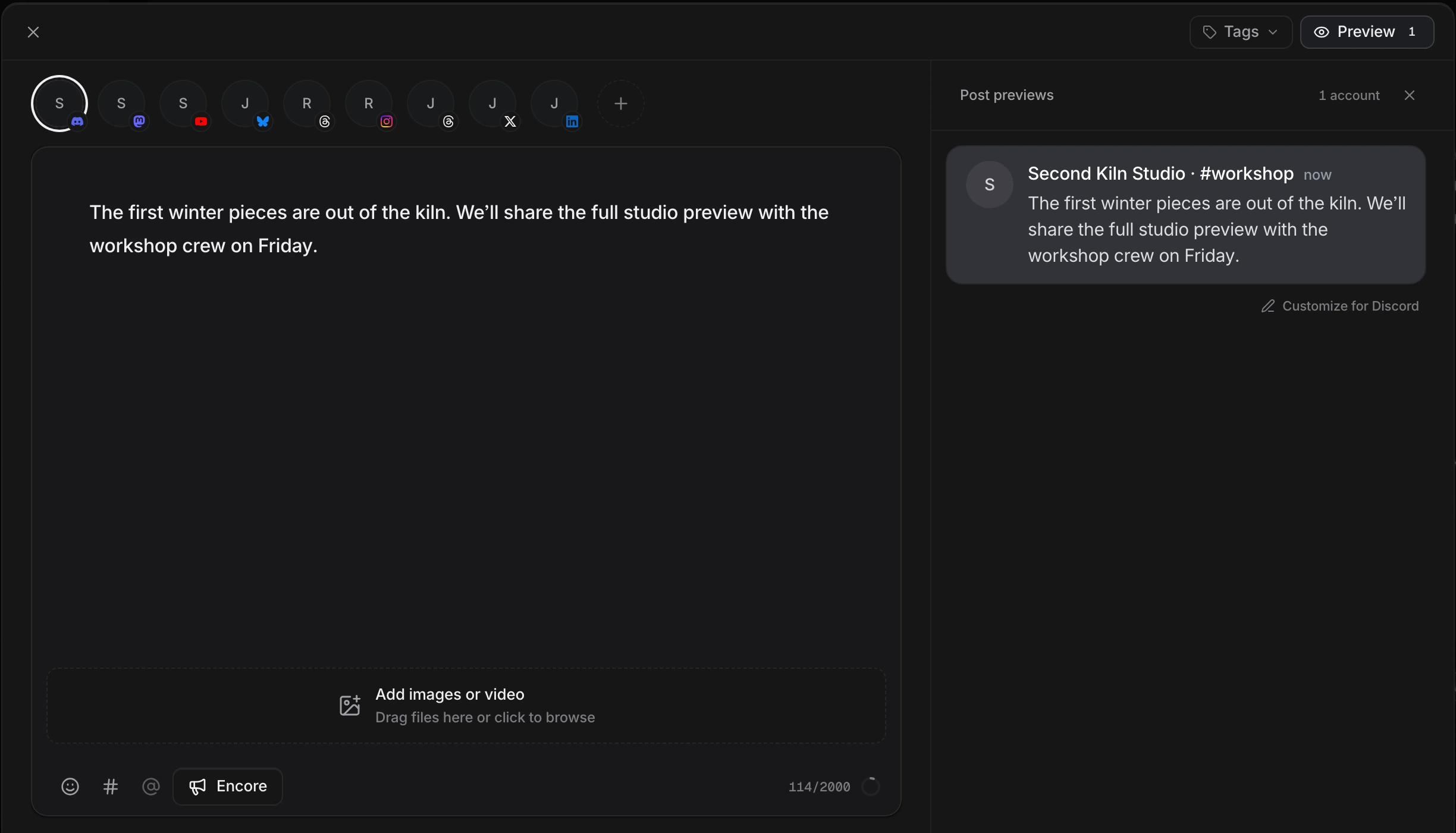
Note. Discord does not provide view or reaction counts for these posts.