beehiiv
Bring your publication’s reader activity into Subscribers.
Connect beehiiv
- Open Settings → Apps and choose beehiiv.
- Sign in to beehiiv and authorize read access.
- Select the publication to sync.
Check your import
After the first sync, open Subscribers to see reader activity reported by beehiiv.
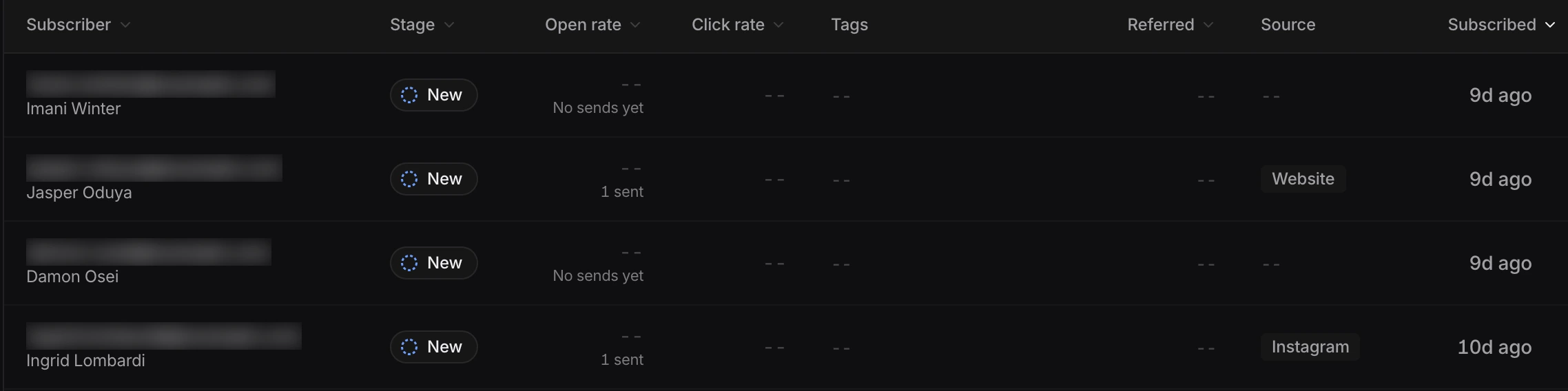
If a number differs from beehiiv, see why subscriber counts can differ.