Threads
Connect a Threads profile for publishing.
Connect Threads
- Open Settings → Social accounts and choose Threads.
- Complete the Threads authorization and approve publishing access.
Note. Your Threads connection is separate from your Instagram connection.
Prepare a post
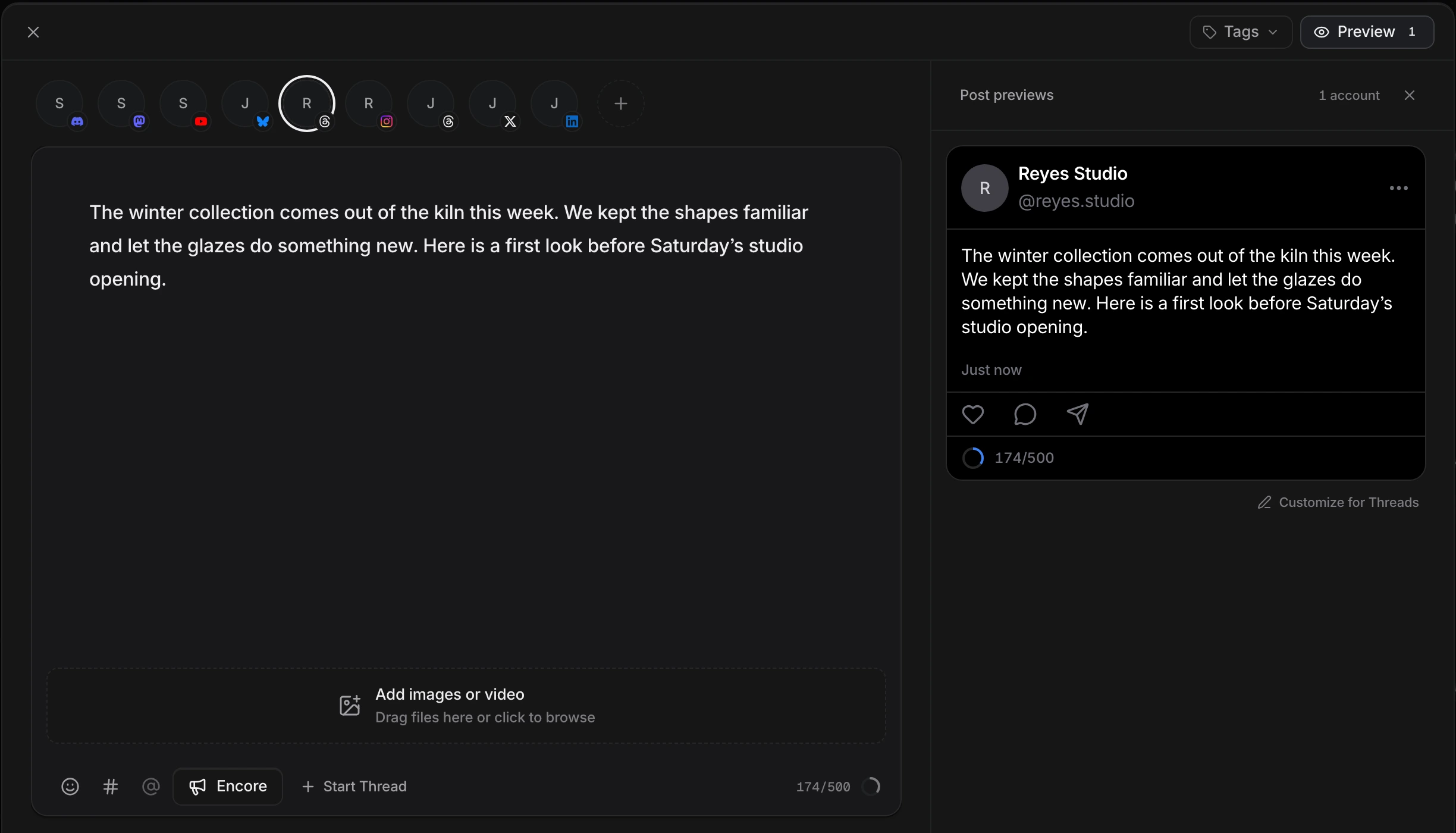
Select your Threads profile in the composer. Check the draft there before choosing a publishing time.