Publish from your LinkedIn member profile.
Connect LinkedIn
- Open Settings → Social accounts and choose LinkedIn.
- Sign in with the LinkedIn member account you want to publish from.
- Approve permission to post as that member.
Prepare a post
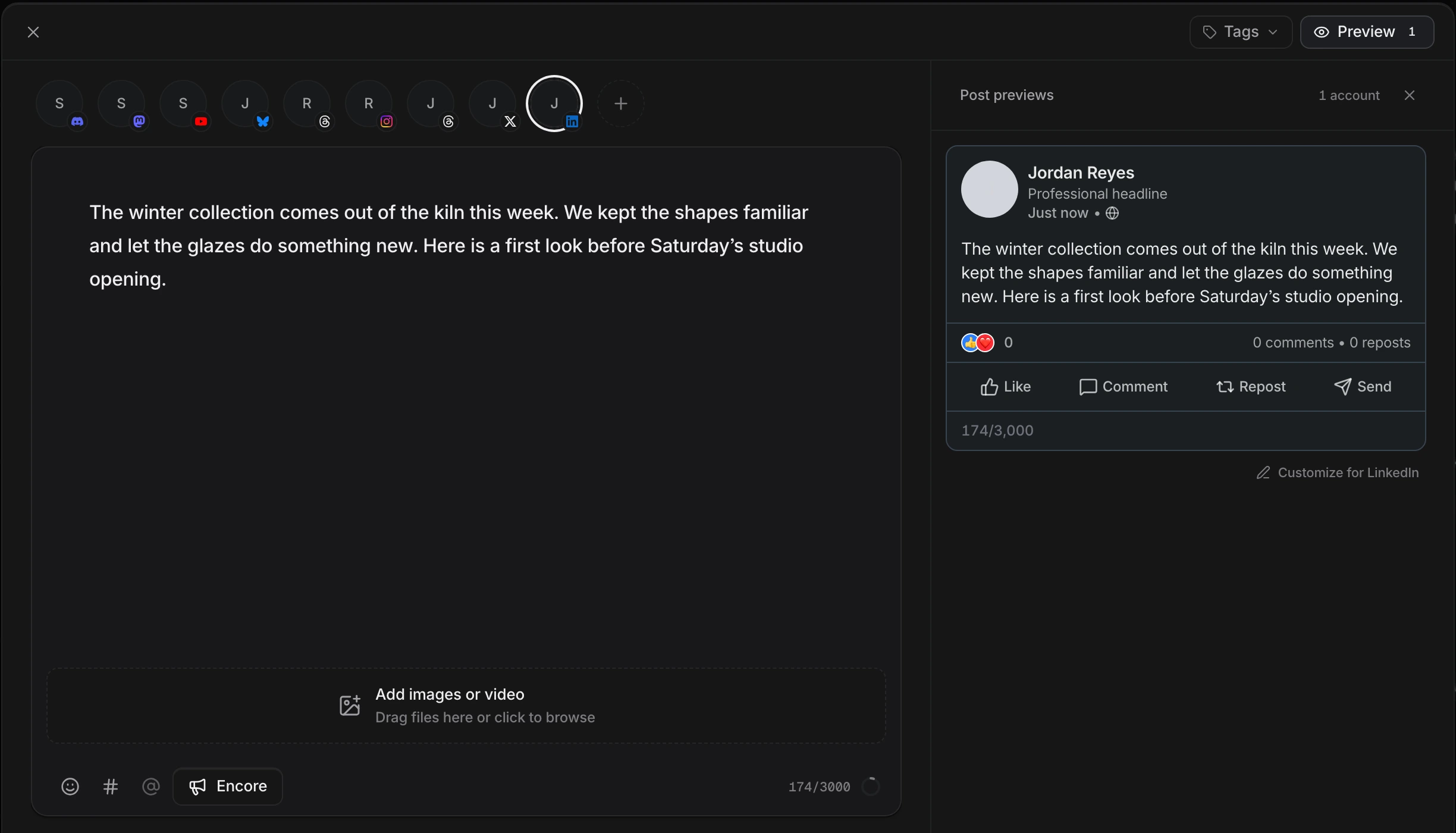
Check the selected profile in the composer before scheduling a professional update.