Mastodon
Authorize publishing on your Mastodon server.
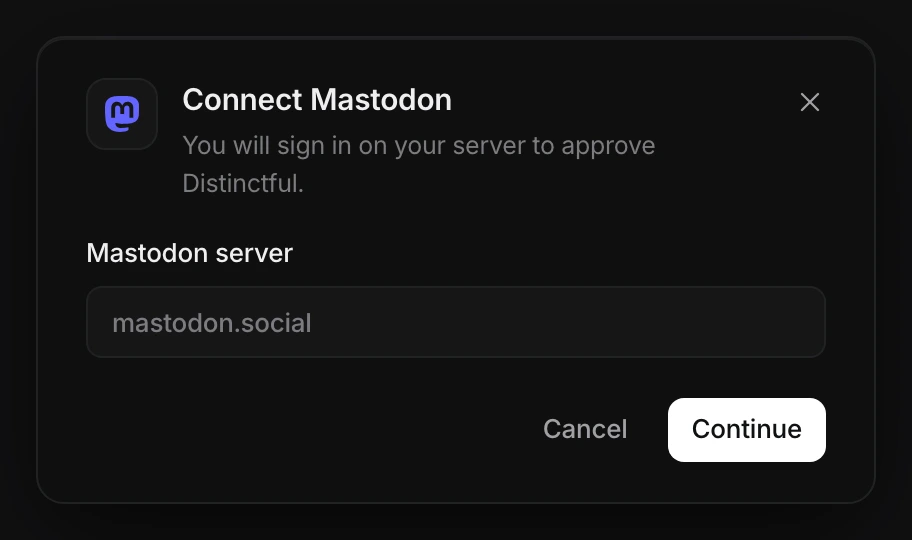
Connect Mastodon
- Open Settings → Social accounts and choose Mastodon.
- Enter your server name and sign in on that server.
- Approve the connection and return to Distinctful.
Prepare a post
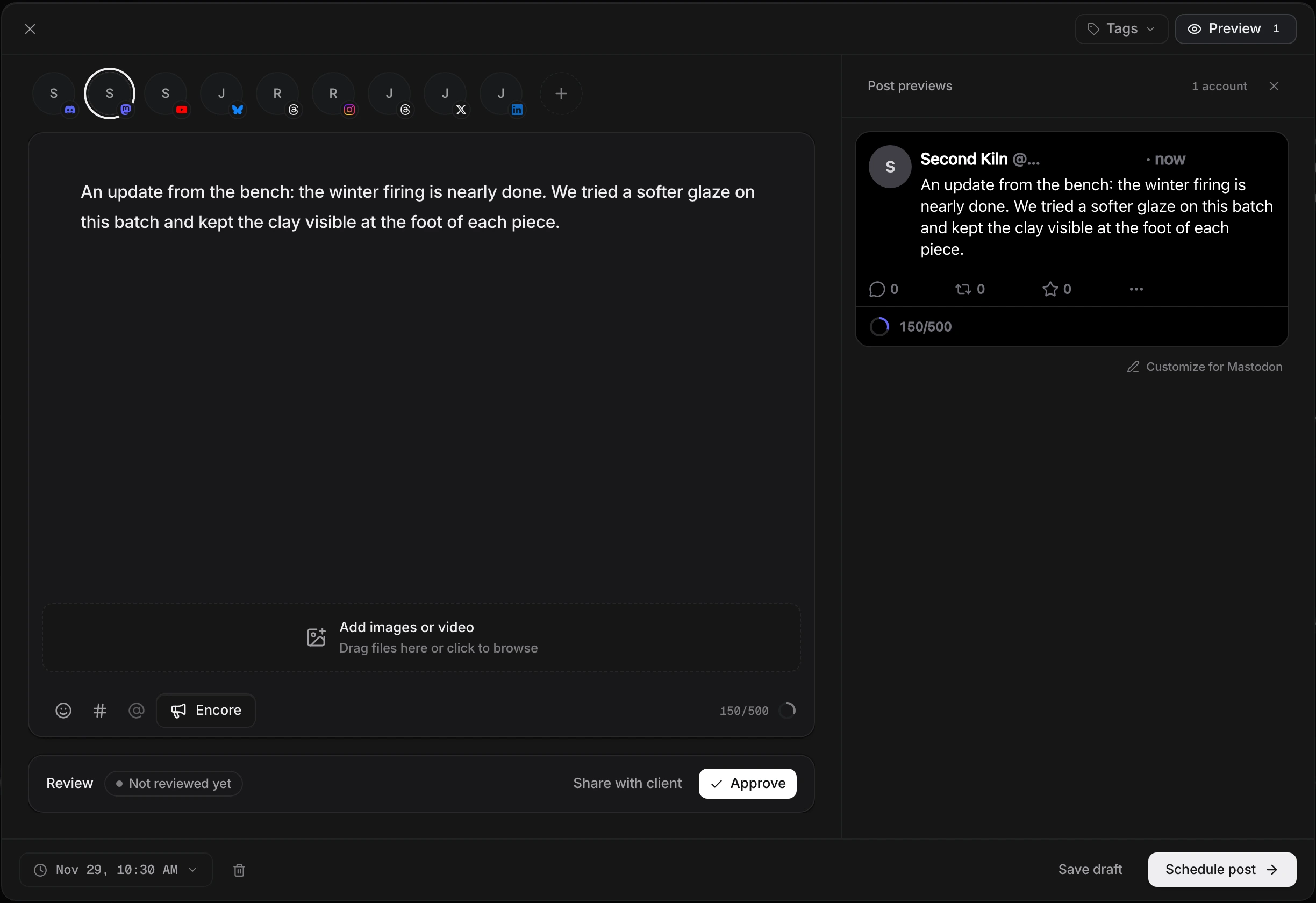
Select your Mastodon account in the composer. Check the character count against your server’s limit.