Ideas
Write pages, keep them in folders, and turn one into a post.
Write a page
- Open Ideas and choose New page.
- Give it a title and write. A page can hold headings, lists, quotes, and checklists.
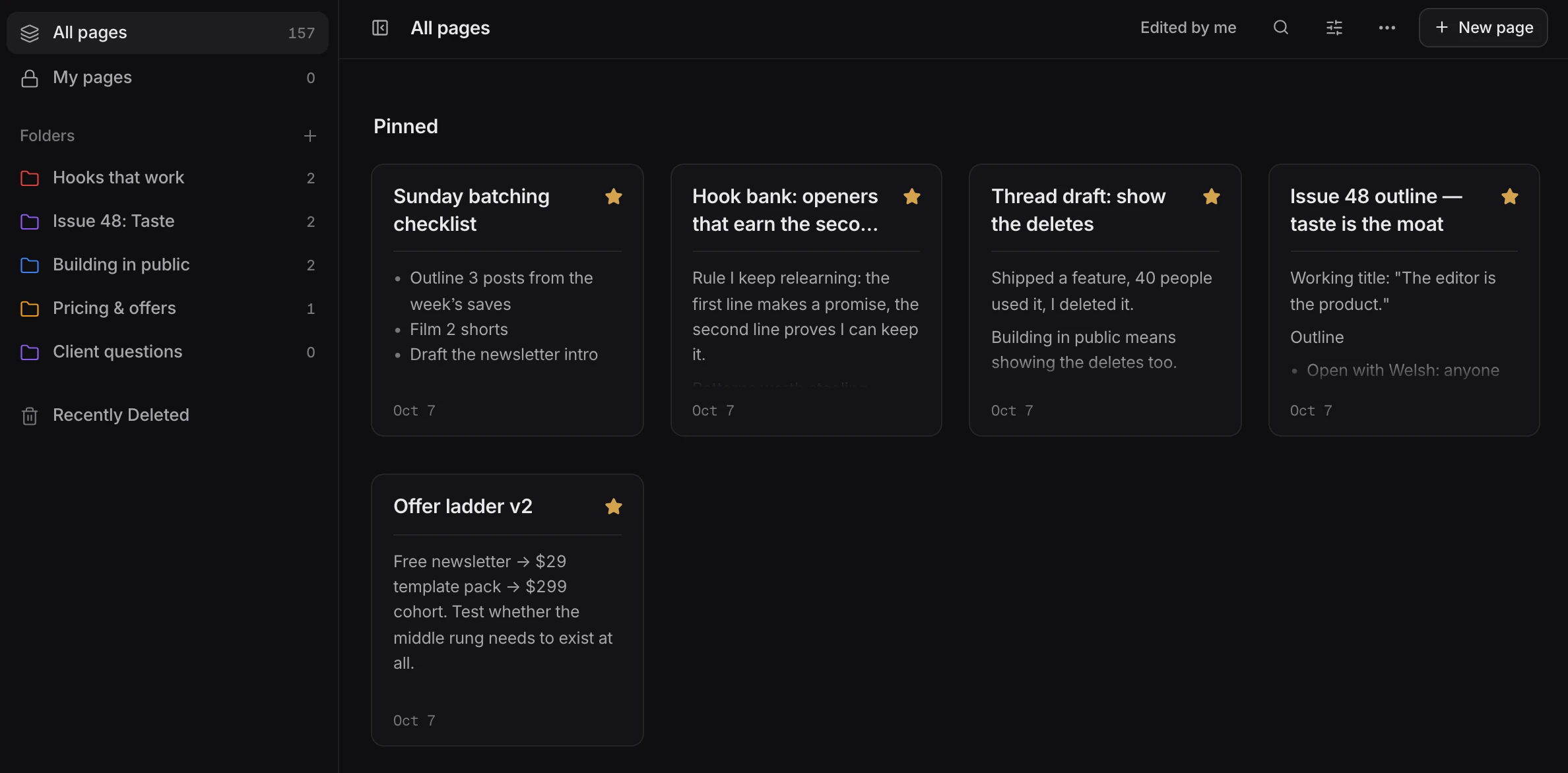
- Select the star on a page to pin it to the top of the library.
Organize with folders
Folders sit in the Ideas pane, and a folder can hold other folders. Use + beside Folders to add one. A deleted page moves to Recently Deleted.
Private and team pages
On a team, a new page starts private and shows in My pages. Only you can see it. Choose Share to let a teammate view or edit it, or to move it to the team. Pages that others share with you show in Shared with me.
Working alone, every page is yours.
Turn a page into a post
- Open the page.
- Open the ⋯ menu and choose Create post.
- Finish the draft in the composer. It stays a draft until you schedule it.
Keep your sources beside a page
A saved post is a post you kept from Discover or saved from the web with the Distinctful browser extension.
Open the ⋯ menu on a page and choose Inspiration to see saved posts next to what you are writing. When you quote a saved post, the page stays linked to the post it came from.
Pages from Chat and agents
Chat and connected agents can read your folders and pages and save new ones. Each page shows who last edited it, and says “via Chat”, “via an agent”, or “via the API” when that is how it was saved.
On a team, a page they save without a folder is private to you until you share it.