Bluesky
Authorize your Bluesky account with an app password.
Connect Bluesky
- Create an app password in Bluesky.
- Open Settings → Social accounts and choose Bluesky.
- Enter your Bluesky handle and that app password.
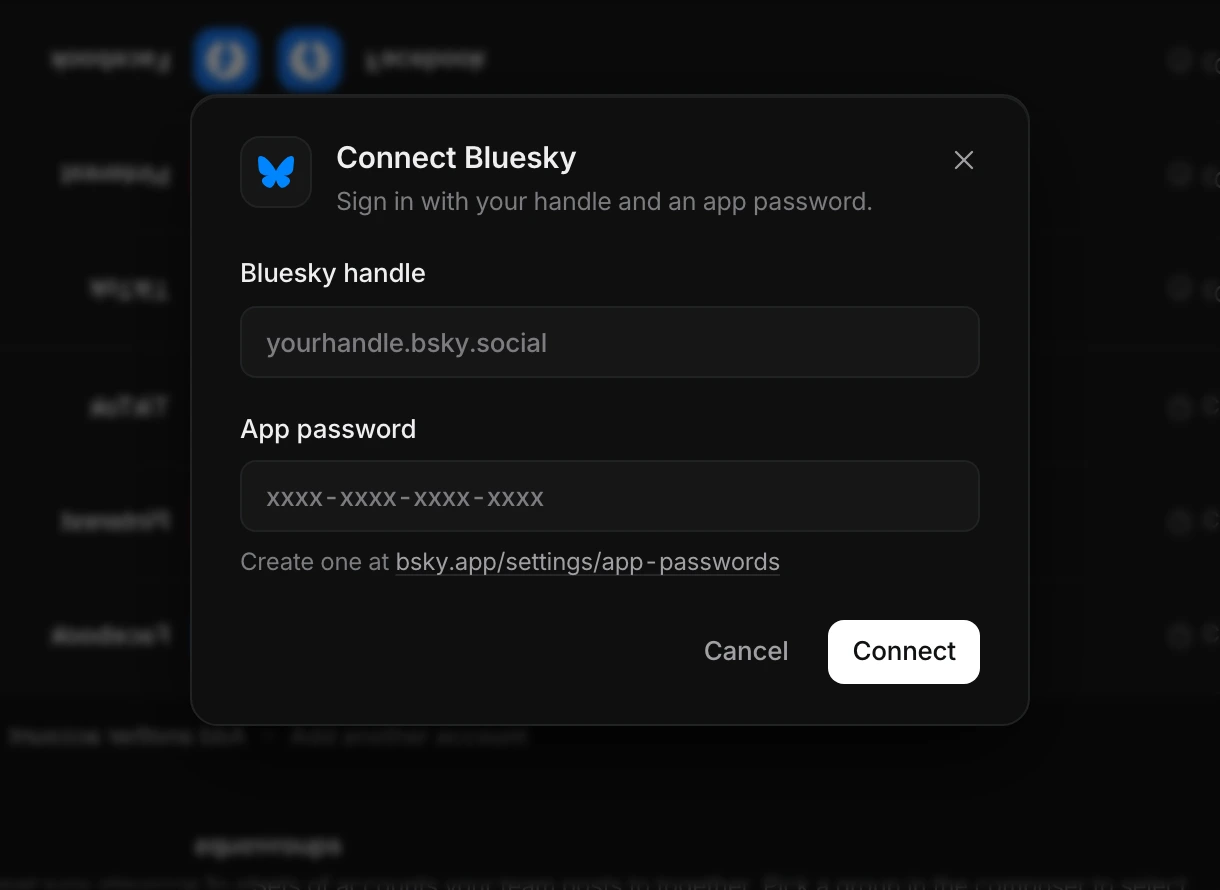
Note. An app password is not your Bluesky account password. You can delete it in Bluesky without changing how you log in.
Prepare a post
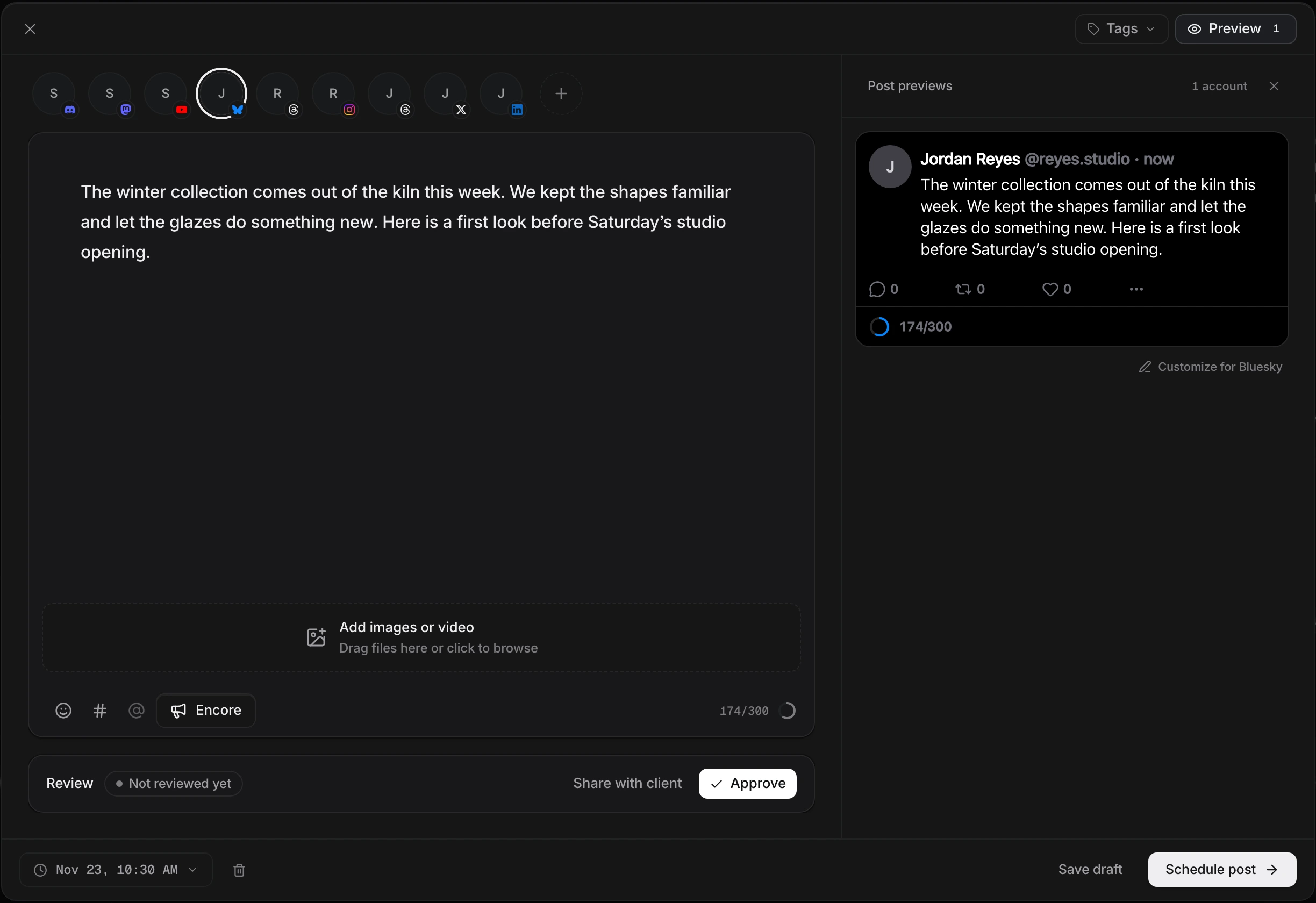
Select your Bluesky handle in the composer. Use the character count to check each part of a thread.