Workspaces
Give each client a separate place to work.
Choose a workspace
Your own workspace holds your connected accounts and drafts. Scale is for companies and agencies. Its plan owner can add a workspace for another client and invite the people who work on it.
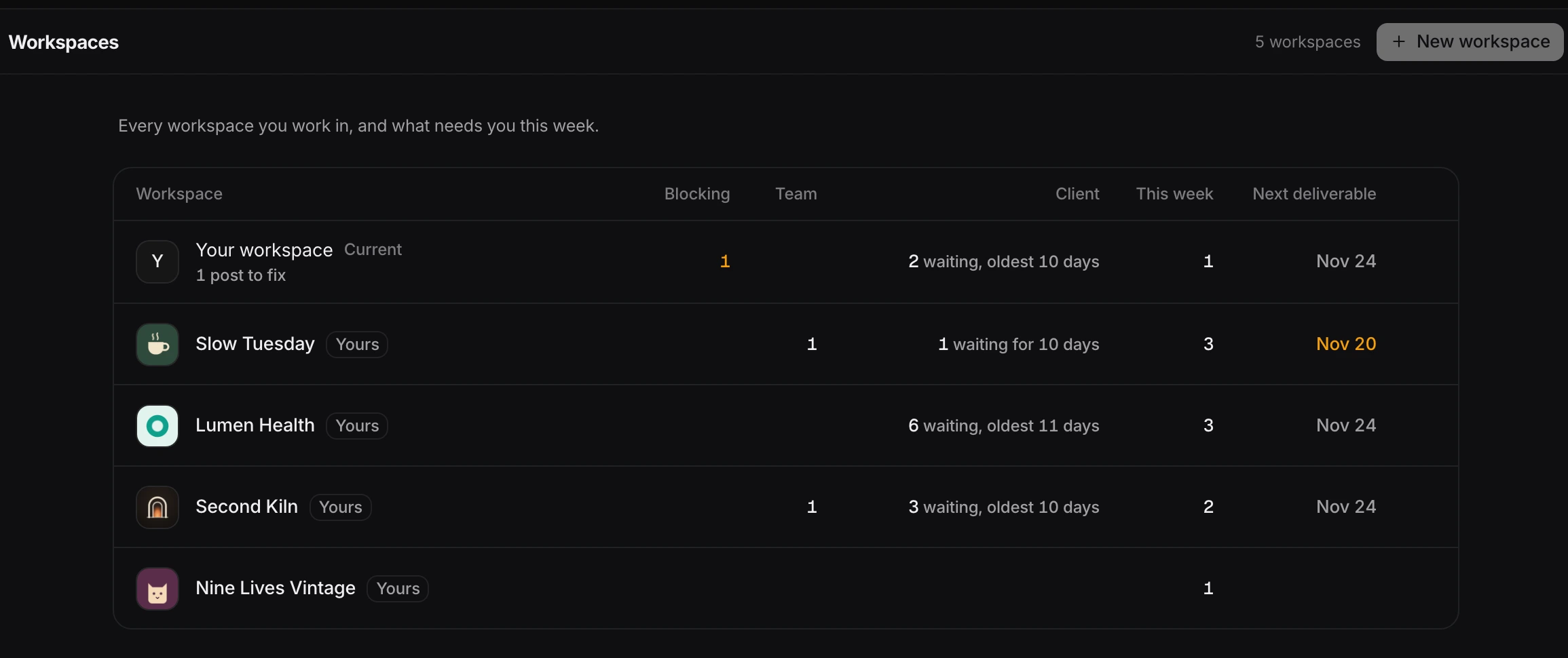
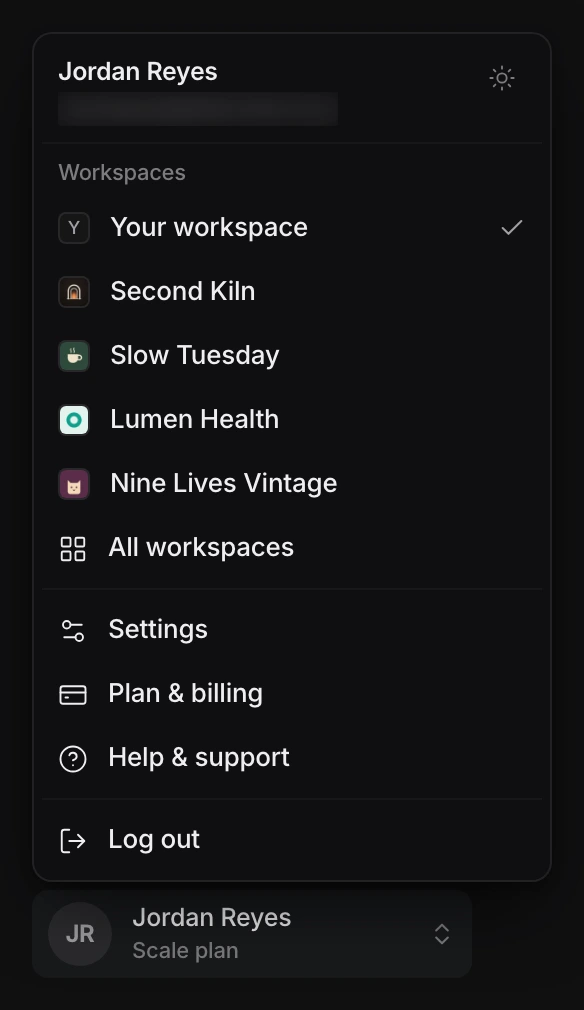
Switch between clients
Open the account menu or the Workspaces page to switch.
Note. Confirm the workspace name before connecting an account or preparing a post. Each workspace has its own team and strategy. Billing stays with the plan owner.