Client review links
Let a client review the version you intend to publish.
Scale plan. Client review links are part of Scale.
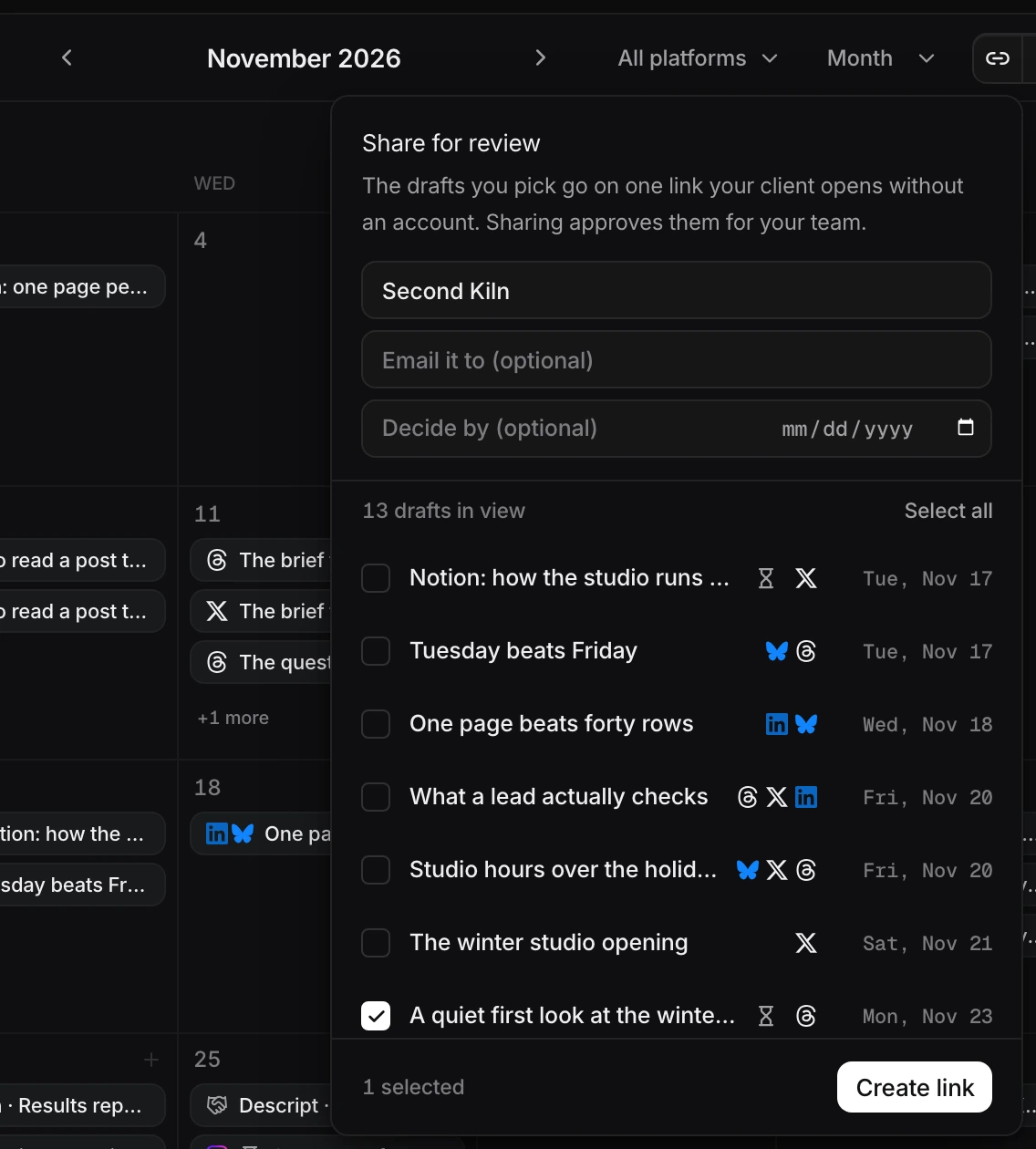
Share the draft
- As the owner or a Lead, open a draft and choose Share with client.
- Send the review link to the person who should decide. They can open it without a Distinctful login.
Read the decision
The client can approve a draft, request changes or leave a comment. Open the review in Distinctful to see the decision against that version. If you change the draft, submit the revised version for review.

Stop sharing
The owner or a Lead can stop sharing the link. Editors can see that a draft has been shared but cannot copy its client link.