YouTube
Connect the channel where you want to upload video.
Connect YouTube
- Open Settings → Social accounts and choose YouTube.
- Sign in with the Google account for your YouTube channel.
- Approve upload access.
Prepare a post
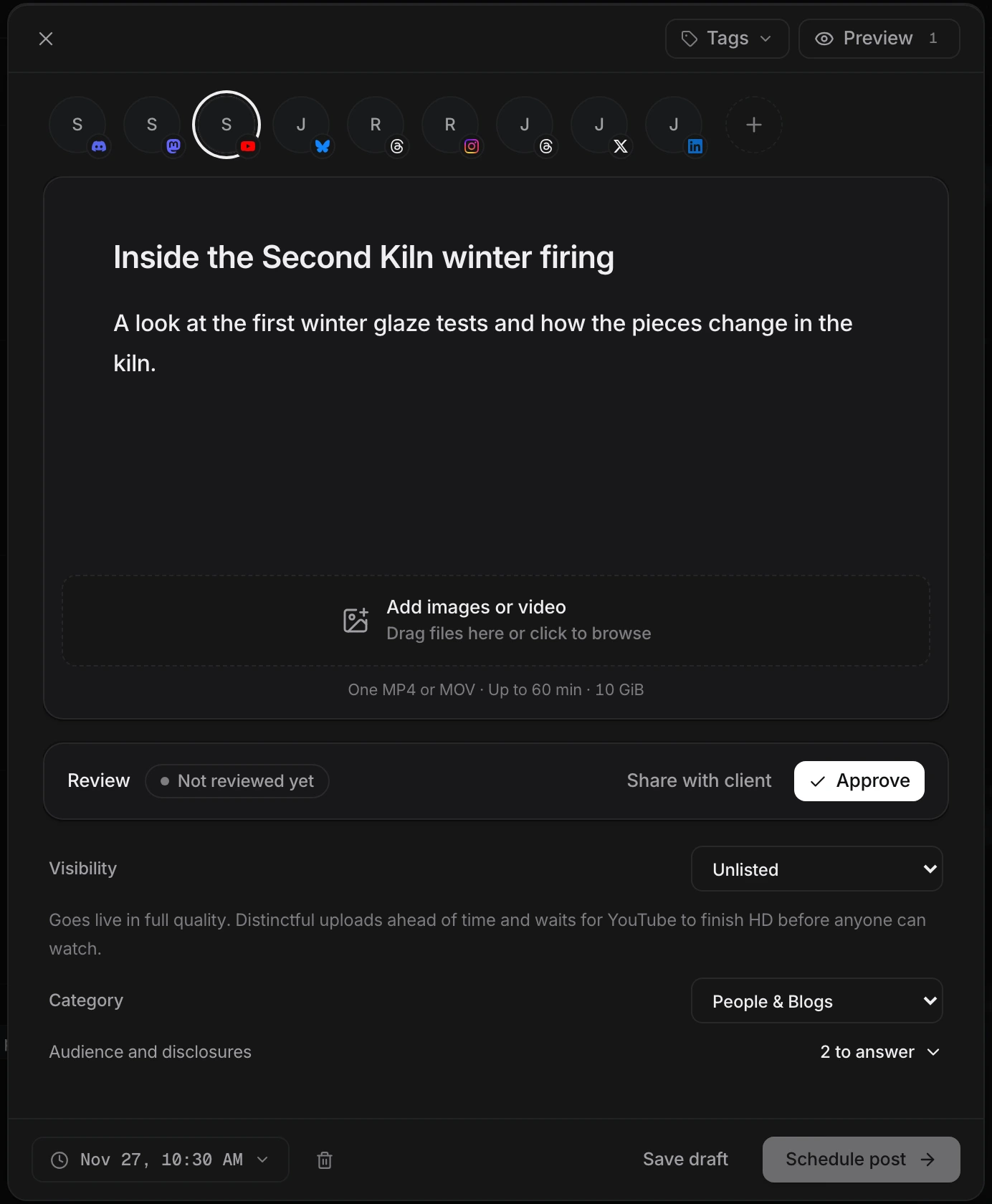
Choose YouTube in the composer. Add your video and check its title and visibility before scheduling.