Approvals
Get the current version of a draft approved for publishing.
Scale plan. Reviews and approvals are part of Scale.
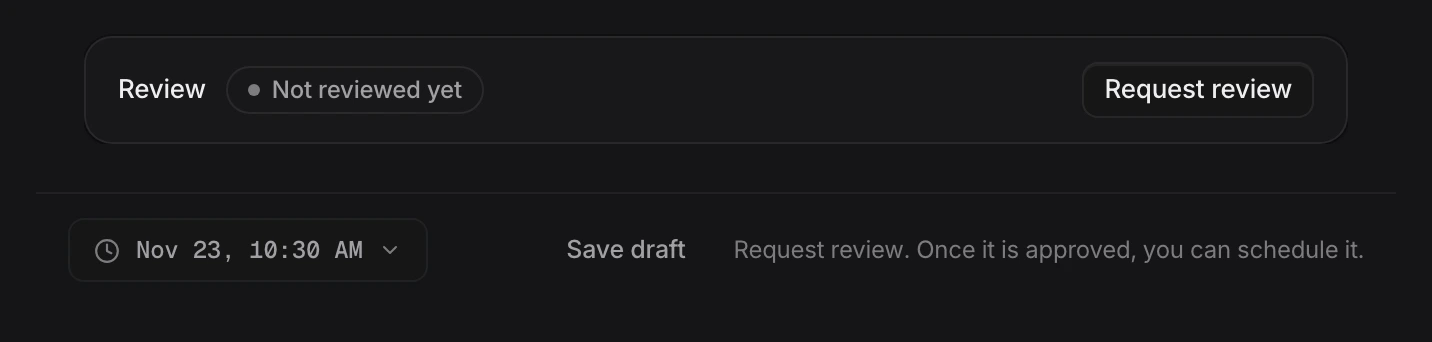
Request a review
- Open the draft in Calendar.
- Choose Request review. The review captures its text and media along with the versions prepared for each account.
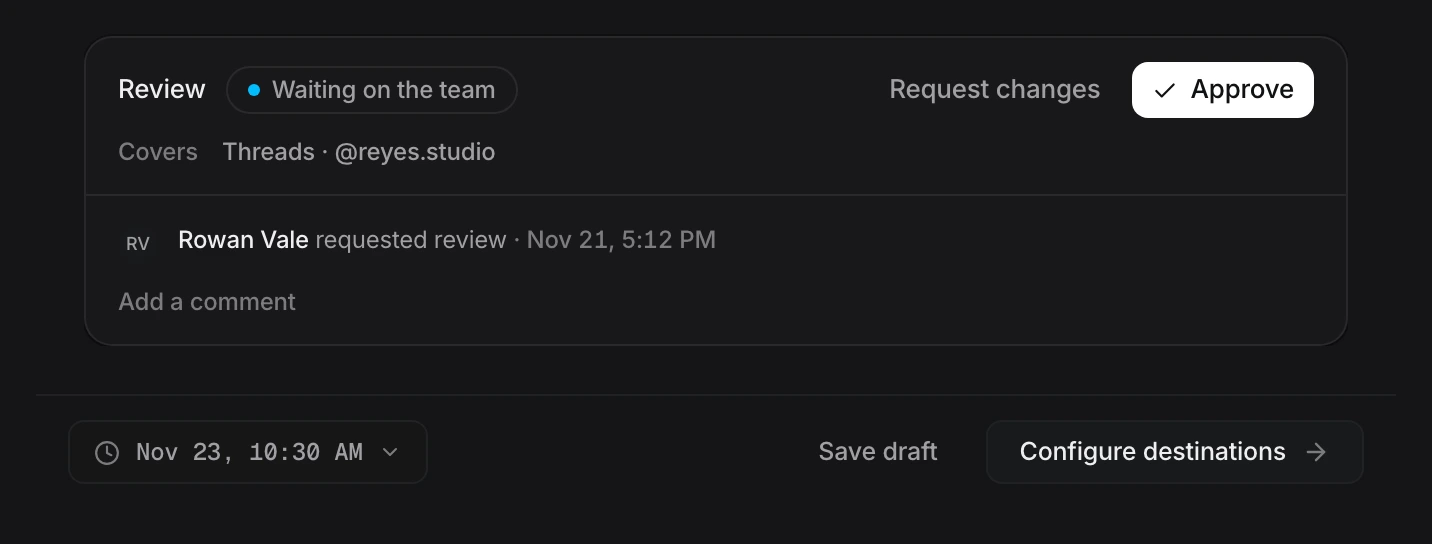
- The owner or a Lead approves it for the team.
Schedule the approved version
When a draft is shared with a client, it also needs their approval for the round to be complete. An Editor can schedule the unchanged approved draft. If you revise it, request another review.
Require client approval. Turn this on in Settings → Clients. With it on, an owner or Lead who publishes without client approval must confirm the override. The review trail records it.