Connect accounts
Choose where this workspace publishes and which newsletter it reads.
Social accounts
- Open Settings → Social accounts as the owner or a Lead.
- Choose a platform and connect the account you want available in the composer.
Note. An account belongs to the workspace you were in when you connected it.
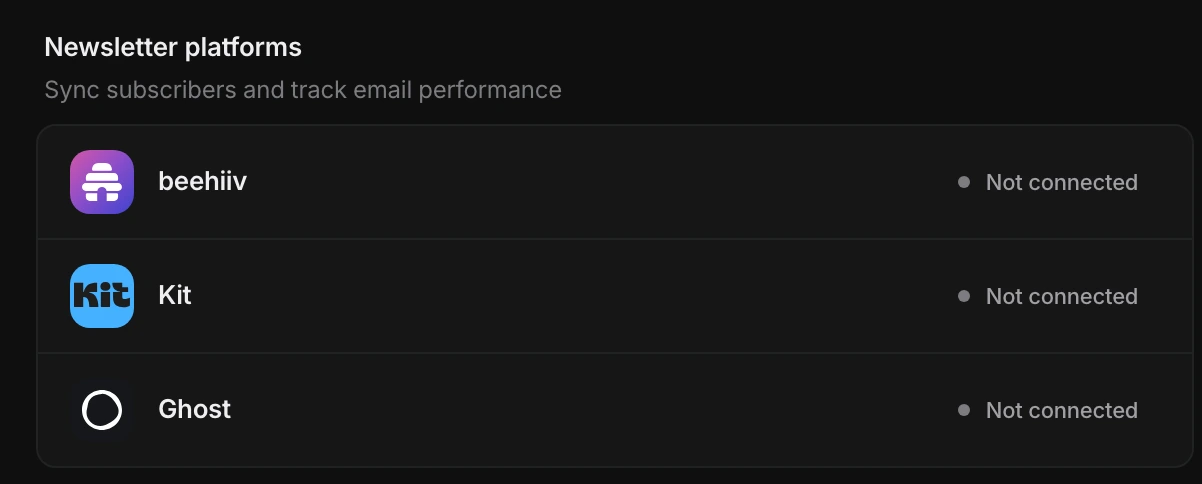
Newsletter connections
Open Settings → Apps and choose your newsletter provider. Distinctful imports the data your publication reports. Write and send your next edition in the newsletter service.
When a connection stops working
A connection that needs you shows Reconnect in Settings. See connections and reconnecting for what each state means and how to fix it.