Client reports
Share a dated snapshot of a workspace’s social results.
Scale plan. Client reports are part of Scale.
Create a report
- In the client’s workspace, open Analytics as the owner or a Lead.
- Choose Client report and pick the last 30 or 90 days.
- Distinctful freezes the results when it creates the link.
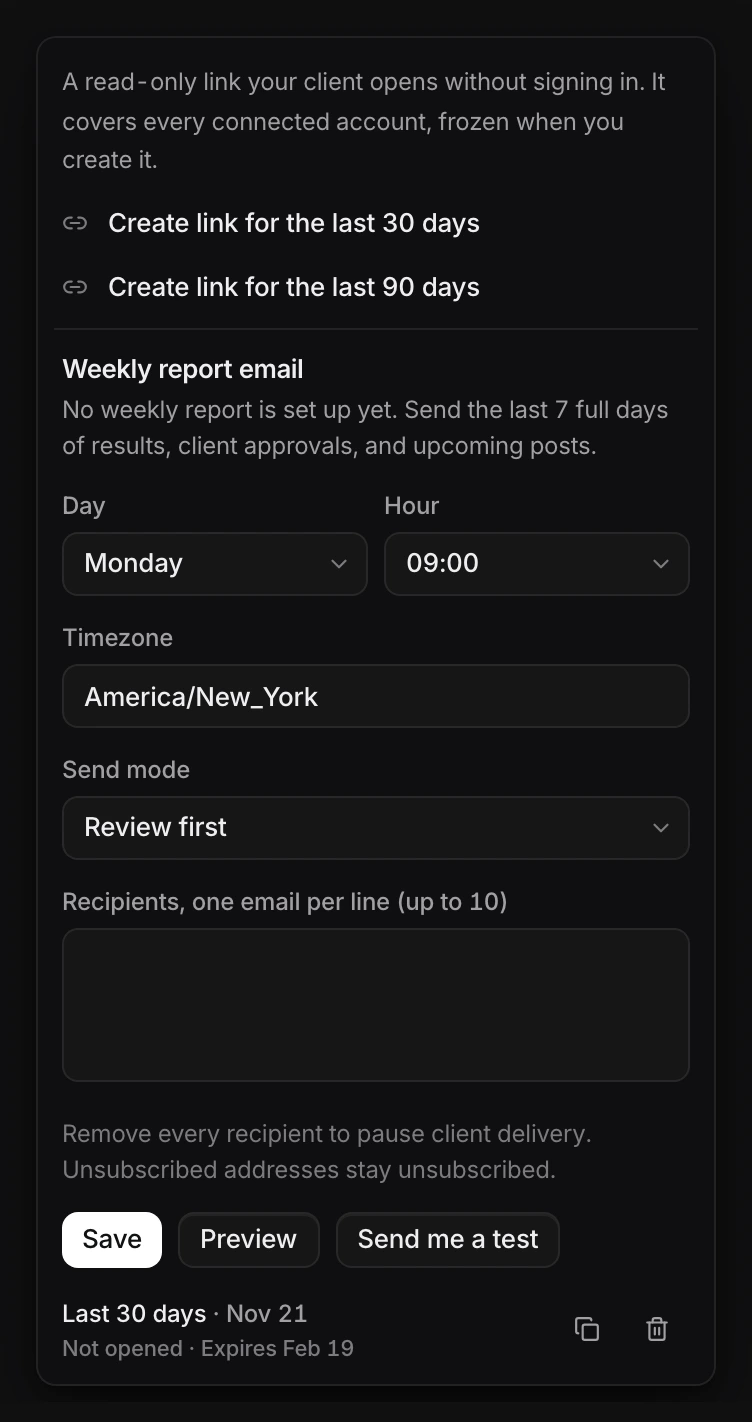
Share the snapshot
Copy the report link for your client. They can read it without signing in.
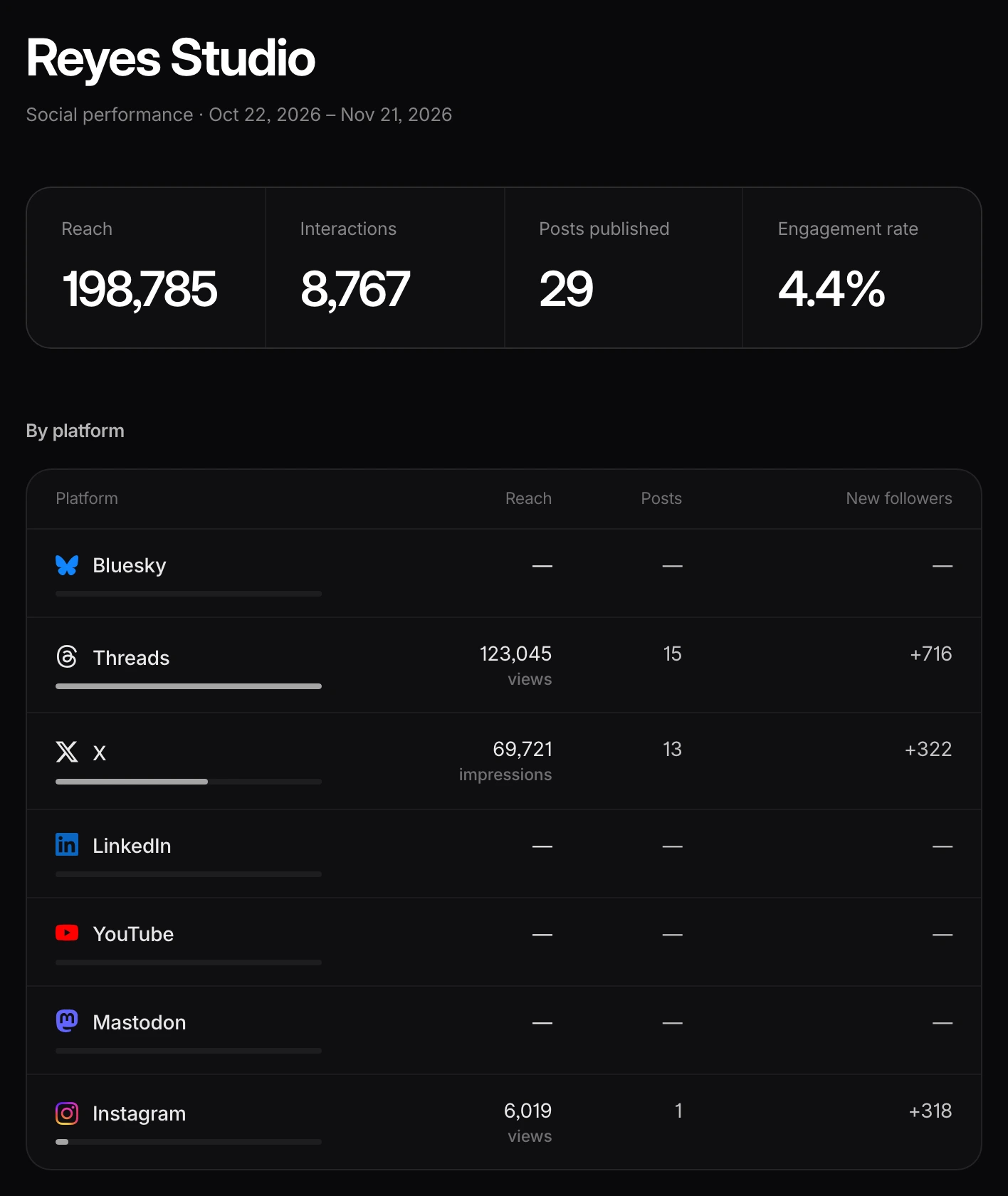
To share newer results, create another report. Revoke an existing link in the same menu to end access.