One idea, shaped for Threads
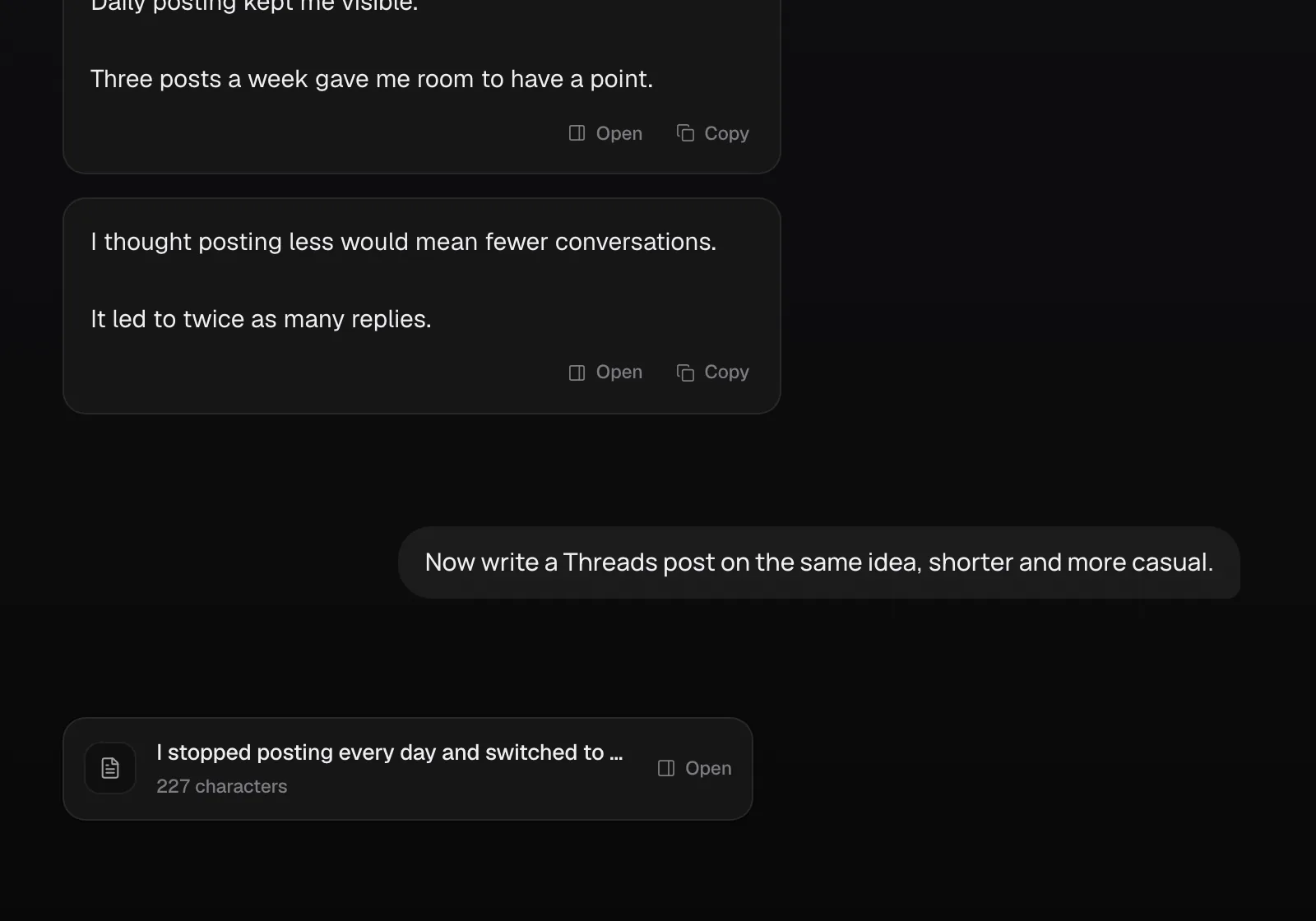
Ask Chat for a shorter, looser Threads version of a post that did well elsewhere and save it as a draft in one step.
Threads scheduler
Plan Threads like any other channel: draft, attach images, and schedule, then read the replies beside the post.
Official Threads API · 7-day free trial · Cancel anytime
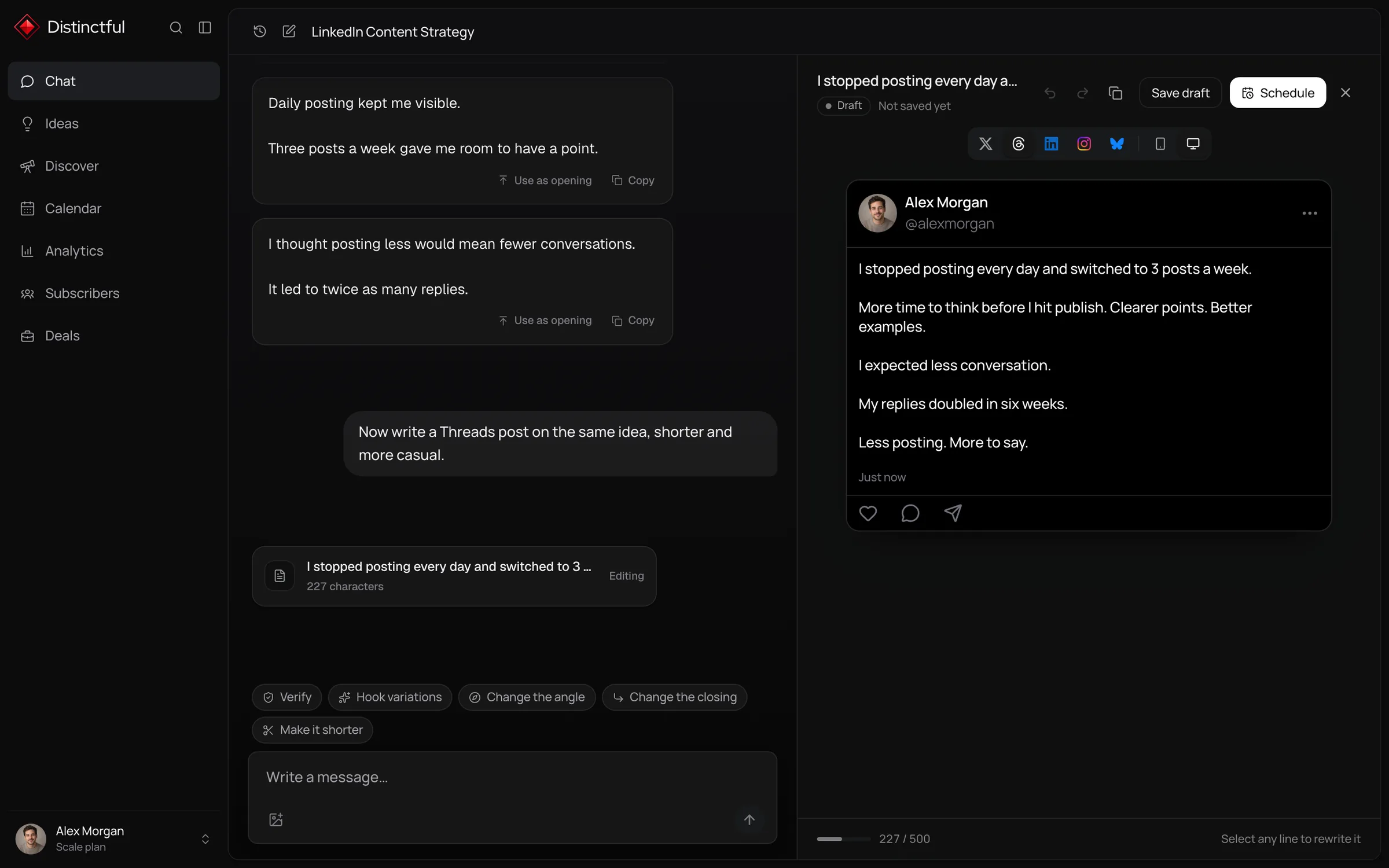
Distinctful schedules and publishes Threads posts and multi-post threads, with up to 10 images or one video. Threads rewards showing up often, so putting it on the same calendar as your other channels turns frequency into something you plan once a week, and replies appear beside the post they belong to.
Ask Chat for a shorter, looser Threads version of a post that did well elsewhere and save it as a draft in one step.
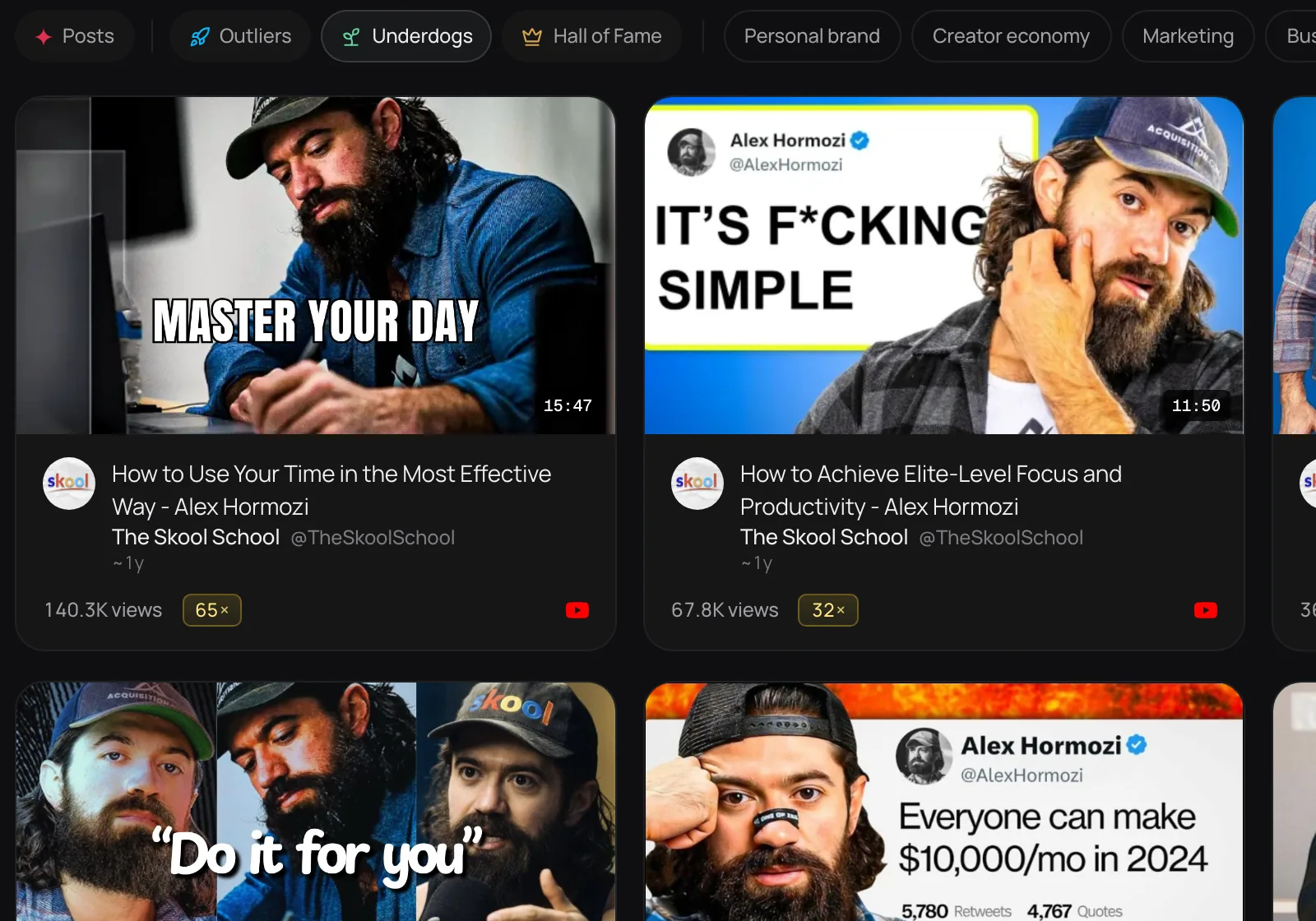
Discover ranks Threads posts by how far they beat their creator’s usual, including standout posts from smaller accounts in your niche.
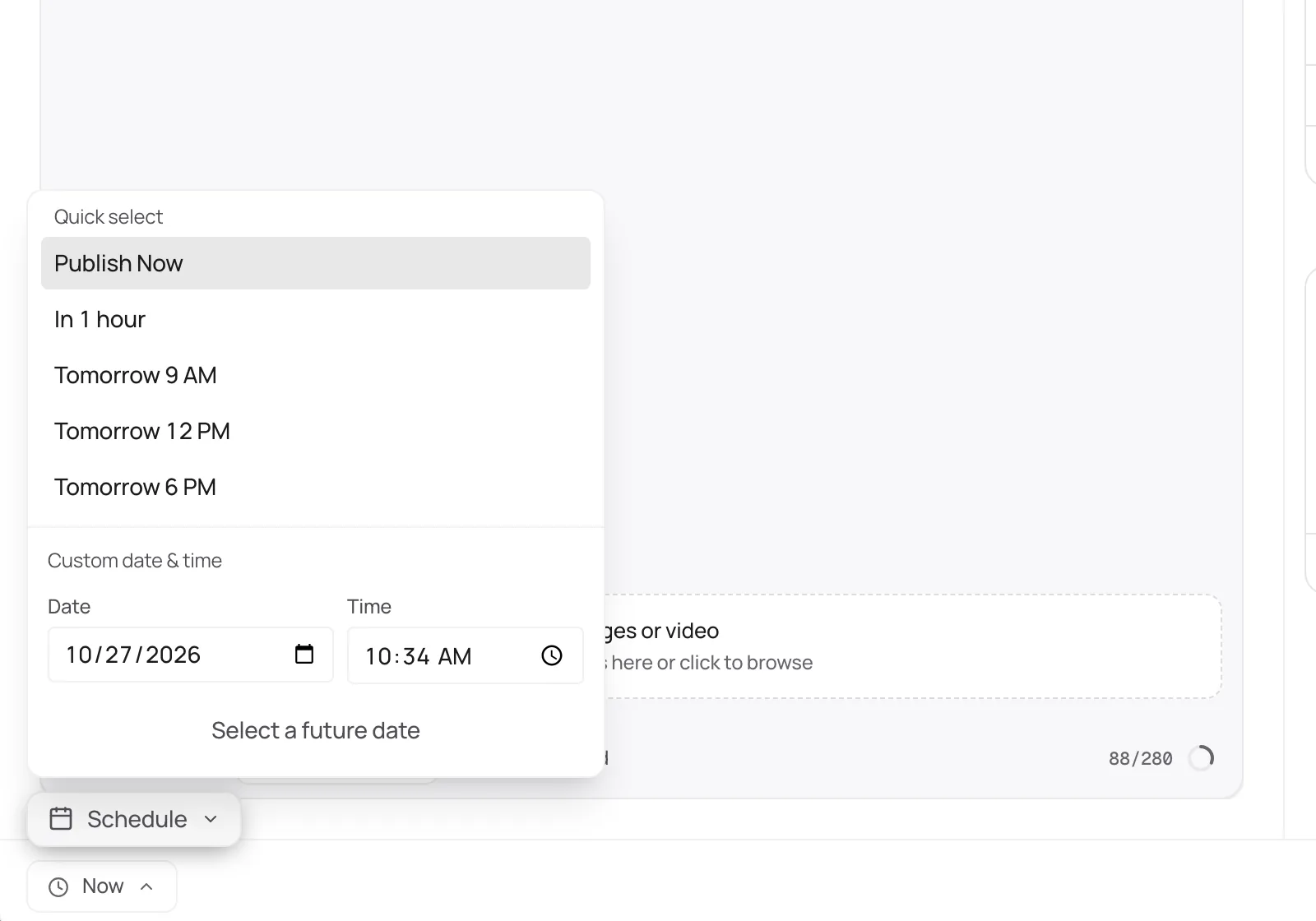
Pick the times for the week and Distinctful publishes each Threads post on schedule, with replies and insights beside it afterward.
More than a scheduler
Plan Threads beside LinkedIn, X, Instagram, Bluesky, and YouTube, and see the whole week at once.
Learn moreDiscover ranks Threads posts in your niche by how far they beat their creator’s usual, so you study what works.
Learn moreChat drafts Threads posts from your strategy, offers, and voice rules, then puts them on your calendar.
Learn moreSee how each Threads post performed compared with your recent posts, so you know what to make more of.
Learn moreConnect Beehiiv or Kit and see subscriber growth and each send’s opens and clicks beside your Threads posts.
Learn morePlan and schedule Threads posts from the AI tool you already use, through the Distinctful MCP server.
Learn moreGet started
Connect Threads from Settings through Meta sign-in.
Draft a post or a thread in the composer.
Attach images, pick the time, and schedule.
Read the replies and insights beside each post after it goes out.
Threads counts visible characters, with links at their full length. Emoji take more room than letters.
Field notes
Post more often than you would on LinkedIn. Threads favors frequency over polish.
Ask real questions. Replies are where Threads conversations grow.
Use one topic tag that names the community you want to reach.
Keep it conversational. Writing that sounds like a press release reads oddly on Threads.
Free, no signup
Threads Character Counter
Threads gives you 500 characters per post, almost double what X (Twitter) gives you. Watch the counter, check the preview, and use the room without filling it just to fill it.
Threads Text Formatter
Select words, make them bold or italic, add bullets, and copy the post into Threads.
Threads Post Preview
See your draft the way it appears in the Threads feed, fold and image included, before anyone else does.
Threads Image Resizer
Drop in an image, pick a Threads size, and download it cropped or fitted. Nothing leaves your device.
Threads Thread Maker
Turn an essay or newsletter into a Threads thread that breaks at paragraphs and sentences, never mid word.
Threads Engagement Rate Calculator
Add up likes, replies, reposts, and quotes, then see the rate against your followers and against the accounts that saw the posts.
Every plan starts with a 7 day free trial.
For one person marketing a business
Billed yearlySave $120
For content and creative teams with bigger audiences
Billed yearlySave $240
Everything in Grow, plus:
No. They are separate connections in Distinctful even though both sign in through Meta.
Connect your accounts and plan your first post today. Every plan starts with a 7 day free trial.