Pick a time, then move on
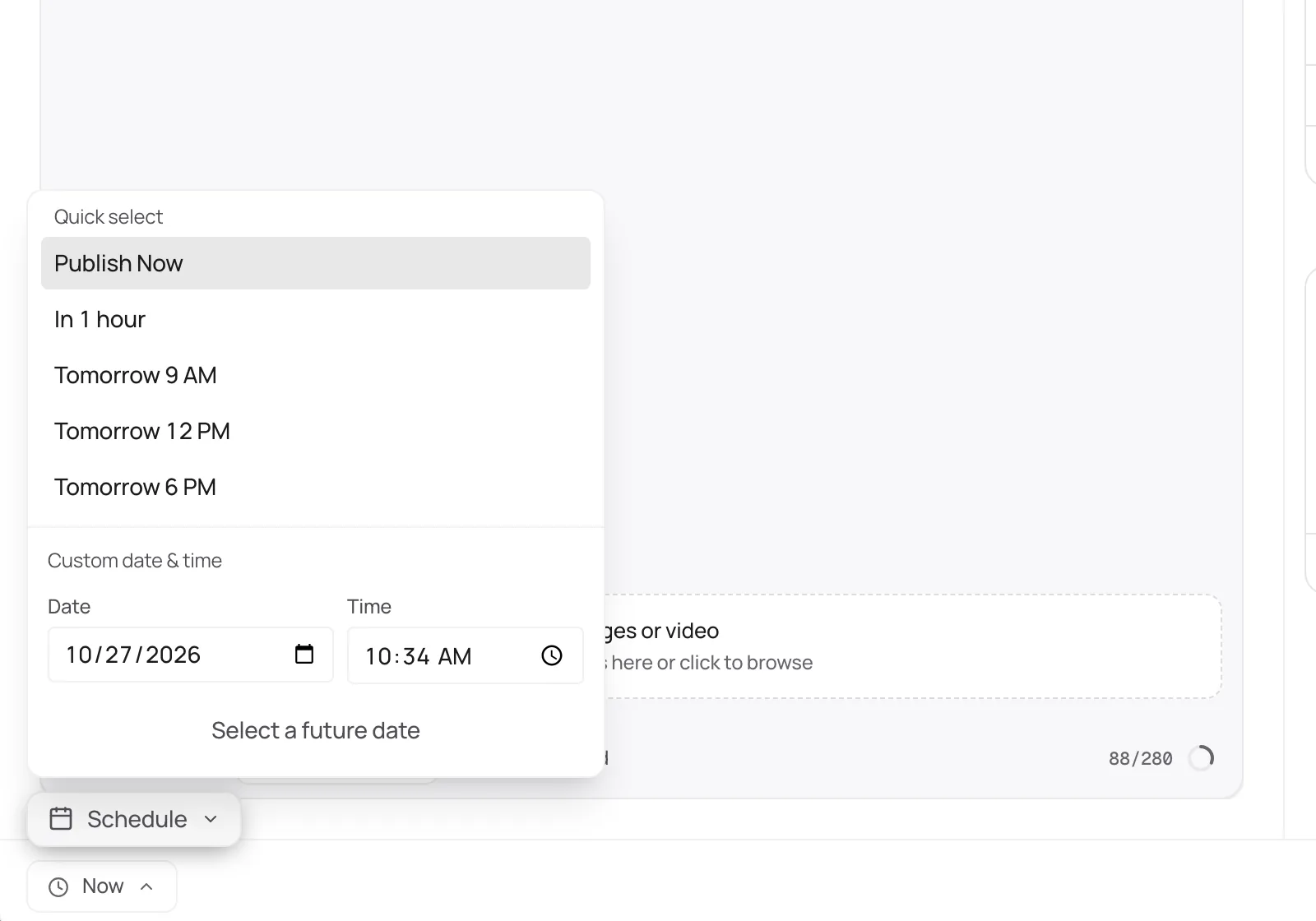
Write inside 300 characters, attach up to four images or one video, and schedule. Distinctful records whether each post went out.
Bluesky scheduler
Draft once, adapt it to 300 characters, and schedule Bluesky alongside everything else.
Official Bluesky API · 7-day free trial · Cancel anytime
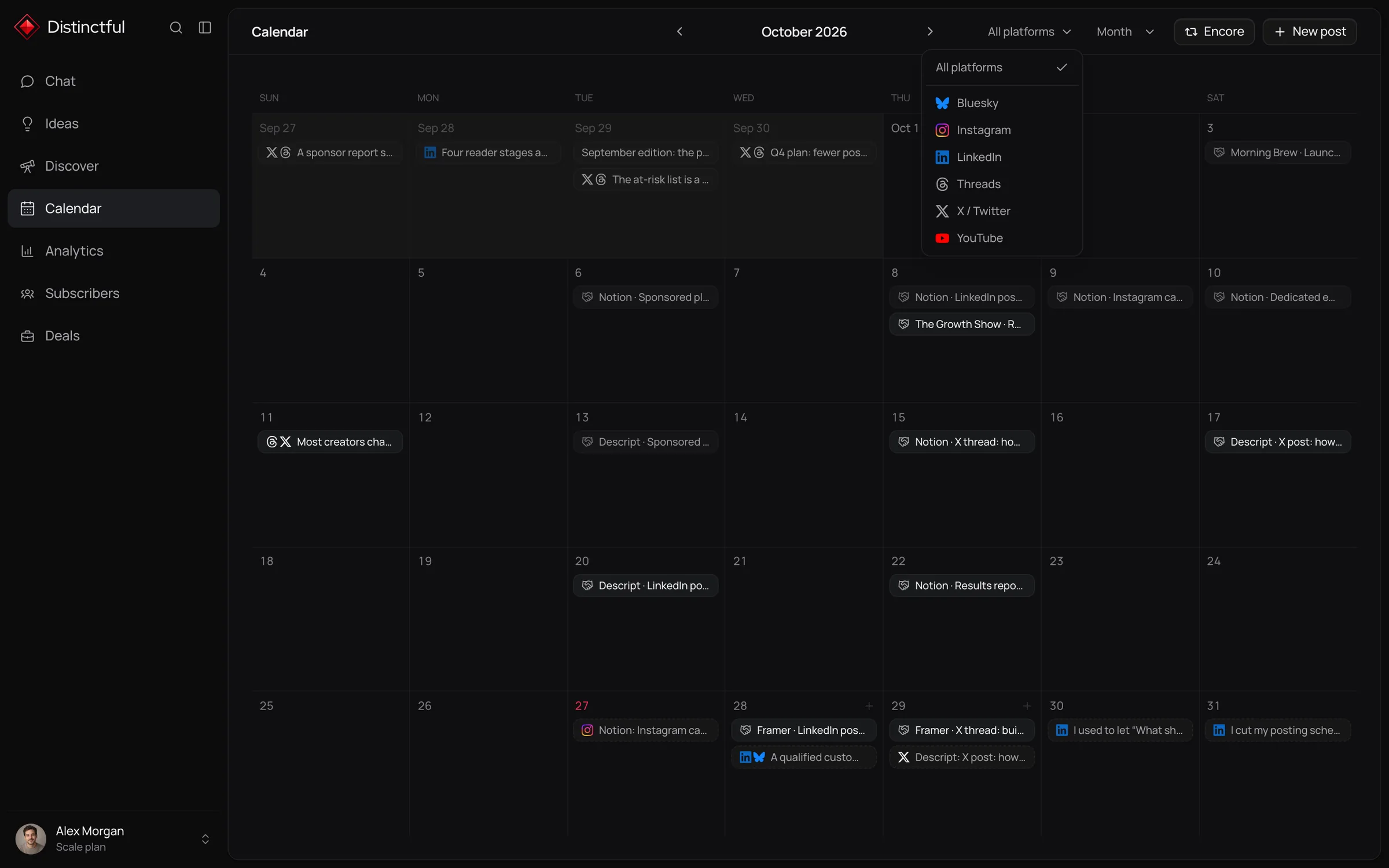
Distinctful schedules and publishes Bluesky posts with up to four images or one video, using an app password you create in Bluesky. Your handle and followers on Bluesky belong to you, which makes it a natural channel to plan beside a newsletter, and the calendar keeps it from becoming another tab to remember.
Write inside 300 characters, attach up to four images or one video, and schedule. Distinctful records whether each post went out.
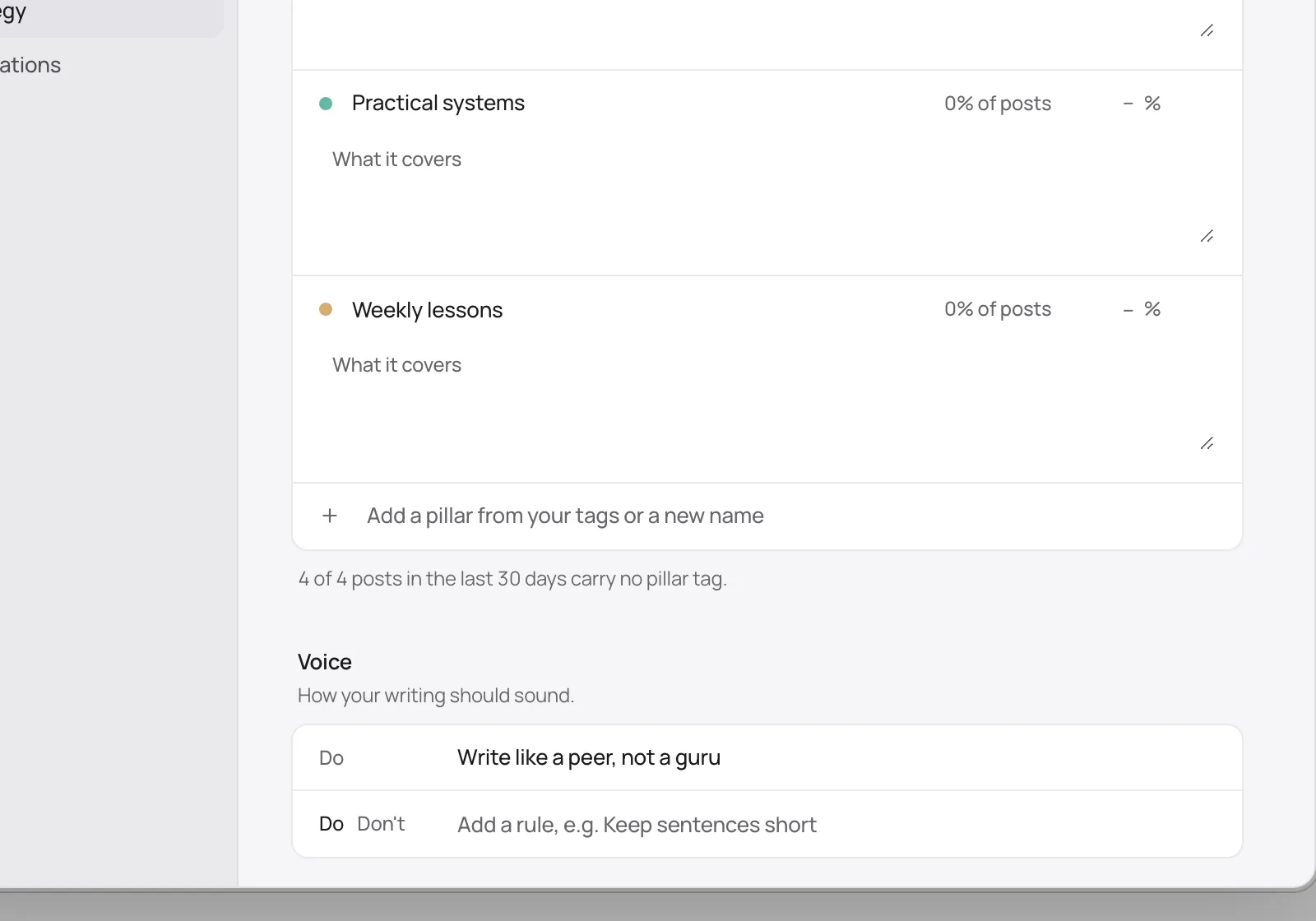
Voice rules and pillars guide every draft Chat writes, so a 300 character post reads like you and not like a summary.
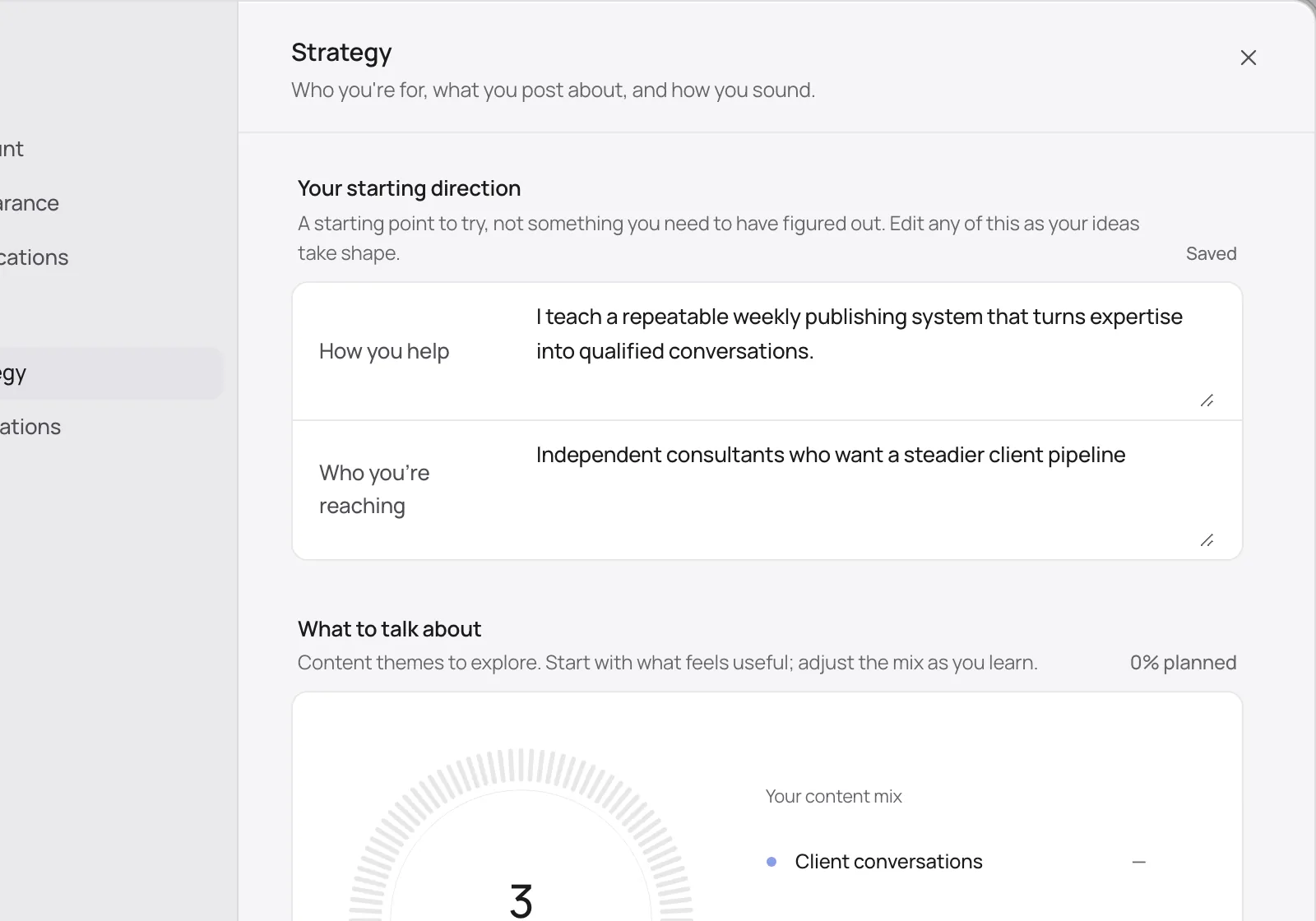
Plan Bluesky from the same strategy and calendar as LinkedIn, X, and Threads, so the channel you own grows with the rest.
More than a scheduler
Plan Bluesky beside LinkedIn, X, Threads, Instagram, and YouTube, and see the whole week at once.
Learn moreDiscover ranks posts in your niche on LinkedIn, X, Instagram, Threads, and YouTube by how far they beat their creator’s usual.
Learn moreChat drafts Bluesky posts from your strategy, offers, and voice rules, then puts them on your calendar.
Learn moreSee how each Bluesky post performed compared with your recent posts, so you know what to make more of.
Learn moreConnect Beehiiv or Kit and see subscriber growth and each send’s opens and clicks beside your Bluesky posts.
Learn morePlan and schedule Bluesky posts from the AI tool you already use, through the Distinctful MCP server.
Learn moreGet started
Create an app password in Bluesky settings.
Connect Bluesky in Distinctful Settings with your handle and that app password.
Write the post, attach images, and schedule it.
Bluesky counts graphemes, so an emoji or an accented letter counts as one character.
Field notes
Write for 300 characters. Short and specific does better than a squeezed long post.
Find a custom feed for your field and post things its readers want to see.
Add alt text to images. The Bluesky community notices.
Free, no signup
Bluesky Character Counter
Paste a draft and see how much of the 300 character limit it uses.
Bluesky Text Formatter
Select words, make them bold or italic, add bullets, and copy the post into Bluesky.
Bluesky Post Preview
See your draft the way it appears in the Bluesky feed, fold and image included, before anyone else does.
Bluesky Image Resizer
Drop in an image, pick a Bluesky size, and download it cropped or fitted. Nothing leaves your device.
Bluesky Thread Maker
Turn an essay or newsletter into a Bluesky thread that breaks at paragraphs and sentences, never mid word.
Bluesky Engagement Rate Calculator
Add up likes, replies, reposts, and quotes, then see the rate against your followers and against the accounts that saw the posts.
Every plan starts with a 7 day free trial.
For one person marketing a business
Billed yearlySave $120
For content and creative teams with bigger audiences
Billed yearlySave $240
Everything in Grow, plus:
Bluesky does not offer the sign-in flow other platforms use. An app password is created inside Bluesky, is not your account password, and can be revoked there at any time.
Connect your accounts and plan your first post today. Every plan starts with a 7 day free trial.