See the fold before it posts
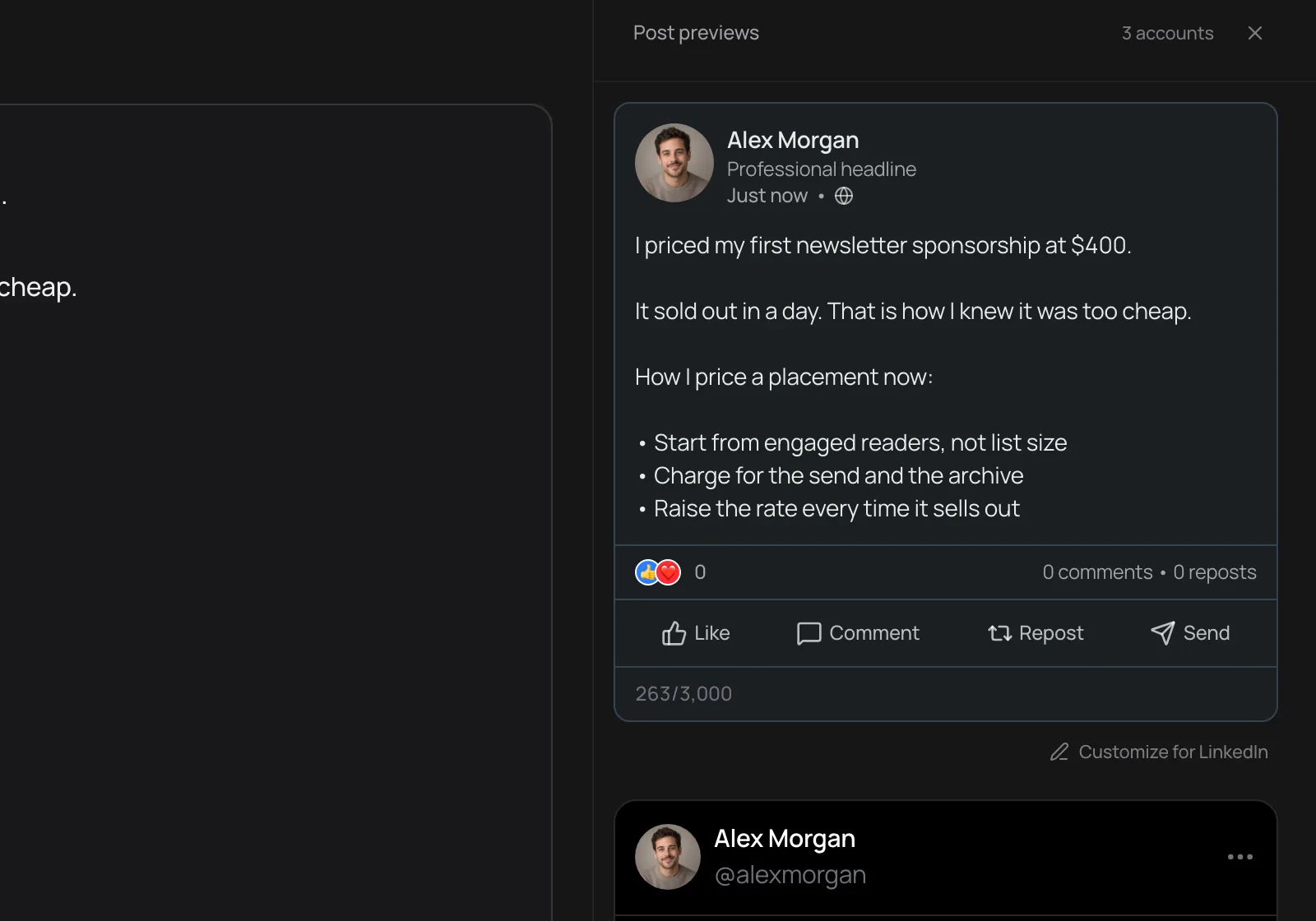
The preview shows where LinkedIn cuts your post behind see more and counts toward the 3,000 character limit as you type, so the hook lands above the fold.
LinkedIn scheduler
Write the post, check the fold, attach images, and pick the time. Distinctful publishes it to your profile.
Official LinkedIn API · 7-day free trial · Cancel anytime
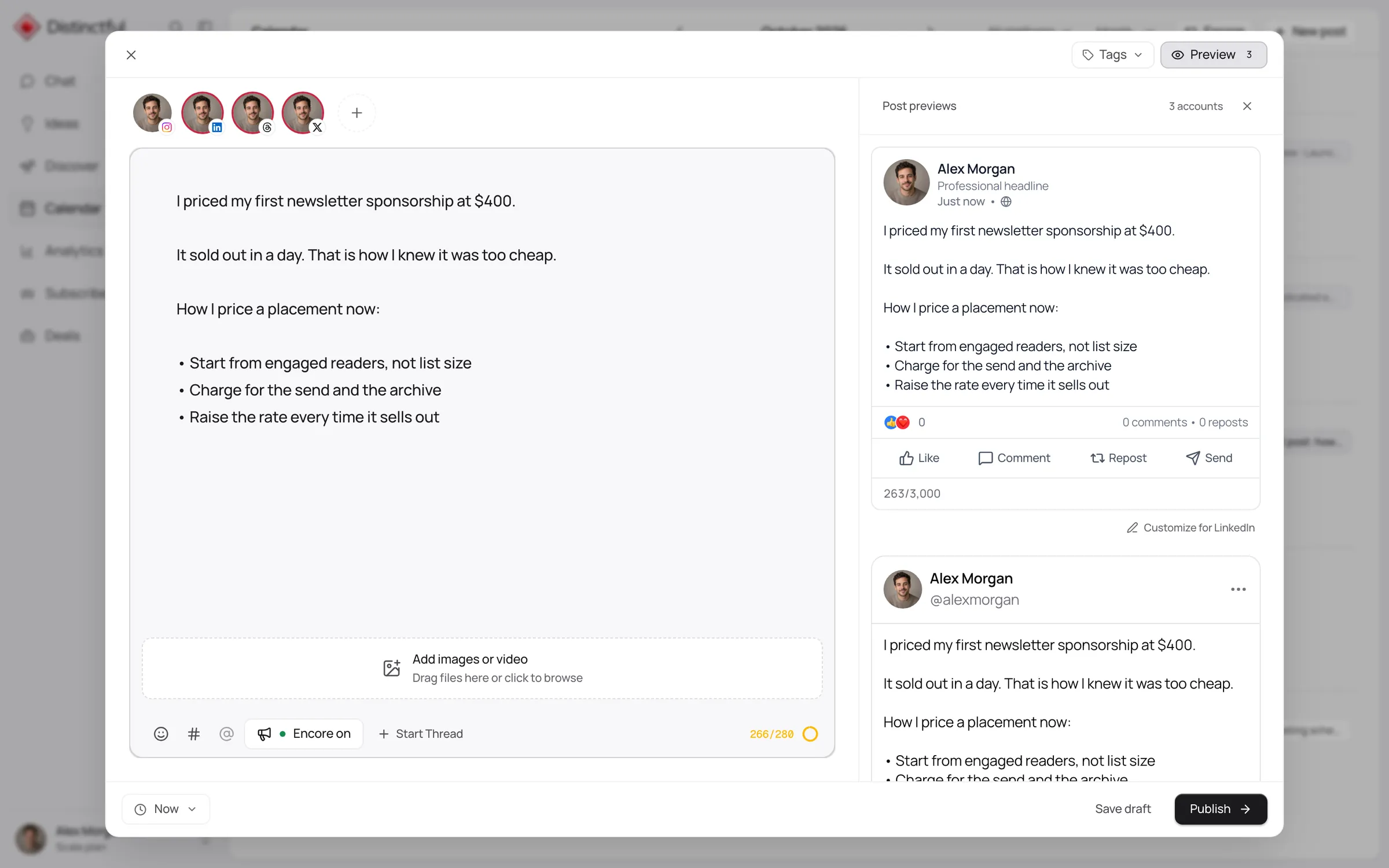
Distinctful schedules and publishes LinkedIn posts to your member profile, with text up to 3,000 characters and up to 20 images or one video. The composer shows where LinkedIn folds the post behind see more, and the post sits on the same calendar as your other channels and your newsletter, so a week of LinkedIn is planned once instead of remembered daily.
The preview shows where LinkedIn cuts your post behind see more and counts toward the 3,000 character limit as you type, so the hook lands above the fold.
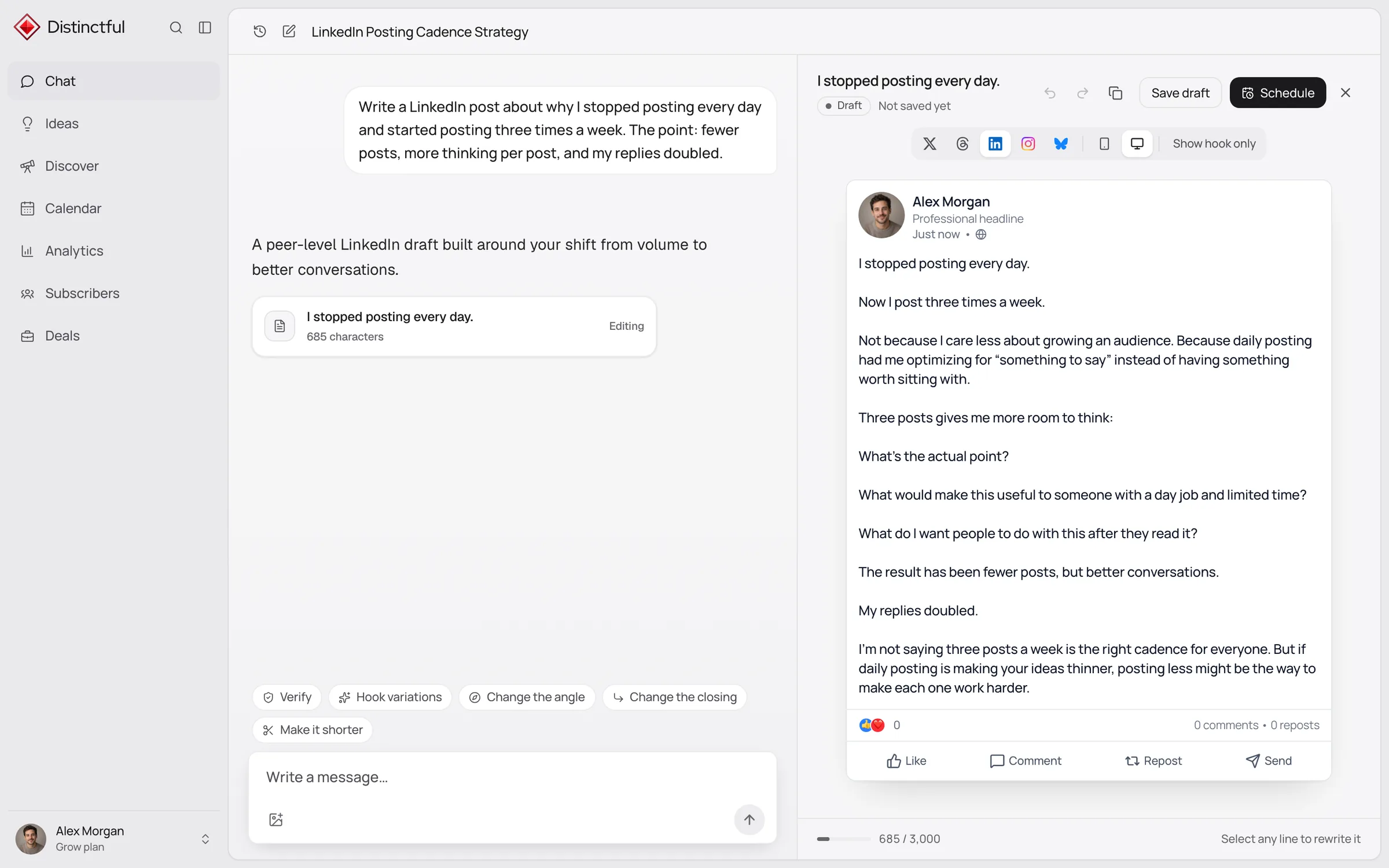
Ask Chat for a LinkedIn post and it writes from your strategy, pillars, and voice rules, then opens the draft in a LinkedIn preview ready to schedule.
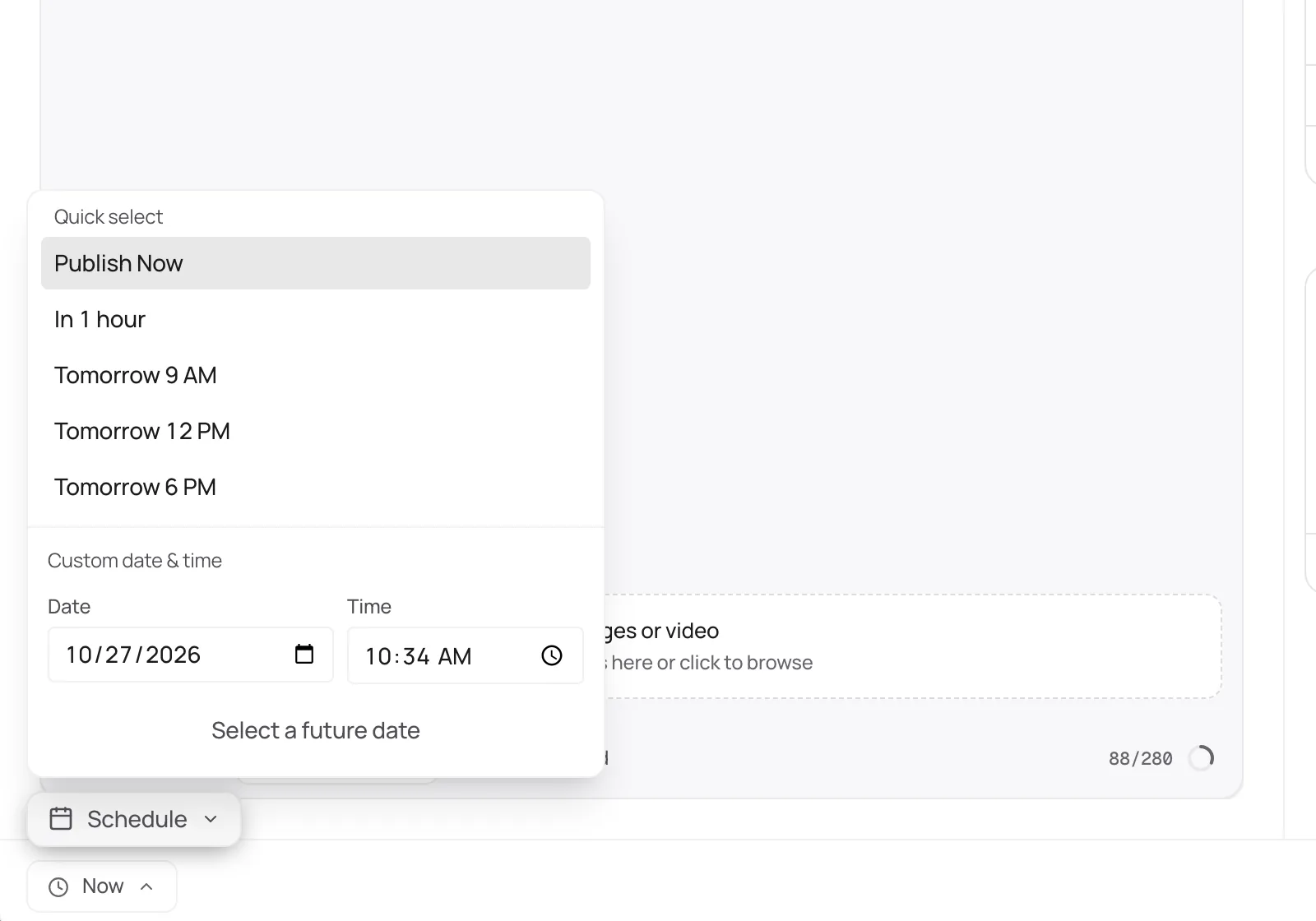
Choose tomorrow at 9 AM or an exact date and time. Distinctful publishes to your profile on schedule and records whether the post went out.
More than a scheduler
Plan LinkedIn beside X, Threads, Instagram, Bluesky, and YouTube, and see the whole week at once.
Learn moreDiscover ranks LinkedIn posts in your niche by how far they beat their creator’s usual, so you study what works.
Learn moreChat drafts LinkedIn posts from your strategy, offers, and voice rules, then puts them on your calendar.
Learn moreSee how each LinkedIn post performed compared with your recent posts, so you know what to make more of.
Learn moreConnect Beehiiv or Kit and see subscriber growth and each send’s opens and clicks beside your LinkedIn posts.
Learn morePlan and schedule LinkedIn posts from the AI tool you already use, through the Distinctful MCP server.
Learn moreGet started
Connect LinkedIn from Settings. Distinctful asks only for permission to post as you.
Write or paste the post in the composer and check the see more fold in the preview.
Attach images or a video, pick a date and time, and schedule it.
After it goes out, review how it performed beside your other posts in Analytics.
LinkedIn counts every character, including spaces, line breaks, emoji, and the full length of links.
Field notes
Make the point in the first 210 characters. Most readers decide there whether to tap see more.
Break long paragraphs into short ones. A wall of text on a phone is skipped.
End with a question that people in your field can answer from experience.
Repost a strong idea in new words a few weeks later. Most of your network missed it the first time.
Free, no signup
LinkedIn Text Formatter
Write the post, select the words that matter, and make them bold or italic. Preview exactly where LinkedIn folds your post behind see more, so the hook earns the click.
LinkedIn Character Counter
Paste a draft and see how much of the 3,000 character limit it uses, and where LinkedIn folds it.
LinkedIn Post Preview
See your draft the way it appears in the LinkedIn feed, fold and image included, before anyone else does.
LinkedIn Image Resizer
Drop in an image, pick a LinkedIn size, and download it cropped or fitted. Nothing leaves your device.
LinkedIn Engagement Rate Calculator
Add up reactions, comments, reposts, and saves, then see the rate against your followers and against the accounts that saw the posts.
Every plan starts with a 7 day free trial.
For one person marketing a business
Billed yearlySave $120
For content and creative teams with bigger audiences
Billed yearlySave $240
Everything in Grow, plus:
No. It posts as your member profile. Company page publishing is not part of the LinkedIn connection.
Connect your accounts and plan your first post today. Every plan starts with a 7 day free trial.