Schedule the upload, not your evening
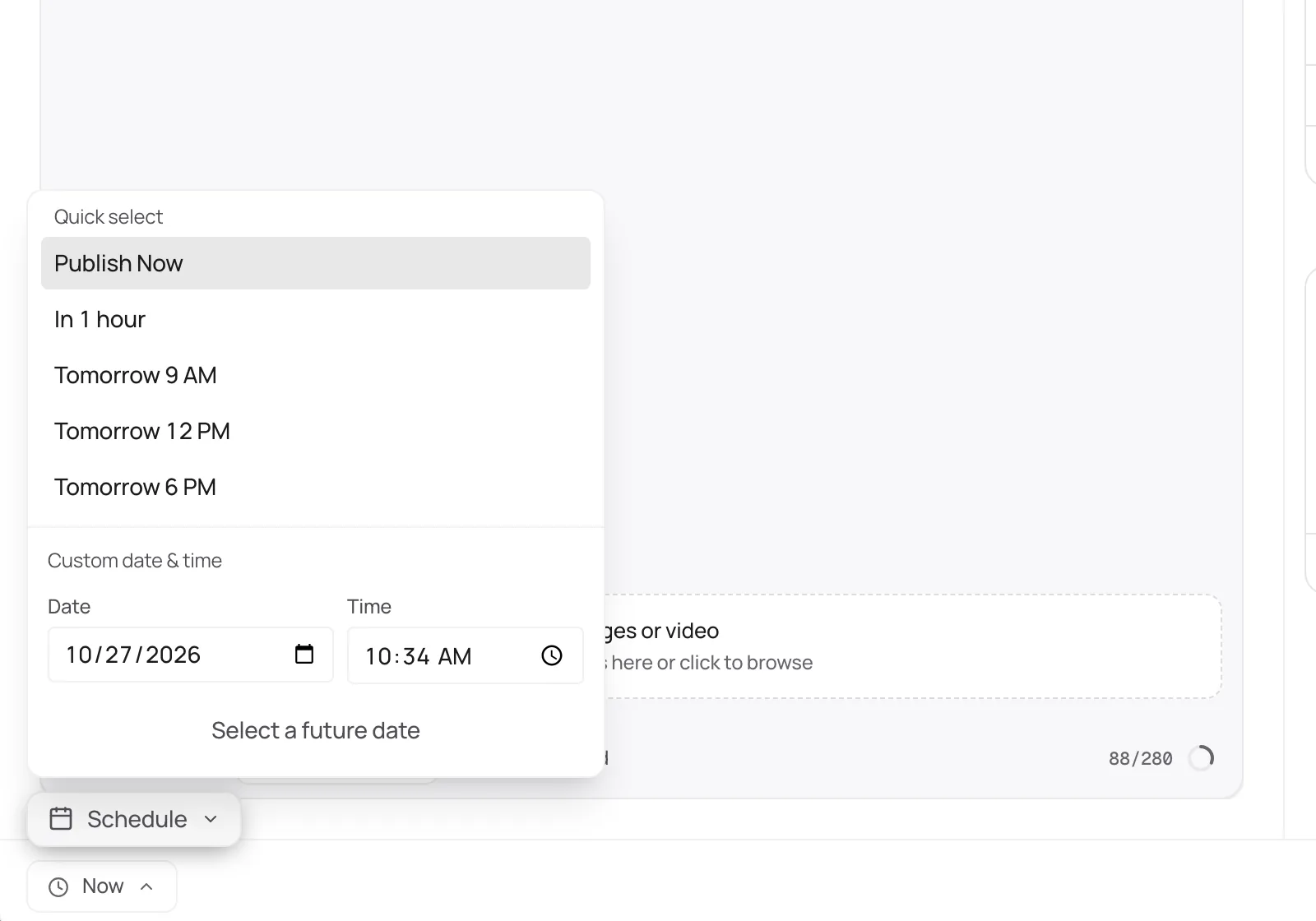
Upload an MP4 or MOV up to 60 minutes, set the title, description, thumbnail, and audience, and pick the time. It counts as published once YouTube confirms it.
YouTube scheduler
Upload the video, write the title and description, set the thumbnail, and plan the posts that point to it in the same week.
Official YouTube API · 7-day free trial · Cancel anytime
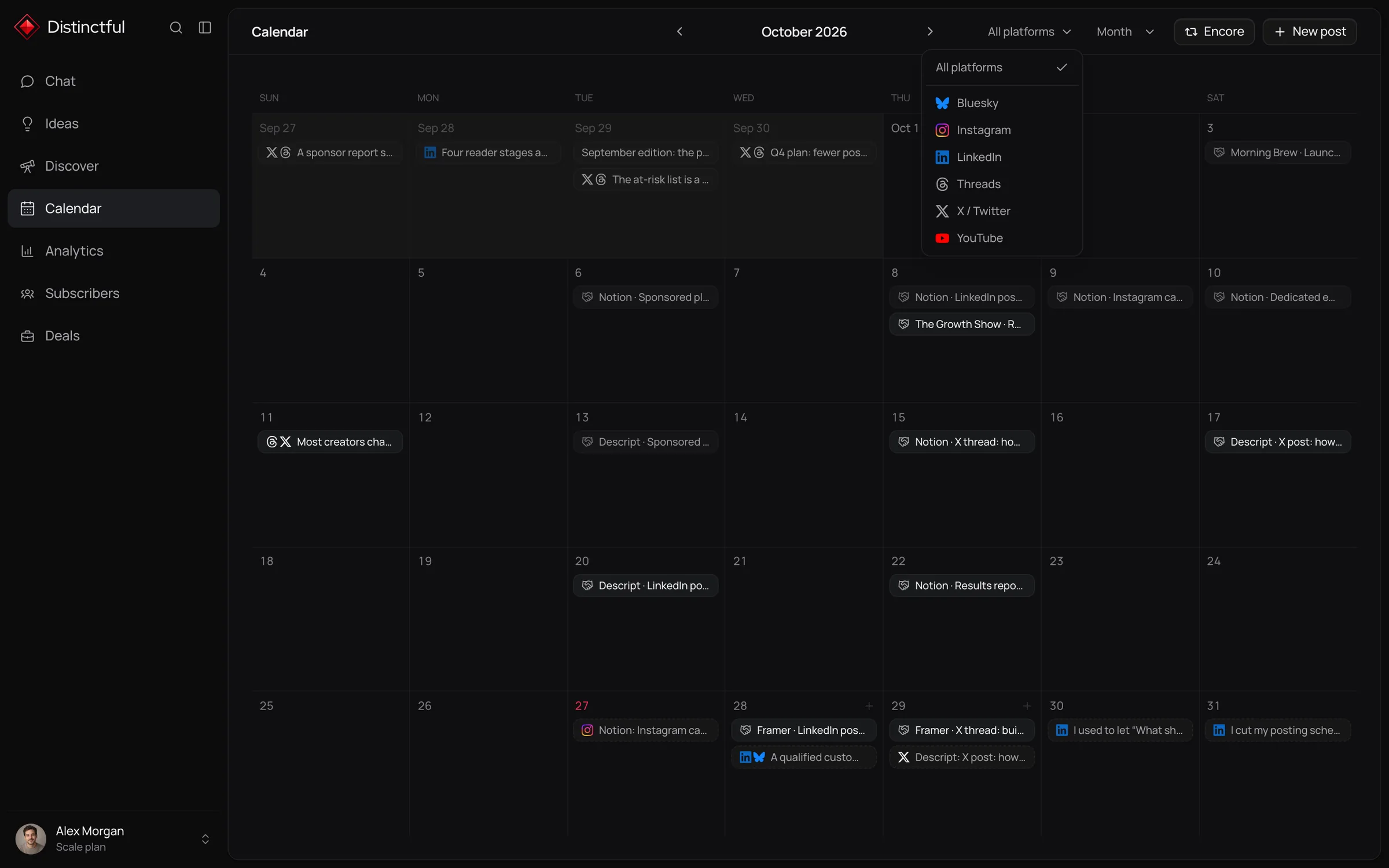
Distinctful uploads and schedules one MP4 or MOV per post to YouTube, up to 60 minutes and 10 GiB, with the title, description, category, custom thumbnail, visibility, and audience answers YouTube asks for. YouTube decides whether it appears as a Short from its length and shape, and a post only counts as published once YouTube confirms it.
Upload an MP4 or MOV up to 60 minutes, set the title, description, thumbnail, and audience, and pick the time. It counts as published once YouTube confirms it.
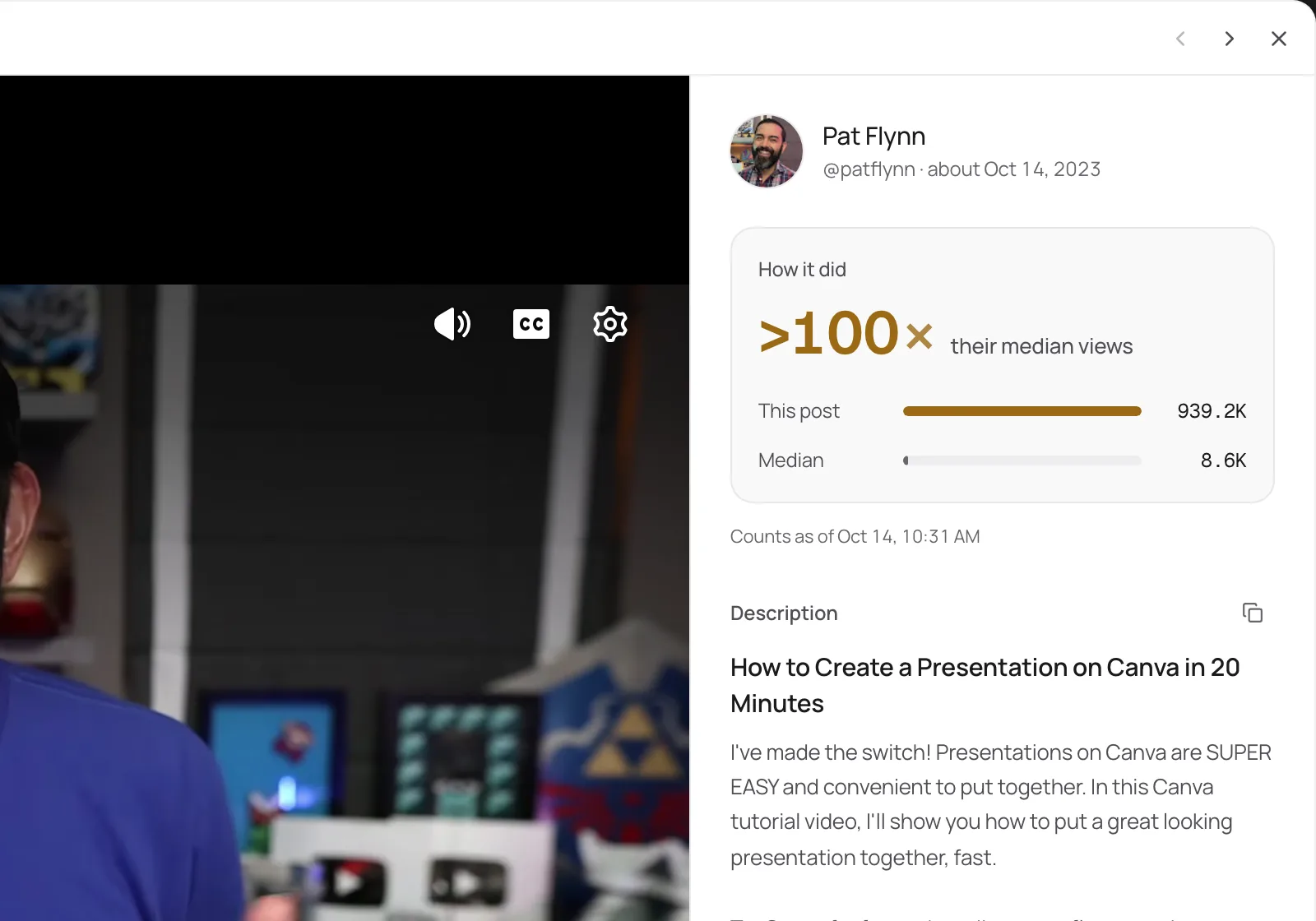
Discover shows YouTube videos that beat their creator’s median views, some by more than 100×, so you can study what works and make your own version.
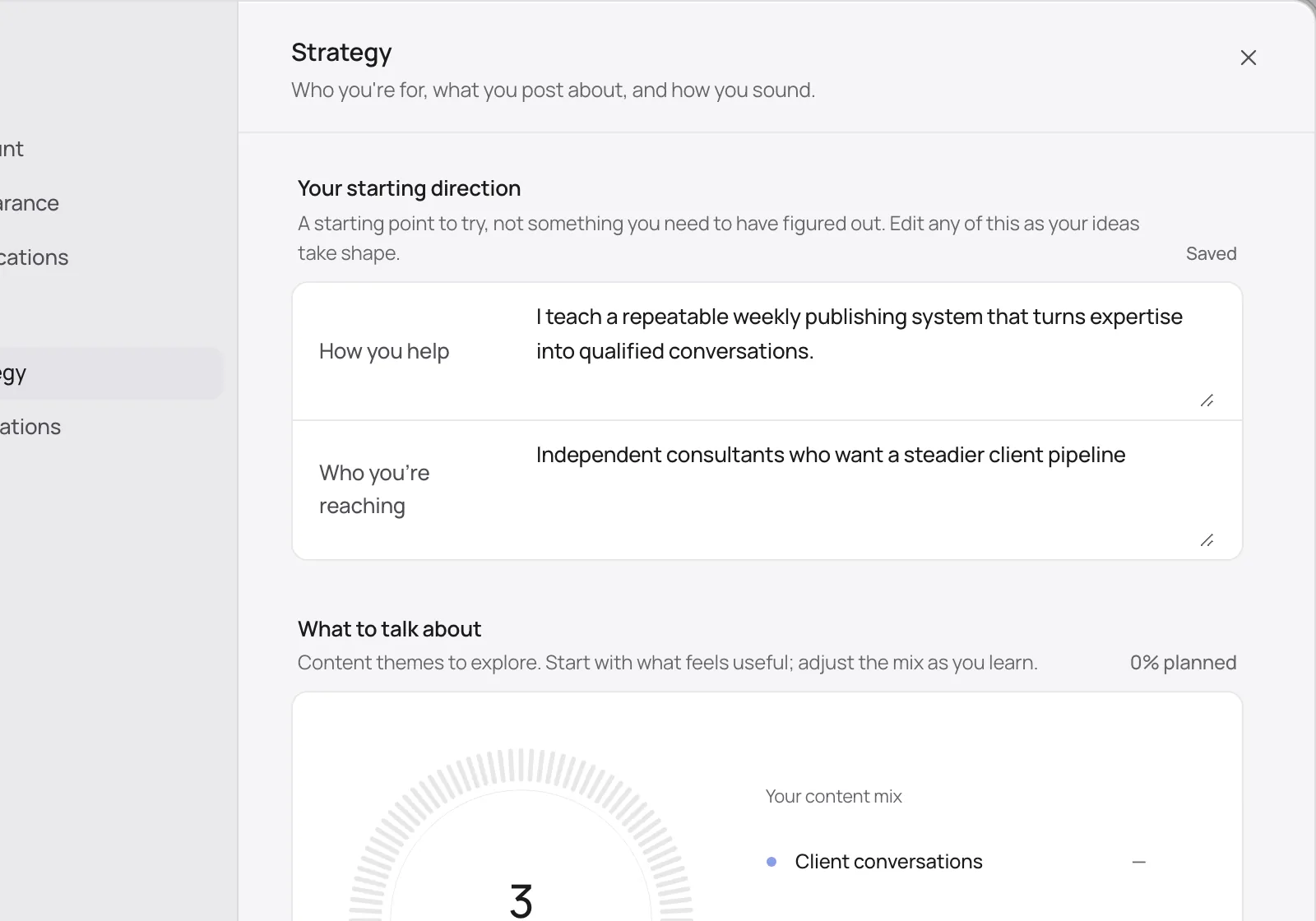
Your strategy, audience, and pillars live in Distinctful, so the video and the posts that promote it all point back to the business.
More than a scheduler
Plan YouTube beside LinkedIn, X, Threads, Instagram, and Bluesky, and see the whole week at once.
Learn moreDiscover ranks YouTube posts in your niche by how far they beat their creator’s usual, so you study what works.
Learn moreChat drafts YouTube posts from your strategy, offers, and voice rules, then puts them on your calendar.
Learn moreSee how each YouTube post performed compared with your recent posts, so you know what to make more of.
Learn moreConnect Beehiiv or Kit and see subscriber growth and each send’s opens and clicks beside your YouTube posts.
Learn morePlan and schedule YouTube posts from the AI tool you already use, through the Distinctful MCP server.
Learn moreGet started
Connect YouTube from Settings with your Google account.
Upload the video and fill in the title, description, and thumbnail.
Choose visibility and audience, pick the time, and schedule.
Plan the posts that point to the video on the same calendar.
YouTube counts every character in the description, and titles have their own 100 character limit.
Field notes
Put the words people search for at the start of the title.
Use the first two lines of the description to say what the viewer gets.
Design the thumbnail to read at the size of a thumbnail: few words, one face or object.
Free, no signup
YouTube Character Counter
Check a title and description before you publish, with the 100 and 5,000 character limits and your hashtag count beside them.
YouTube Thumbnail Resizer
Drop in an image, pick a YouTube size, and download it cropped or fitted. Nothing leaves your device.
YouTube Engagement Rate Calculator
Add up likes, comments, and shares, then see the rate against your subscribers and against the accounts that saw the posts.
Every plan starts with a 7 day free trial.
For one person marketing a business
Billed yearlySave $120
For content and creative teams with bigger audiences
Billed yearlySave $240
Everything in Grow, plus:
Yes. YouTube decides whether an upload appears as a Short from its length and shape.
Connect your accounts and plan your first post today. Every plan starts with a 7 day free trial.