Pick a time, then move on
Write up to 2,000 characters, attach up to four images, and schedule. Distinctful records whether each post reached the channel.
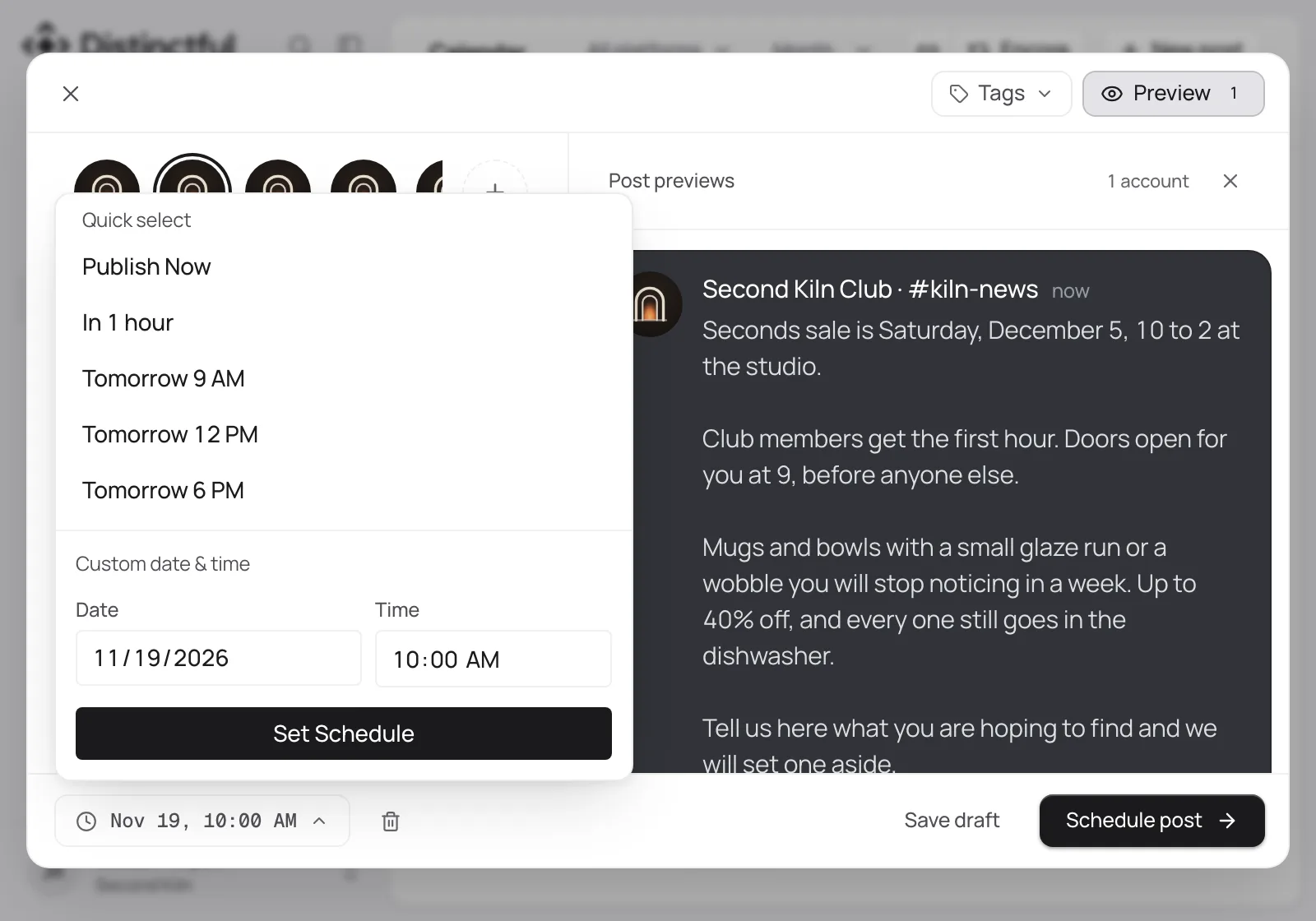
Write the announcement once, pick the channel, and it reaches your server on time.
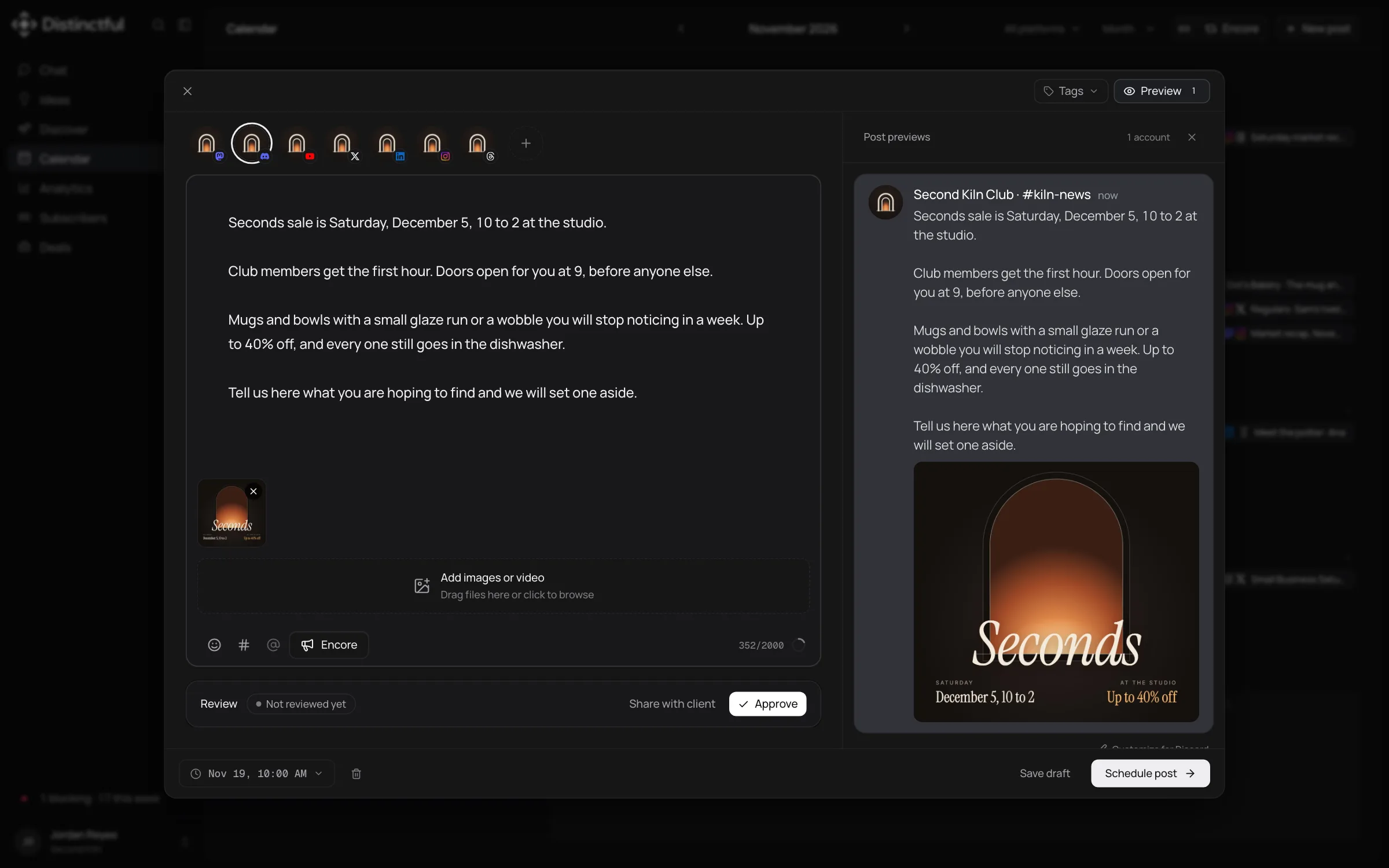
Distinctful posts to the Discord channels you connect, with up to 2,000 characters and four images. Each channel is its own connection, so an announcements channel and a drops channel can sit side by side. A post never pings @everyone, a role, or a member, even when the text names one, and your community hears from you on the same plan as every other channel.
Write up to 2,000 characters, attach up to four images, and schedule. Distinctful records whether each post reached the channel.
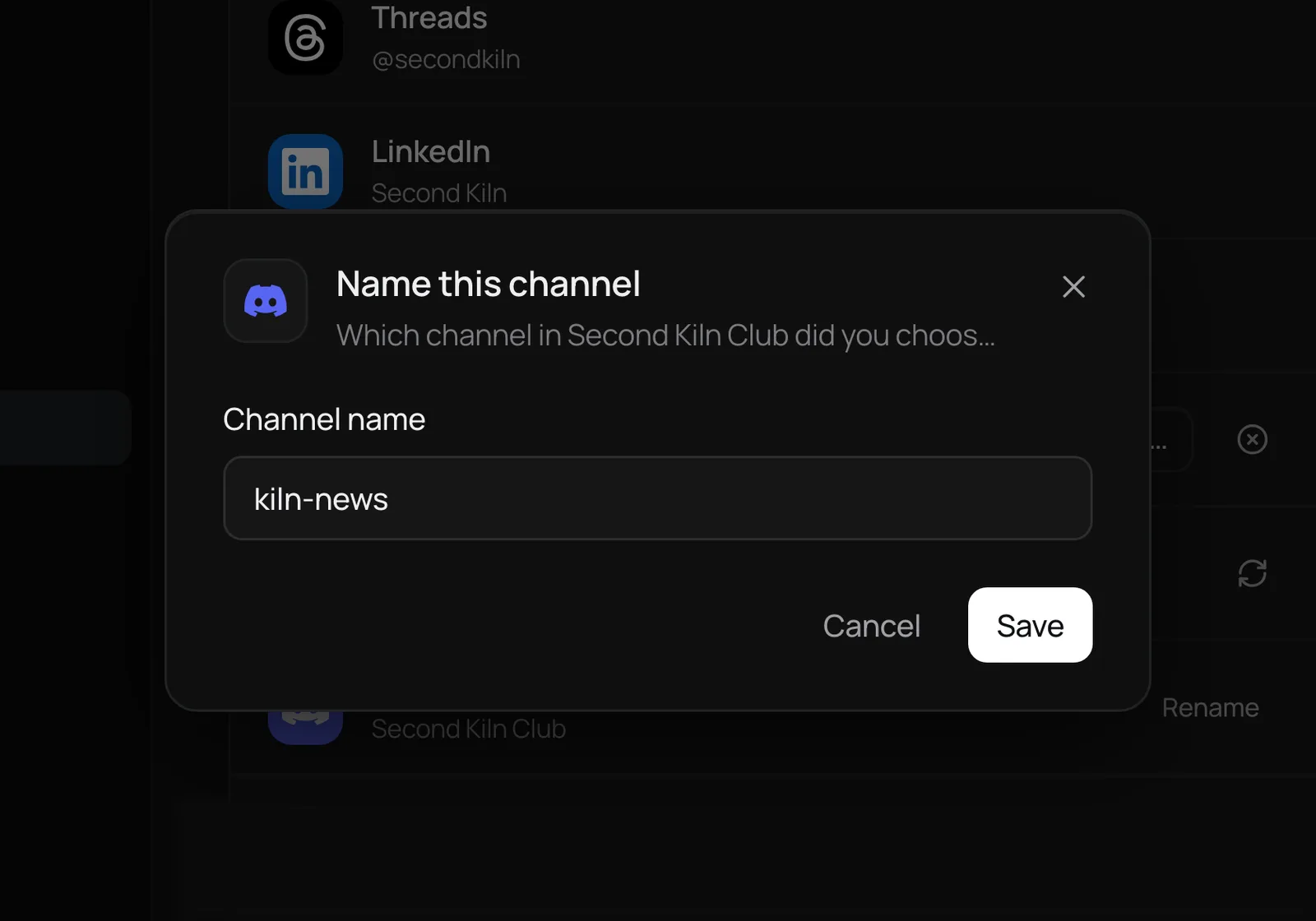
Discord shares only the server name, so you name each channel once. Every post then shows the server and channel it is headed for.
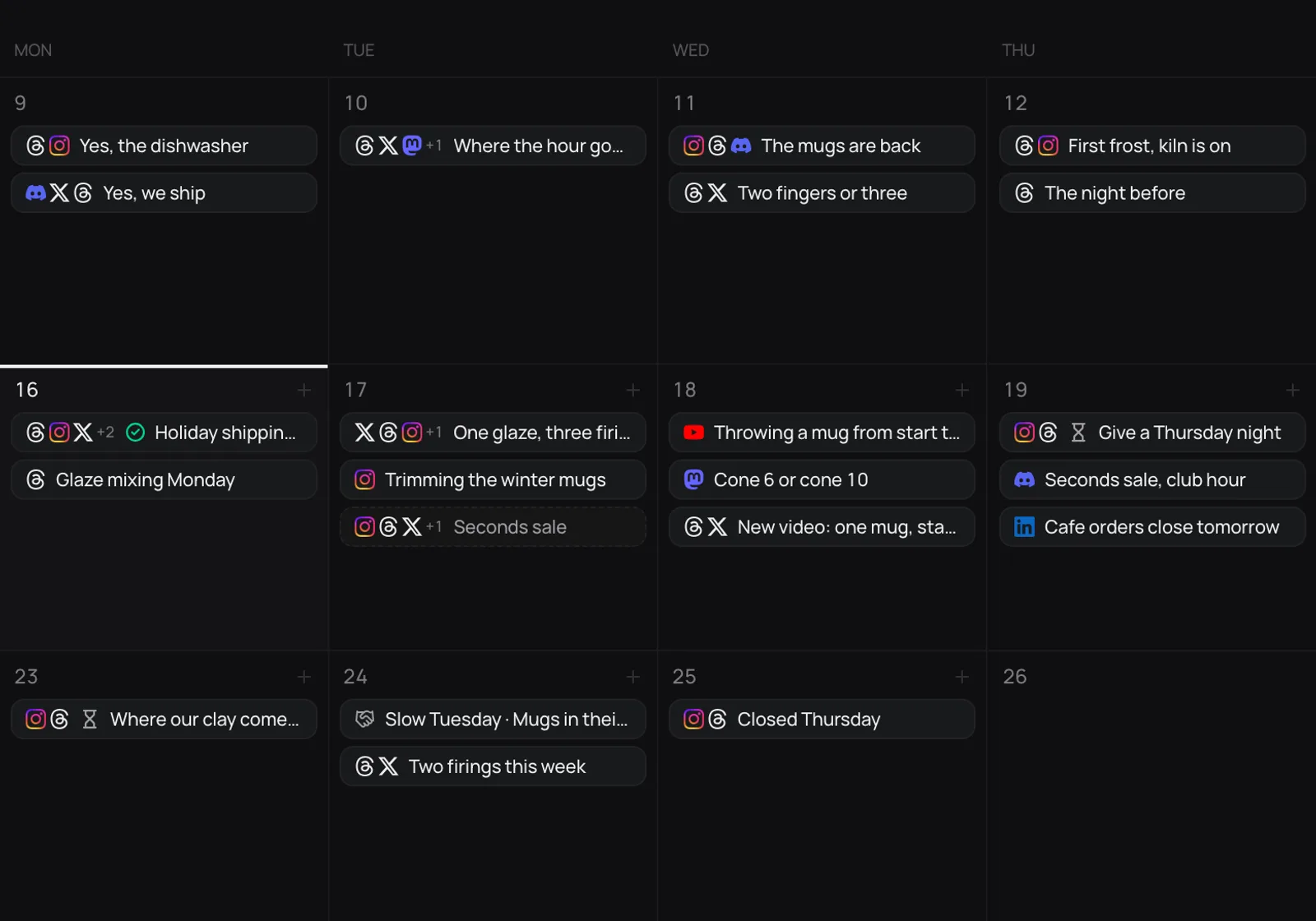
Plan Discord on the same calendar as Instagram, Threads, and X, so the people closest to you hear about a launch first.
More than a scheduler
Discover ranks posts on LinkedIn, X, Instagram, Threads, and YouTube by how far they beat their creator’s usual. Adapt the best for Discord.
Learn morePlan Discord on the same calendar as the rest of your week, with each post previewed the way Discord will show it.
Learn moreSet who you are reaching and your pillars once. Ask Chat for an angle or a Discord draft and it works from them; you edit and schedule.
Learn morePlan and schedule Discord posts from the AI tool you already use, through the Distinctful MCP server.
Learn moreEvery plan starts with a 14-day free trial.
For one person marketing a business
$294 first year, then $468 a year6 months free
For content teams and agencies
$594 first year, then $948 a year6 months free
Everything in Grow, plus:
No. You pick the server and channel on Discord’s own screen, and Discord gives Distinctful a webhook for that one channel. Your Discord sign-in is revoked as soon as the channel is connected.
Bring your accounts, your brand, and your best ideas. Try any plan free for 14 days.