Plan the week on one calendar
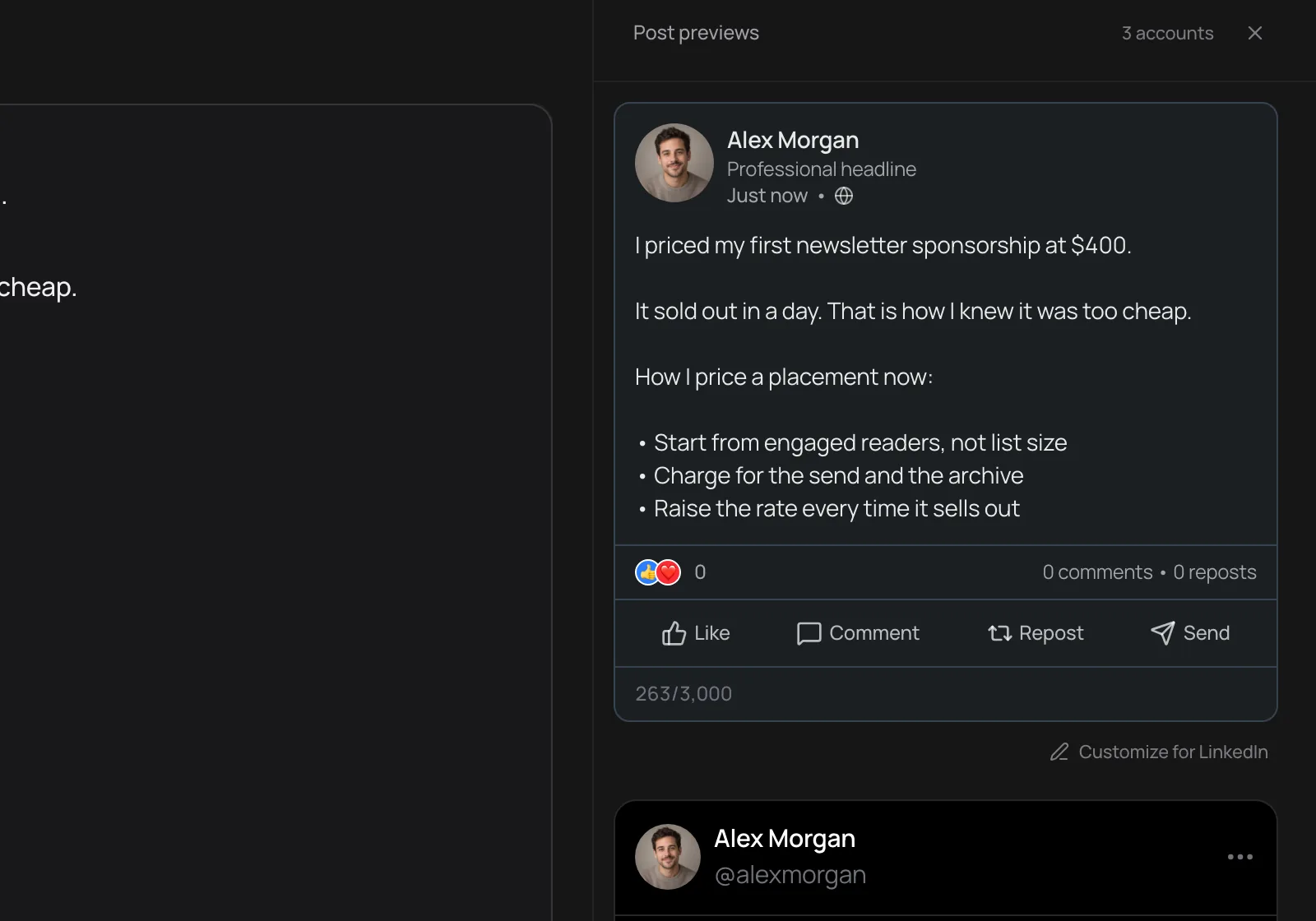
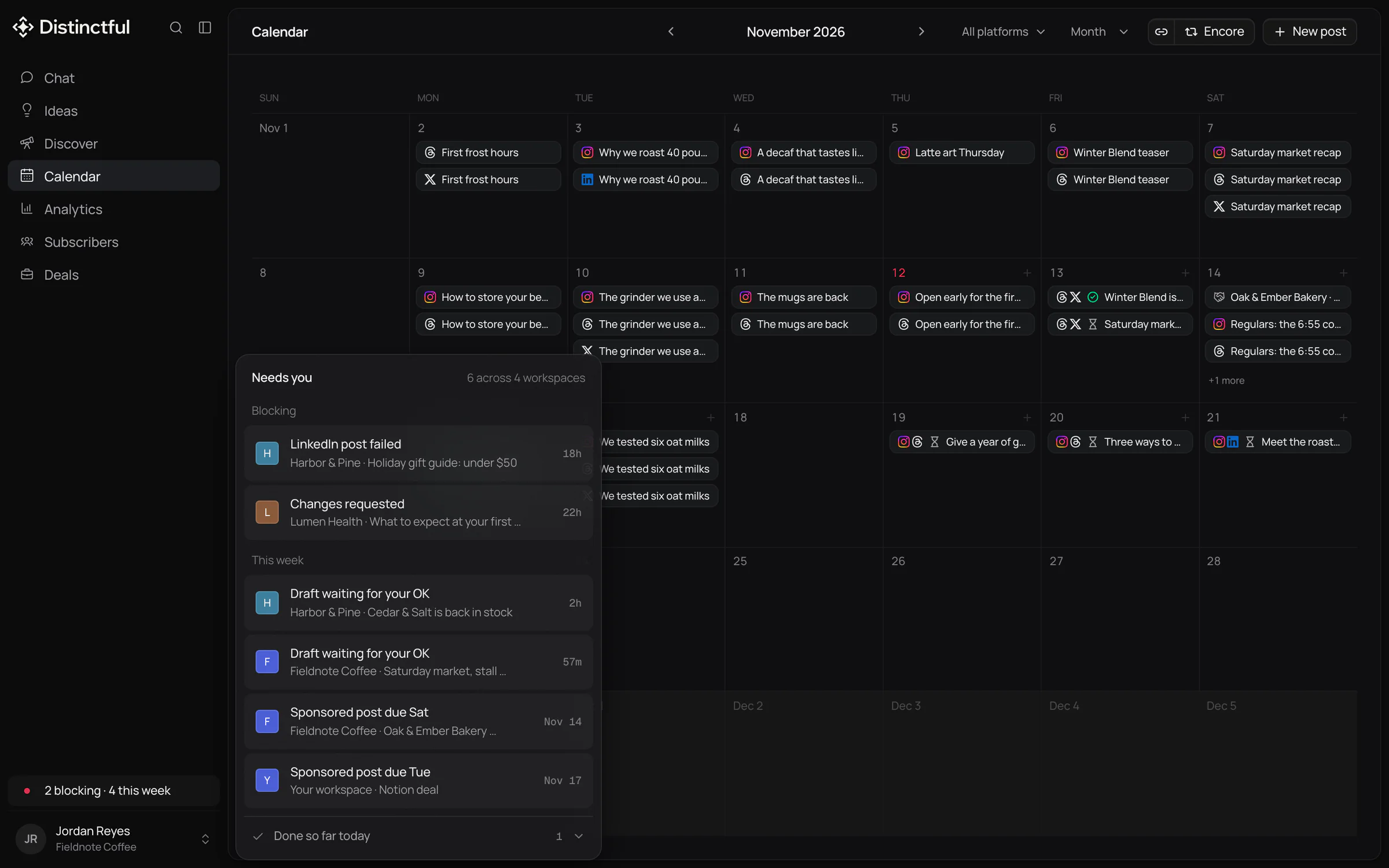
Everyone works from the same calendar for LinkedIn, X, Instagram, Threads, Bluesky, and YouTube, with a live preview of each post as its platform will show it.
One calendar for the whole team, drafts approved before they go out, and results everyone can read. No per-seat pricing.
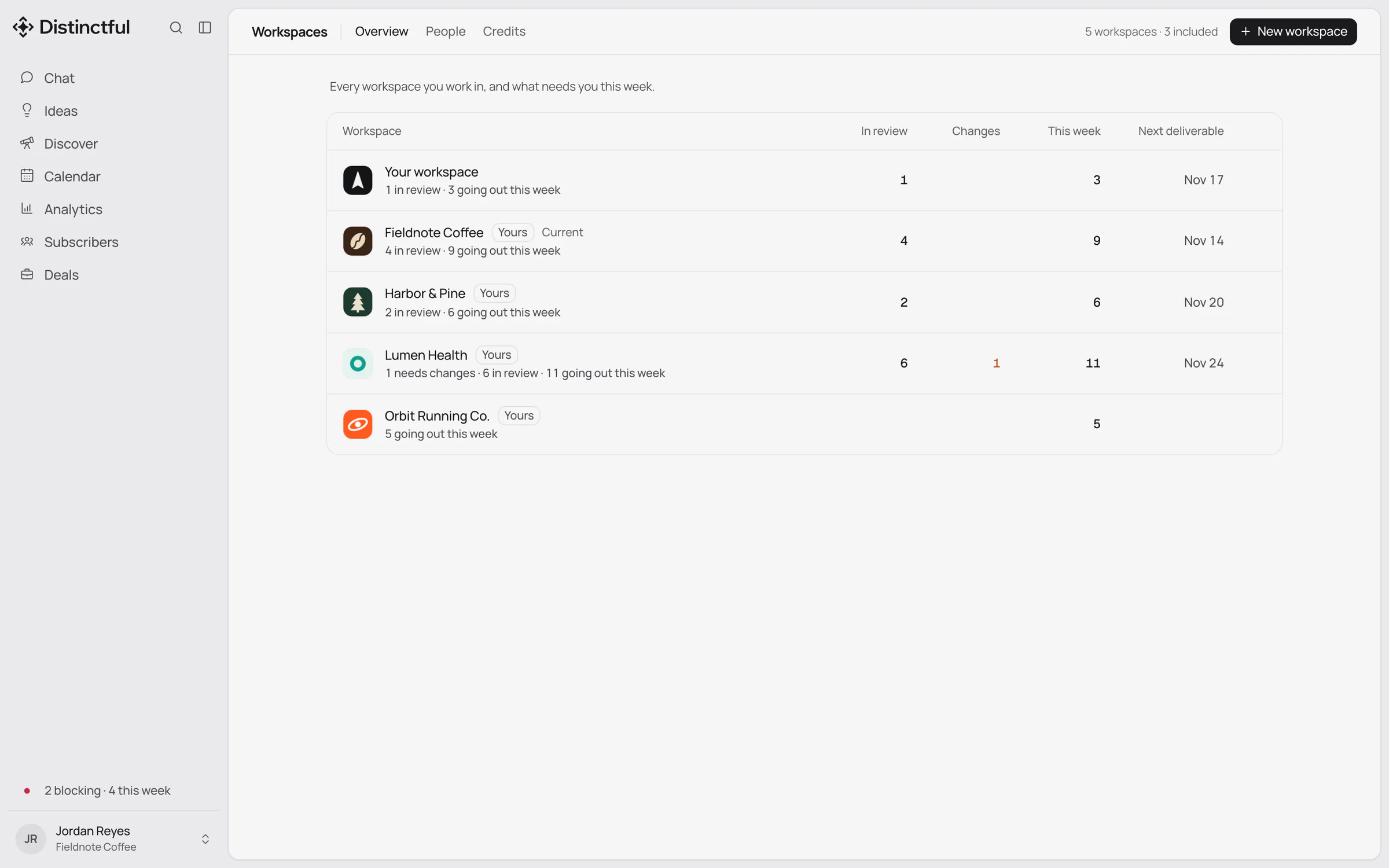
Content teams use Distinctful to plan, approve, and publish a brand’s social posts from one calendar. Editors draft, a Lead approves, and someone outside the team can sign off from a link without an account. Scale includes unlimited teammates, so adding a writer or a reviewer never changes the price.
A content team rarely loses time on writing. It loses time on the handoffs: a draft waiting in a document for a yes, a comment in chat nobody can find later, and a post that went out before the last edit was agreed.
Most social tools either leave approvals to email or sell them on their most expensive tier, priced per seat. So teams share one login, and nobody can say who approved what.
Everyone works from the same calendar for LinkedIn, X, Instagram, Threads, Bluesky, and YouTube, with a live preview of each post as its platform will show it.
Invite the team by email as Leads or Editors, with no limit on people. Editors draft and plan. Leads approve, schedule, and connect accounts, so nobody shares a social password.
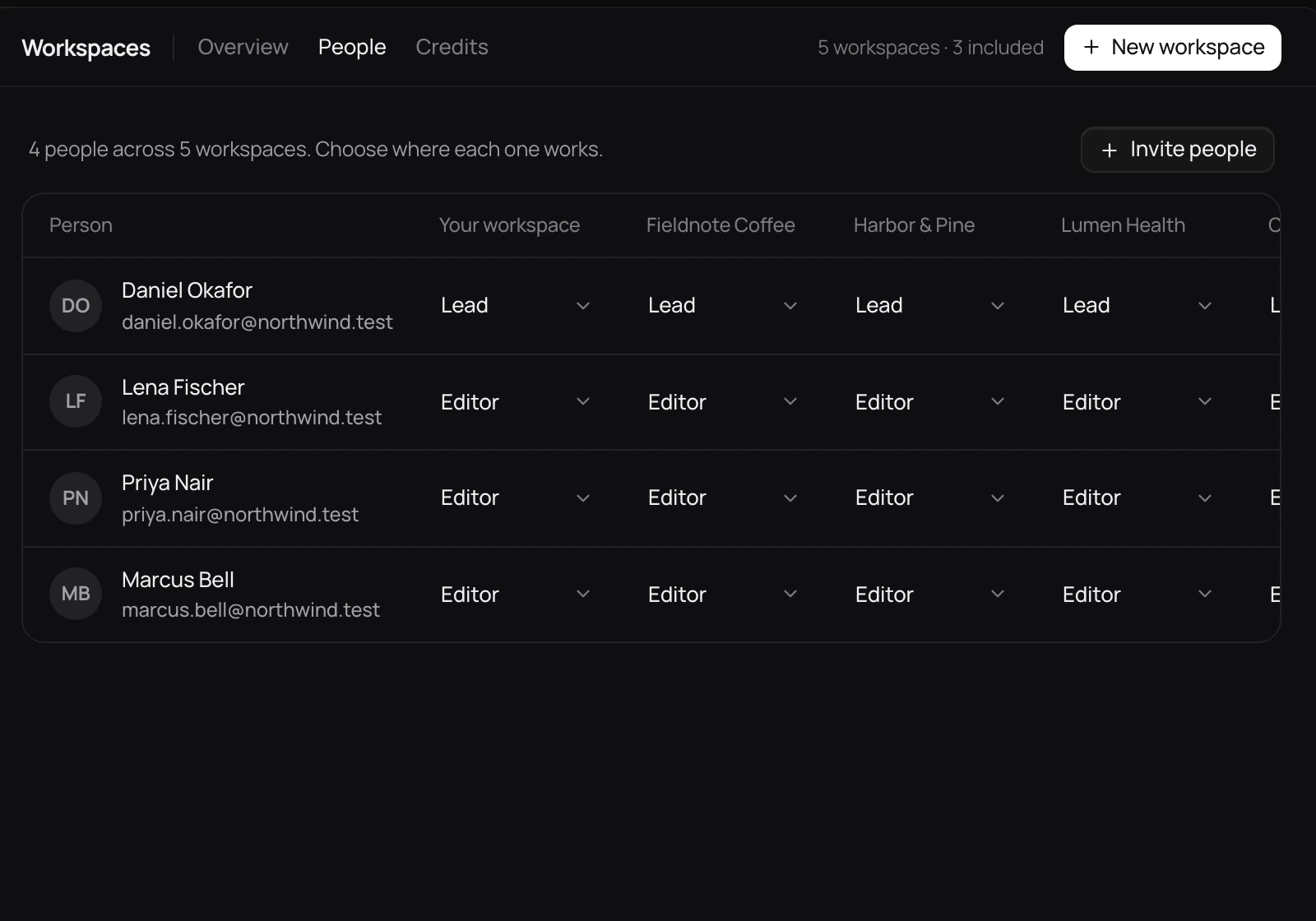
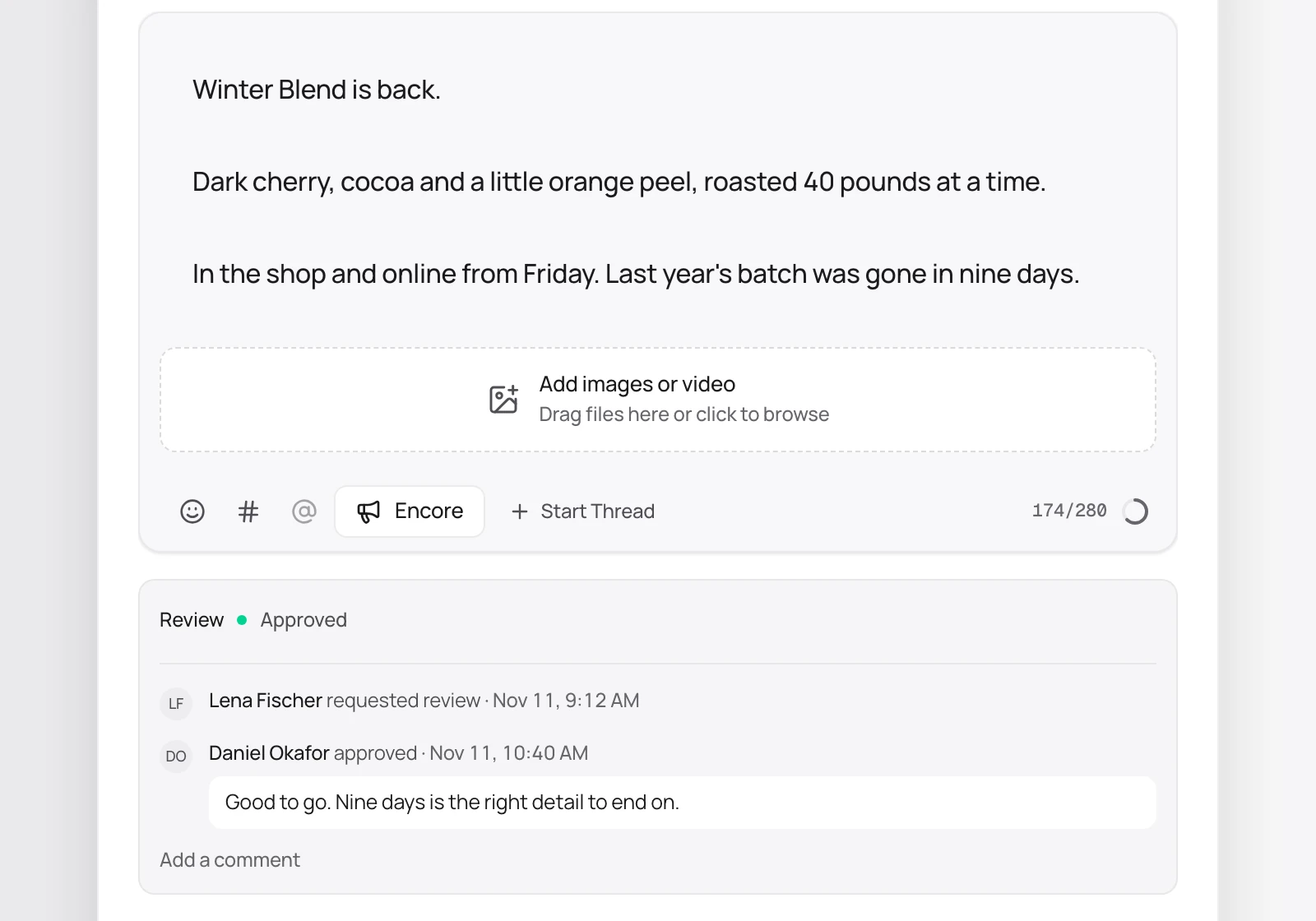
An Editor sends a draft for review and a Lead approves it. Any edit after approval sends the draft back for review, and every request, decision, and comment stays on the draft.
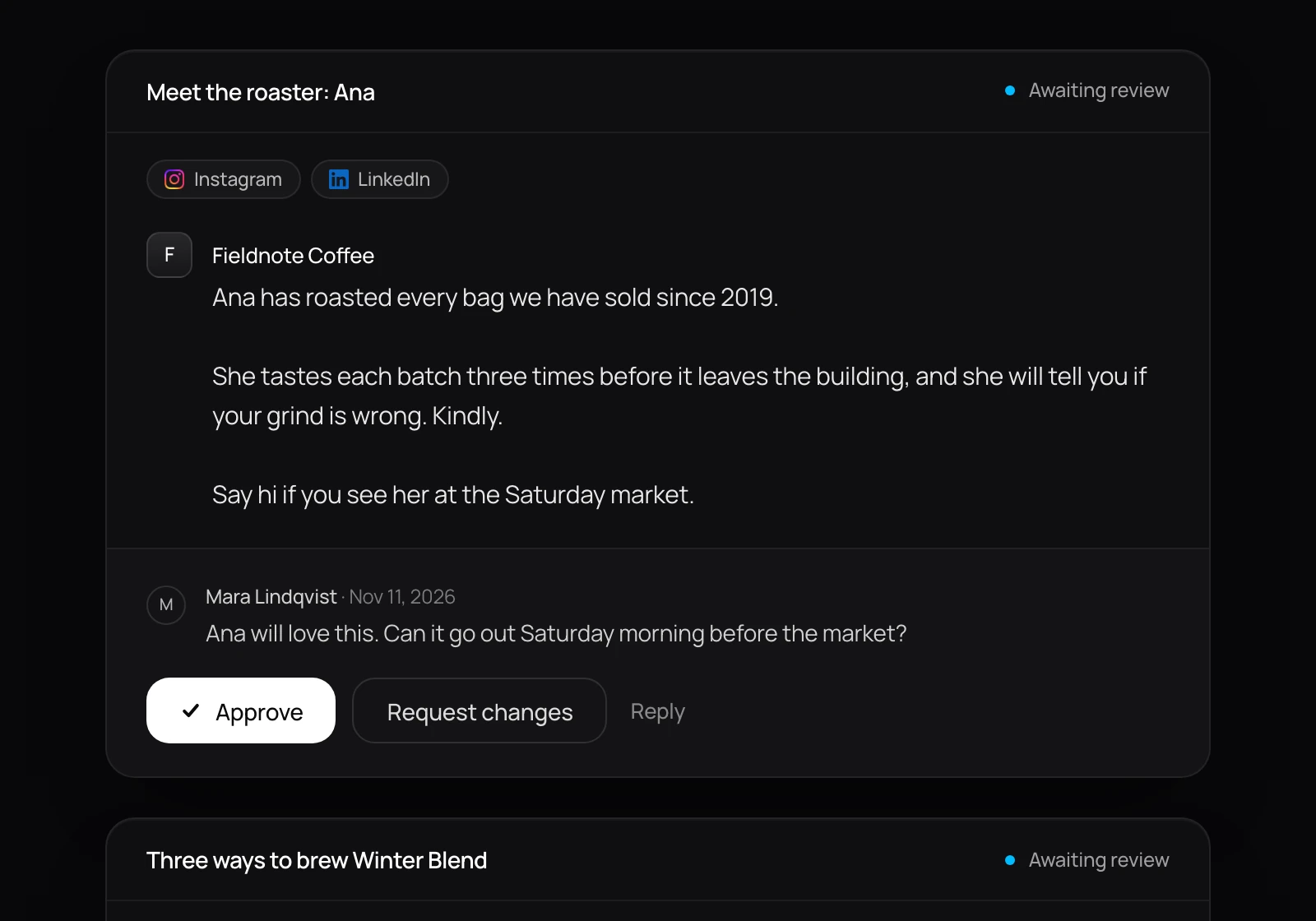
Share a review link with a founder, a legal reviewer, or a partner. They approve, ask for changes, or comment on each draft in the browser without an account.
Needs you lists the drafts waiting on you, the changes asked for, and any post that failed. Analytics shows how each post performed with the metrics its platform reports, grouped by the tags you give them.
An Editor requests review, which freezes the draft’s text and media. The owner or a Lead approves for the team. If the workspace requires it, a client or outside reviewer also approves on a review link. An approved post goes out exactly as approved.
Bring your accounts, your brand, and your best ideas. Try any plan free for 14 days.