Collect the references
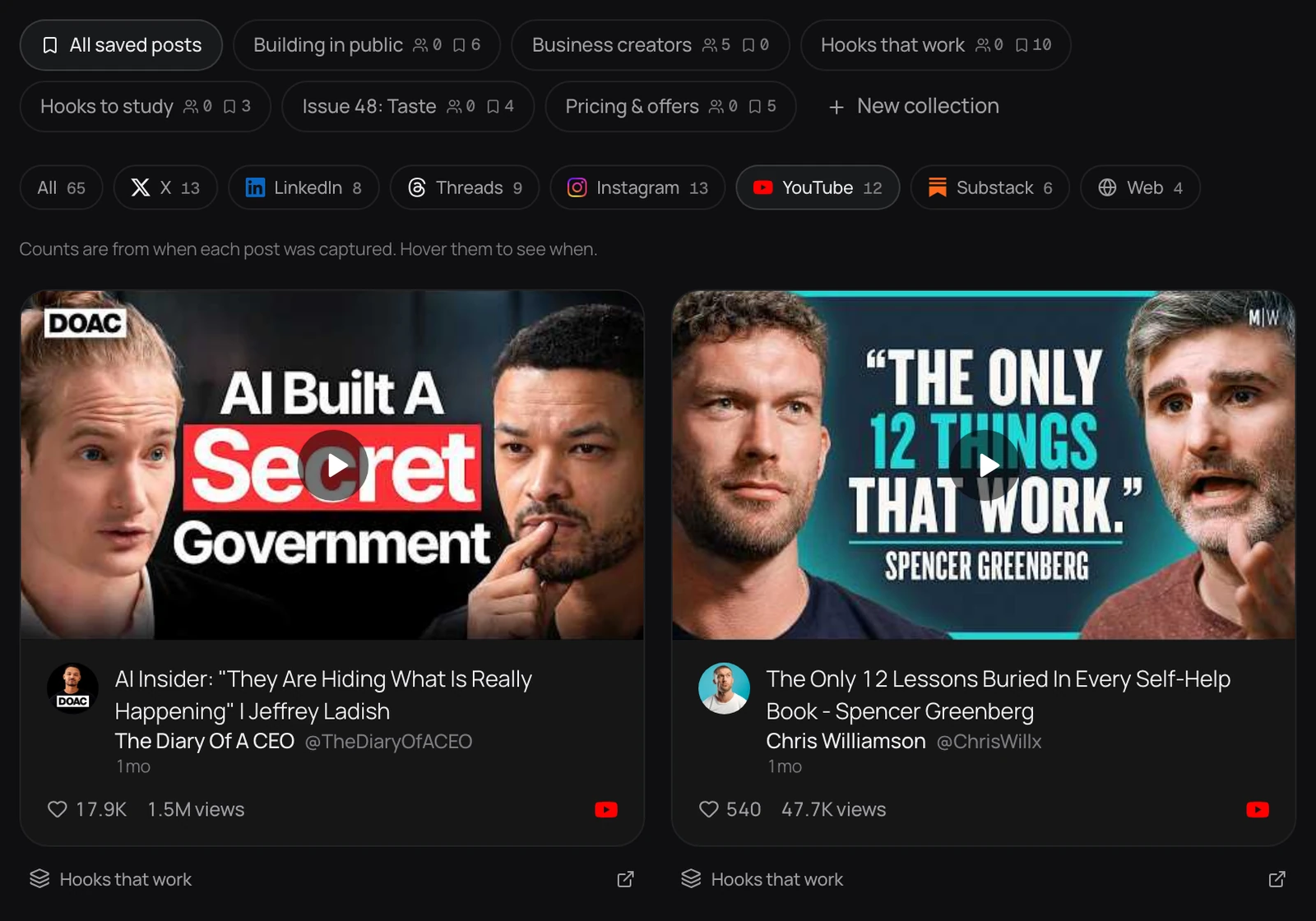
Discover ranks public posts by how far they beat their creator’s usual. Save the ones worth studying into collections, with posts saved from the browser extension beside them.
Keep the references, the direction, and the final say in one place. See every post before it goes out and what each direction earned.
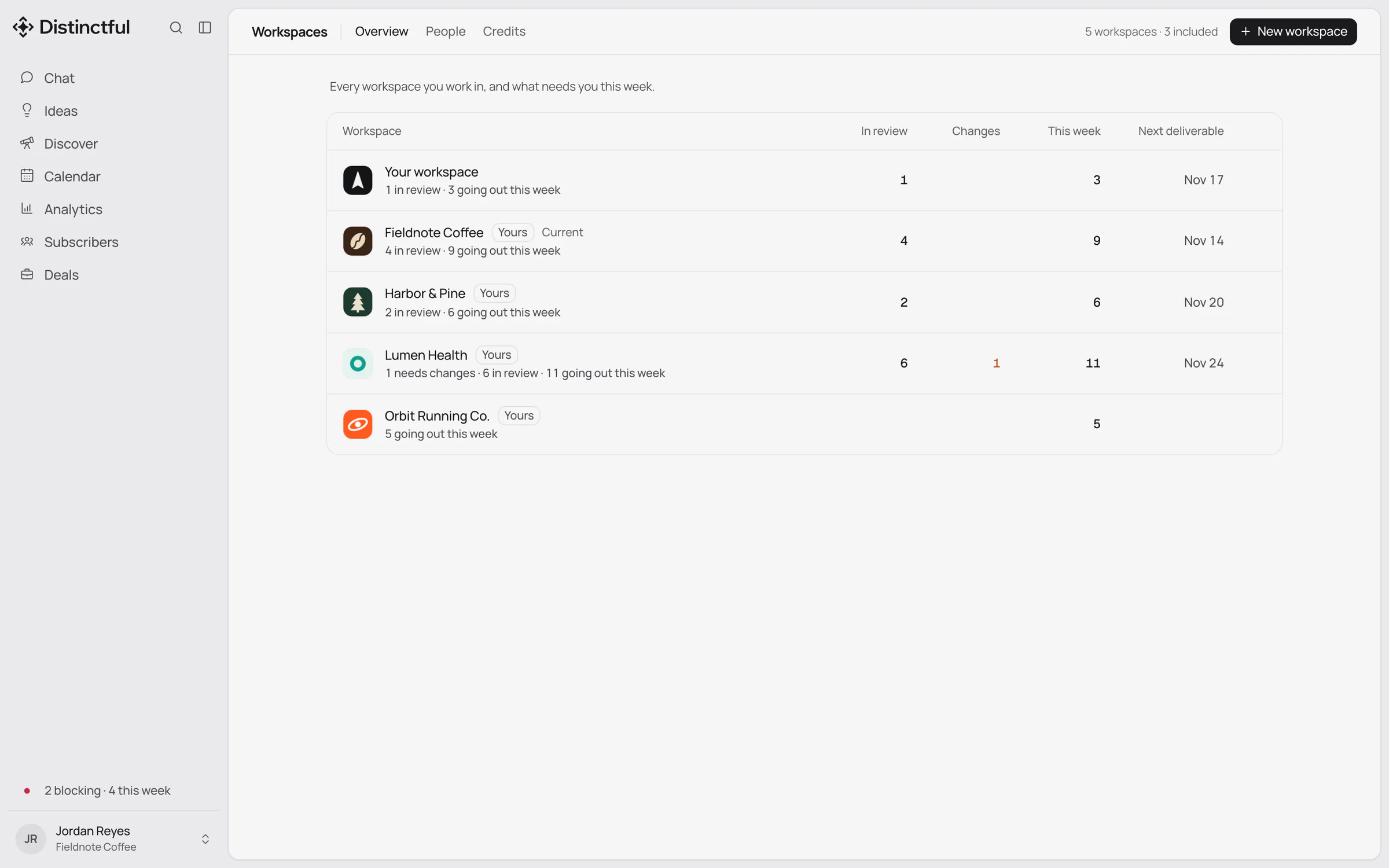
Creative directors use Distinctful to set a brand’s direction once and keep the team working from it. References sit in collections, the strategy stays with the workspace, and every draft comes to the director for approval before it goes out. Analytics then shows which directions earned their place.
A direction is easy to set and hard to keep. The references live in one person’s bookmarks, the voice lives in a deck from last quarter, and by the third week the posts drift back to whatever is quickest to write.
The director then finds out at the wrong moment: after the post is live. What is missing is not another brief. It is one place where the references, the direction, and the approval sit beside the work.
Discover ranks public posts by how far they beat their creator’s usual. Save the ones worth studying into collections, with posts saved from the browser extension beside them.
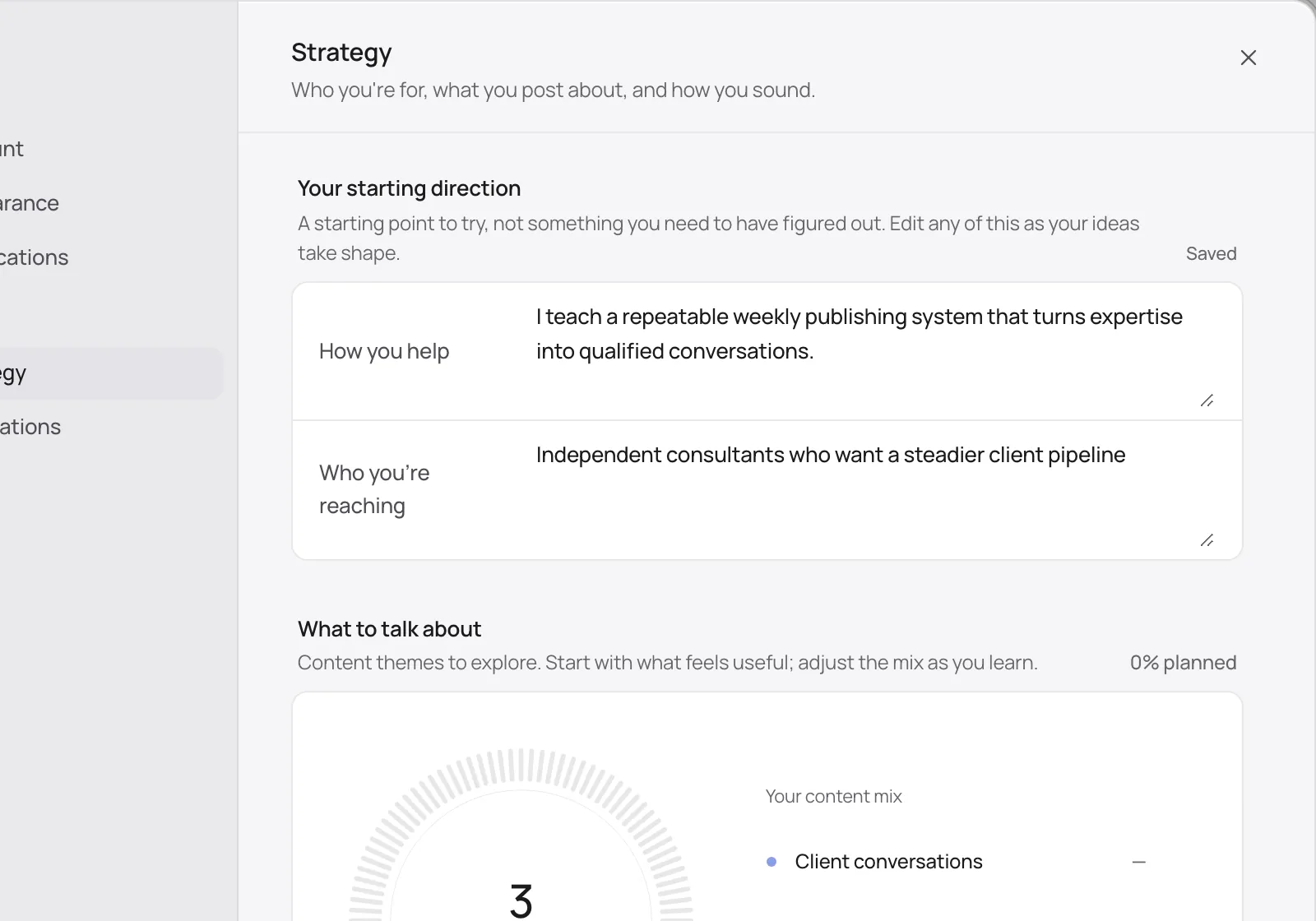
Each workspace keeps its brand’s strategy: who it is for, how it sounds, and what it is promoting. Everyone who drafts in that workspace starts from it.
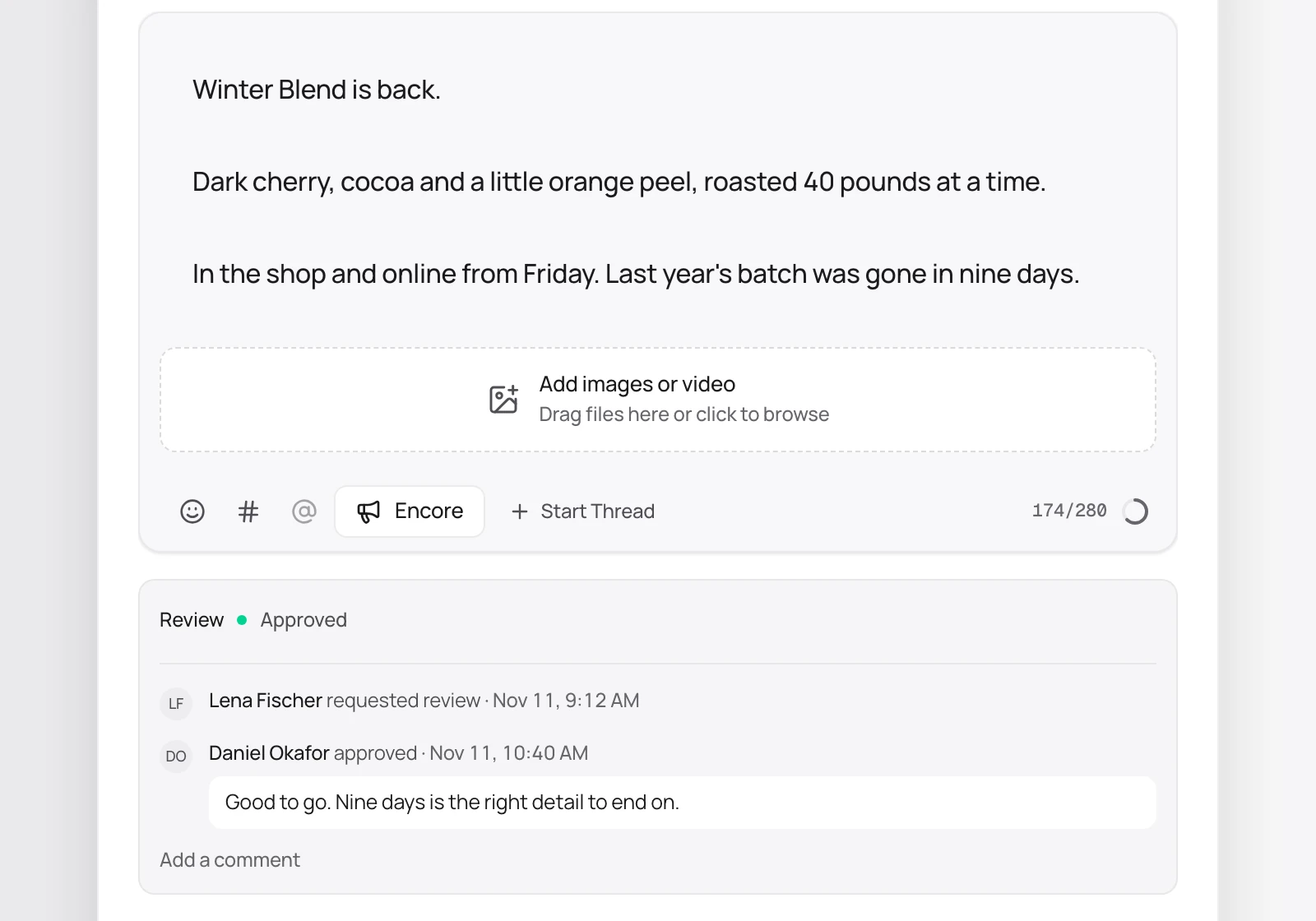
Editors send drafts for review with a live preview for each platform. You approve or ask for changes on the draft itself, and any edit after approval comes back to you.
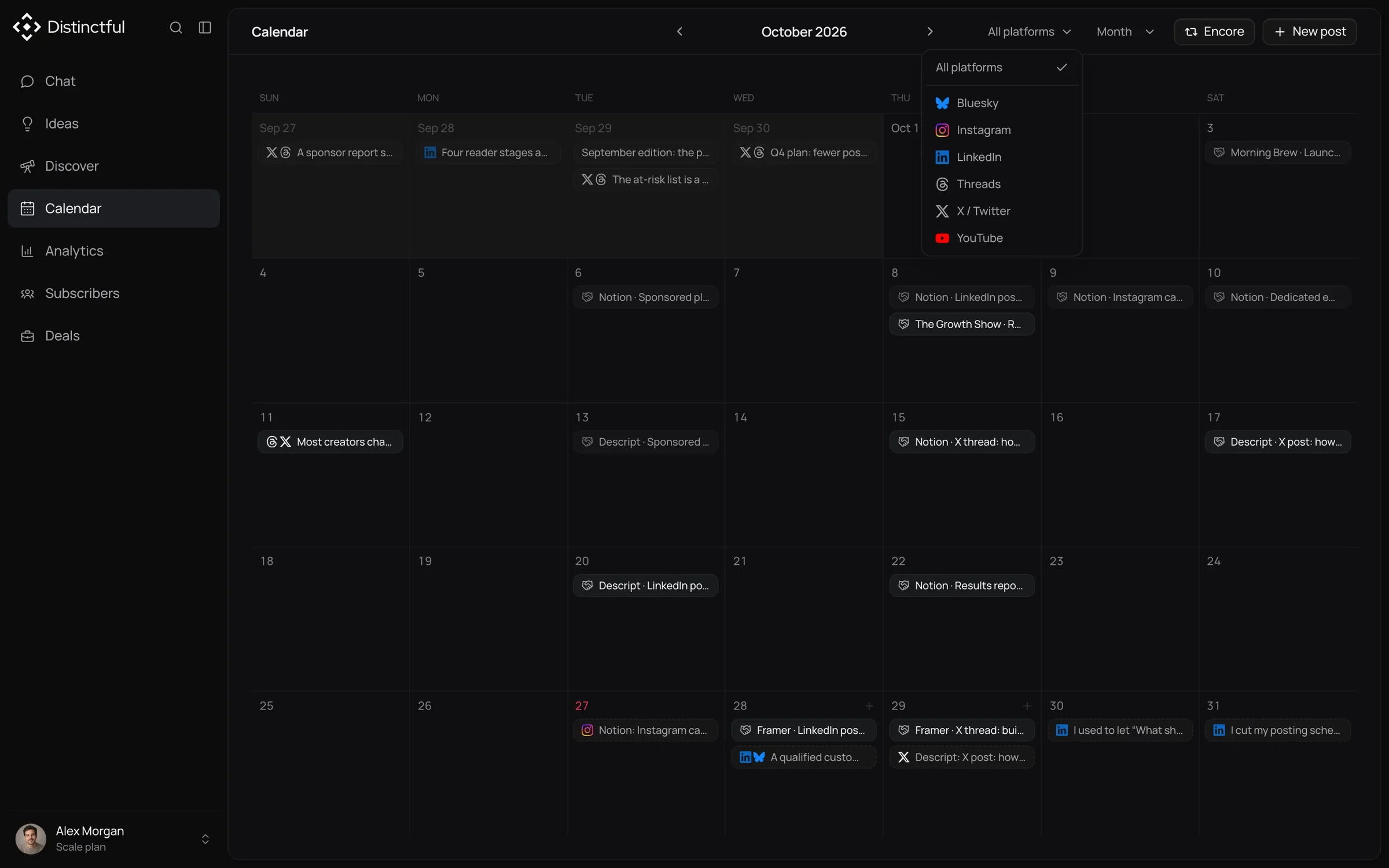
The calendar shows every channel together, so you can see whether the week reads like one brand before any of it is published.
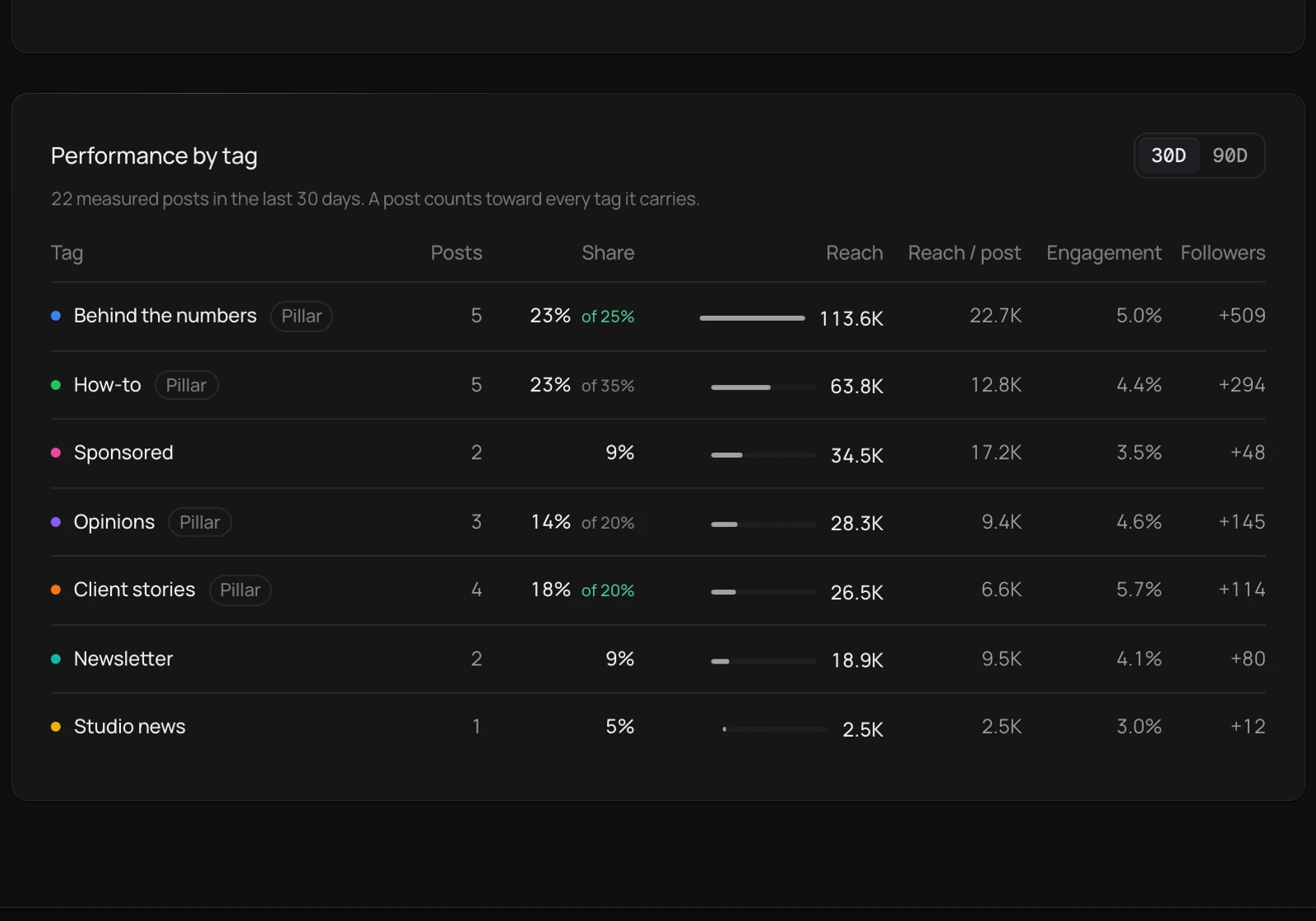
Tag posts by theme and Analytics compares reach and engagement for each one. On a client brand, share the results as a report link.
No. Your team writes and makes the work. Distinctful keeps the references, the direction, the approvals, the schedule, and the results beside it.
Bring your accounts, your brand, and your best ideas. Try any plan free for 14 days.