Fit the limit without guessing
Discord allows 2,000 characters and four images. The preview shows your post in its channel and counts as you type.
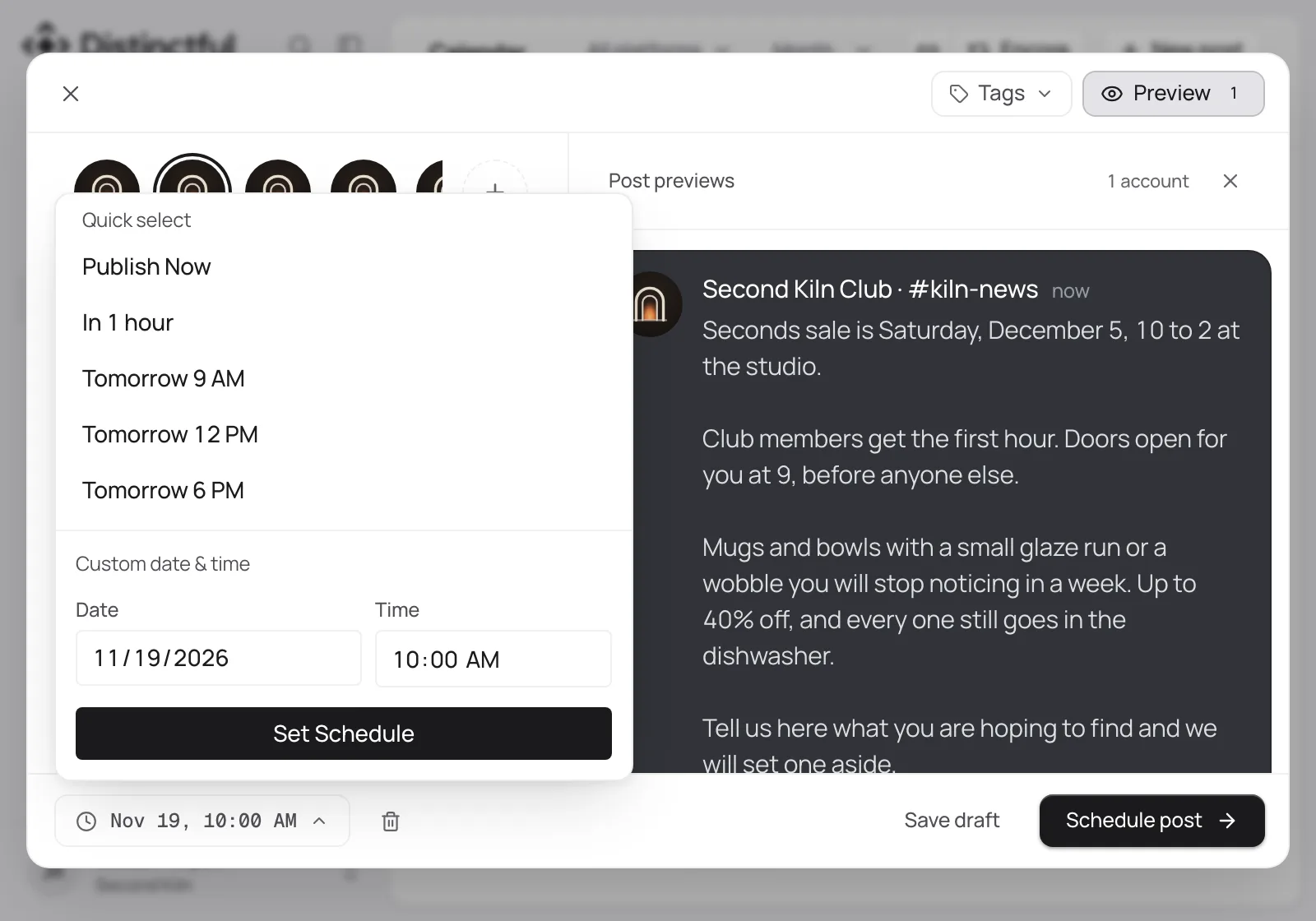
Connect the channel your community reads, then schedule posts there beside every other channel.
Discord allows 2,000 characters and four images. The preview shows your post in its channel and counts as you type.
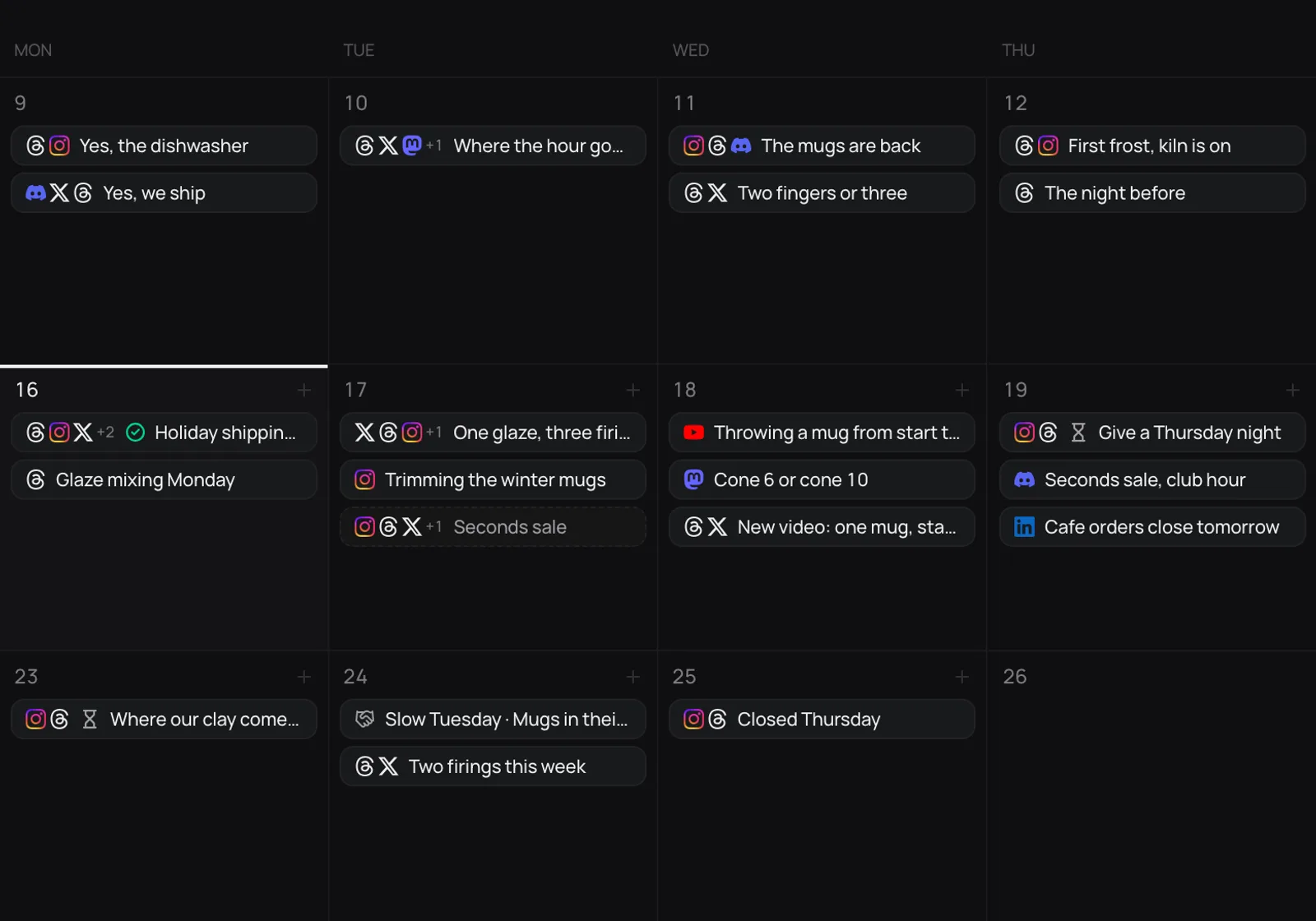
Plan Discord on the same calendar as X, Threads, Instagram, and Mastodon.
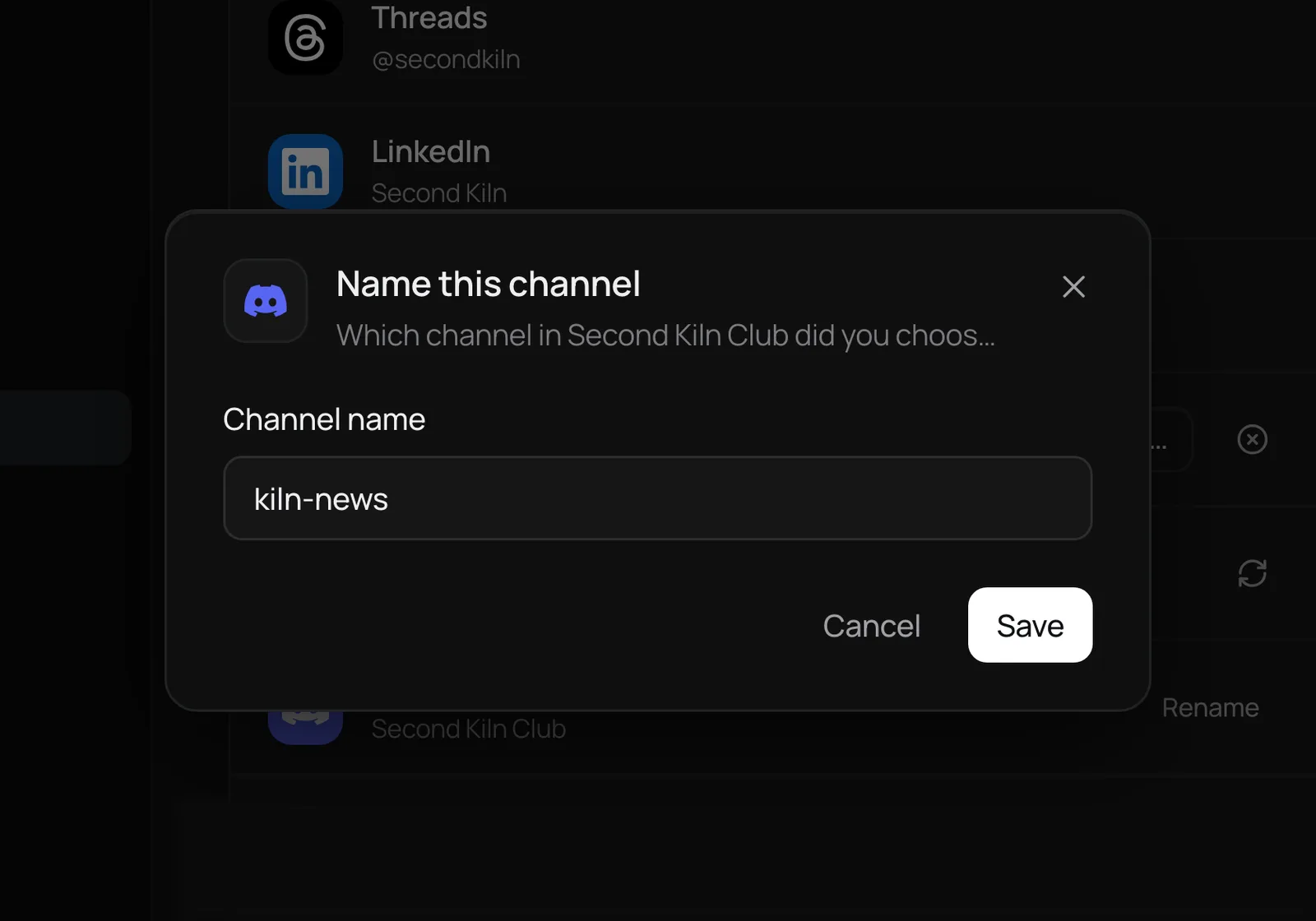
Name each channel once, so two channels in one server stay easy to tell apart in the composer and in Settings.
Setup
Included on every plan. Disconnect it from Settings at any time.
What connects
Discord is where a community talks back. Connecting a channel puts your announcements on the same calendar as your public posts, so the people closest to you hear about a launch when everyone else does, or before. You pick the server and channel on Discord’s own screen, Discord gives Distinctful a webhook for that one channel, and your Discord sign-in is revoked as soon as the channel is connected.
Only the channel you picked. Distinctful holds a webhook for that channel, which can post to it and nothing else. It cannot read messages, see members, or post anywhere else.
Bring your accounts, your brand, and your best ideas. Try any plan free for 14 days.