Chat credits
What spends a credit, where your balance lives, and what happens at the limit.
Where do I see how many credits I have left?
You looked in a chat for a credit balance and could not find one.
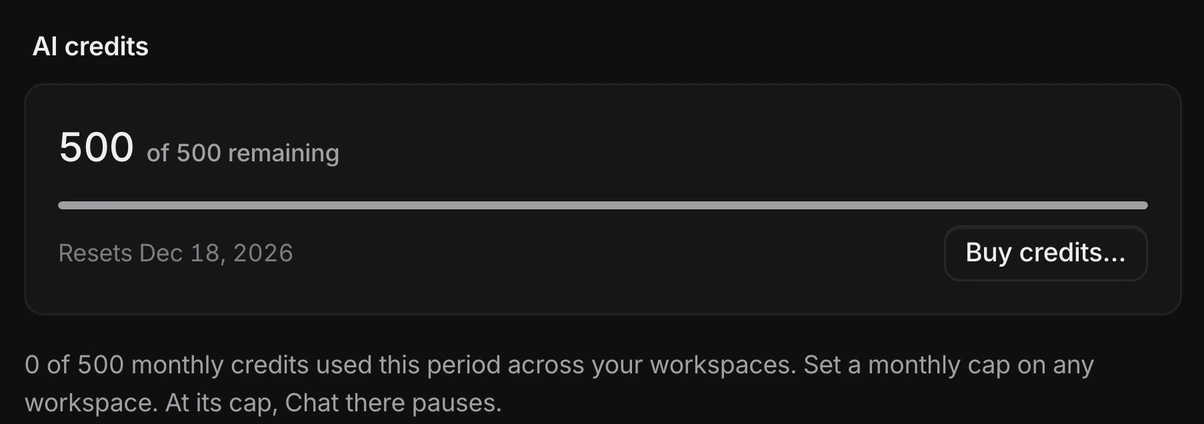
Your balance lives on the Usage tab in Settings, along with the date it resets and any credits you bought. Chat has no running counter on purpose, because a number ticking down next to the composer changes how people write. It shows one quiet line only after you pass 75 percent of your monthly credits.
What actually spends a credit?
A chat message costs 1 credit. Everything the chat does in between, like looking something up for you, costs nothing extra, and approving or dismissing what it suggests is free.
Do unused credits roll over?
No. Each paid plan gives you a monthly amount that resets instead of building up. Annual plans top up monthly as well, so paying yearly does not hand you a year of credits on day one.