Your account
Changing the email you log in with, and deleting your account.
How do I change the email I log in with?
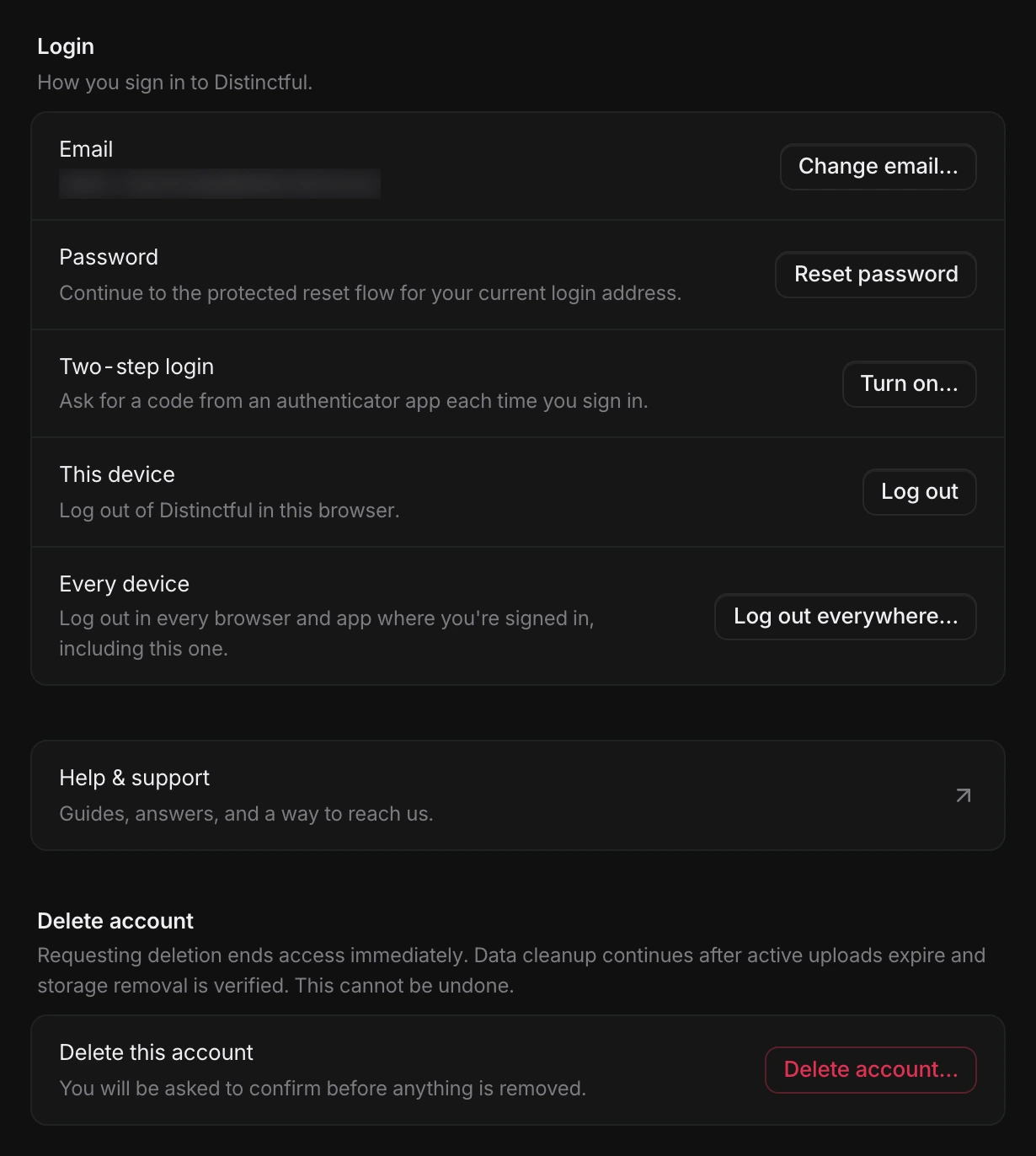
Change it on the Account tab in Settings. Distinctful emails the new address to confirm it, and the change only happens once you follow that link. Until then you keep signing in with your old address, so a typo cannot lock you out.
How do I delete my account?
Deleting is on the Account tab in Settings. You are asked to type DELETE first, because this cannot be undone. If you want your access removed at each platform too, disconnect them before you delete.
- Open Settings and go to the Account tab.
- Choose Delete account.
- Type DELETE to confirm.