One channel for the whole team
Each workspace sends its notices to the channel you pick, so every brand or client can have its own.
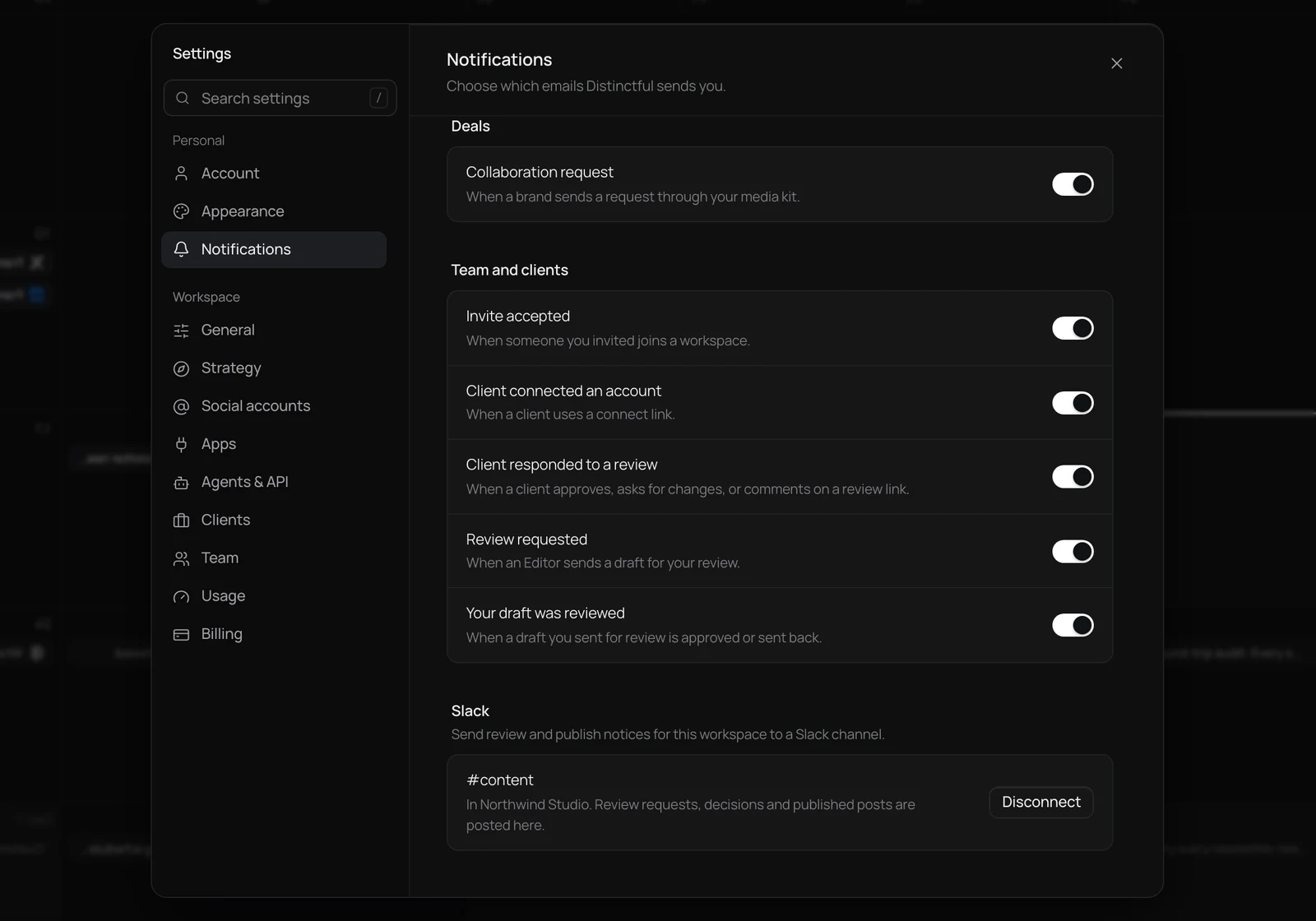
Your team hears about every review and every published post in the Slack channel you choose.
Each workspace sends its notices to the channel you pick, so every brand or client can have its own.
When someone sends a draft for review, the channel hears about it. When it is approved or changes are requested, that lands too, with a link to the draft.
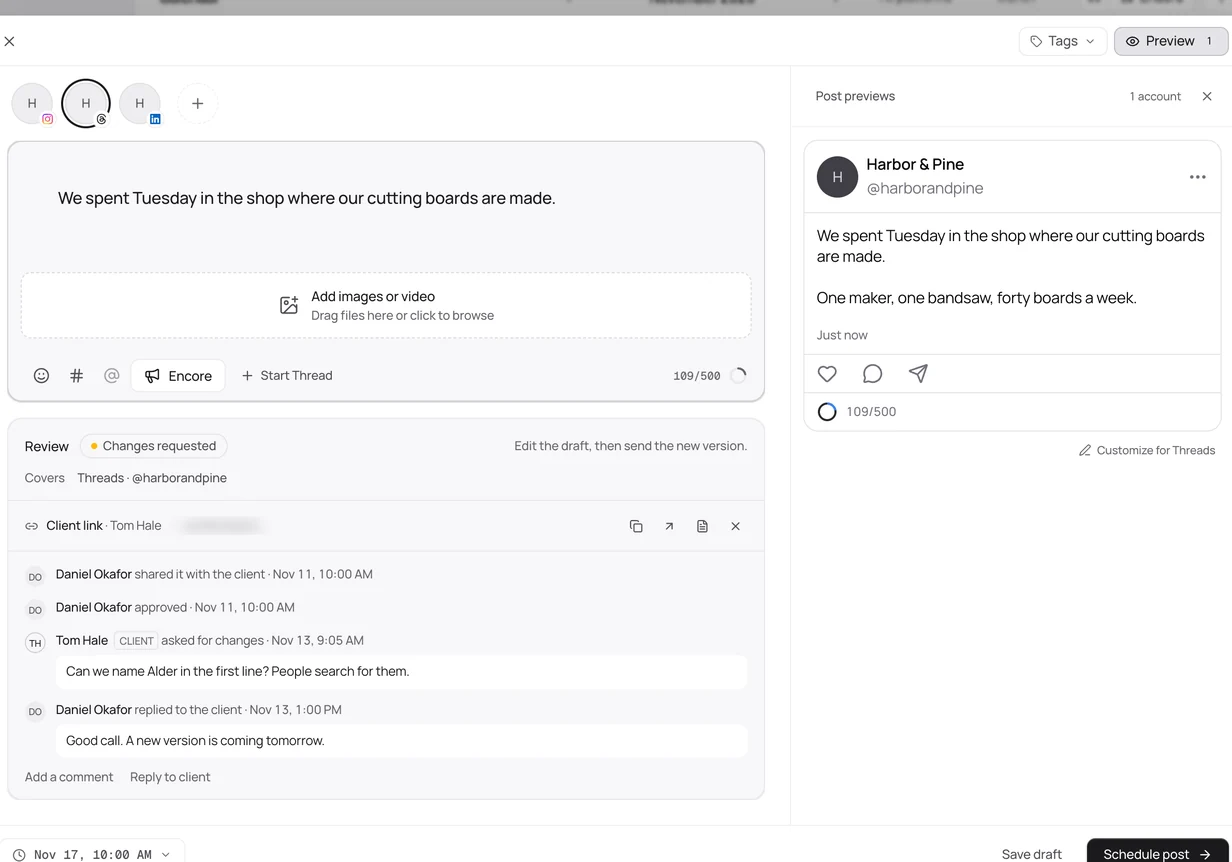
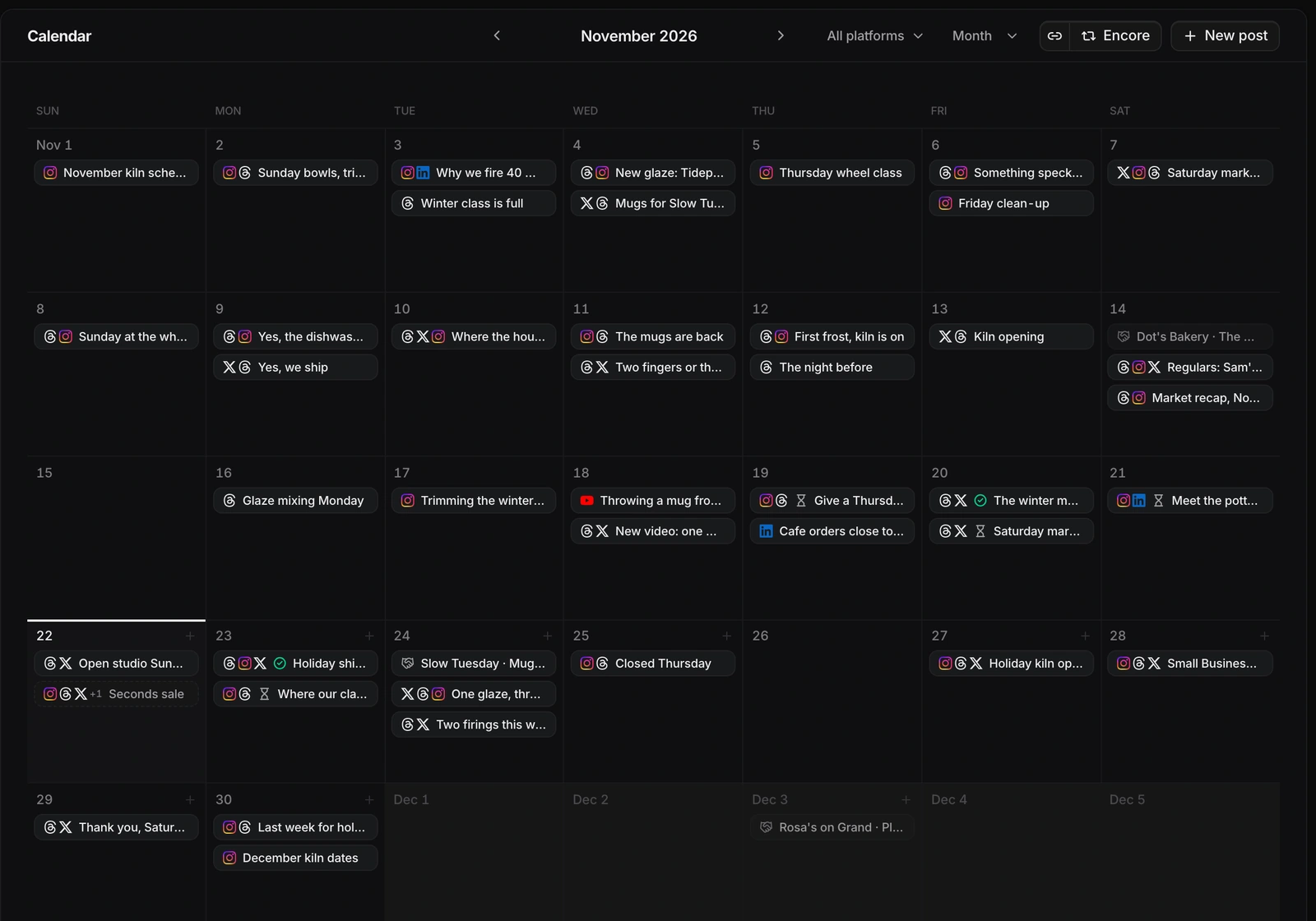
Platforms that publish together share one notice that names each of them. If a post needs attention, the channel hears that too.
Setup
Included on Scale, for companies and agencies. Disconnect it from Settings at any time.
What connects
Distinctful posts to one Slack channel as drafts move through review and posts go out. Approving stays in Distinctful, behind sign-in and roles.
No. Notices link to the draft, and approving happens in Distinctful, where sign-in and permission to approve are checked. A channel can include guests and clients who should never approve.